Your Architecture Portfolio Online Is Probably Killing Your Chances — Here's How to Fix It
The biggest mistake architects make with their online portfolio in 2026 is using a generic website builder that wasn't designed for architectural work — the result is a portfolio that looks like everyone else's and gets ignored. Your talent isn't the problem. Your presentation infrastructure is.
An architecture portfolio online needs to do three things: load fast, display technical drawings at full resolution, and communicate design thinking — not just show pretty renders. Most portfolios fail on at least two of those. This article covers platform comparisons, layout strategy, and how ArchAdemia's Drawing Board solves the specific problems architects face — problems that Squarespace and Behance were simply never built to address.
What Actually Gets You Hired (It's Not What You Think)
Recruiters spend an average of 2–3 minutes on an architecture portfolio before deciding whether to proceed — the first scroll determines whether they stay. That means your layout is doing the heavy lifting before your drawings even register.
The Difference Between a Portfolio and a Gallery
There's a distinction here that most architects miss entirely. A gallery is a collection of pretty images. A portfolio is evidence. Evidence of how you think, how you solve problems, how you move from a brief to a building. Anyone can post renders. Not everyone can show the thinking behind them.
Employers want to see process drawings, decision-making, technical competence, and the ability to communicate ideas. A beautifully composed final render with no context tells them almost nothing useful. What was the brief? What did you reject? What technical constraints did you navigate? That's the story they're trying to read — and if your portfolio doesn't tell it, they move on.
Clients want something slightly different: relevant project types, a sense of scale, and confidence. They're not assessing your design methodology. They're asking whether you've done this before and whether they can trust you with their money.
What Employers and Clients Are Actually Scanning For
The 'above the fold' problem is real. What appears before the first scroll — on desktop or mobile — determines whether anyone reads further. If your opening screen is a full-bleed hero image with no context, you've wasted the most valuable real estate on your entire portfolio.
Role matters here too. Architecture students should lead with studio projects and make process visible — sketches, iterations, annotated diagrams. The best online architecture portfolios for students show design process and decision-making, not just finished renders. Part III candidates need to demonstrate professional competence: built work, technical drawings, evidence of project management. Freelance architects should lead with the type and scale of work they want more of — if you want residential commissions, lead with residential.
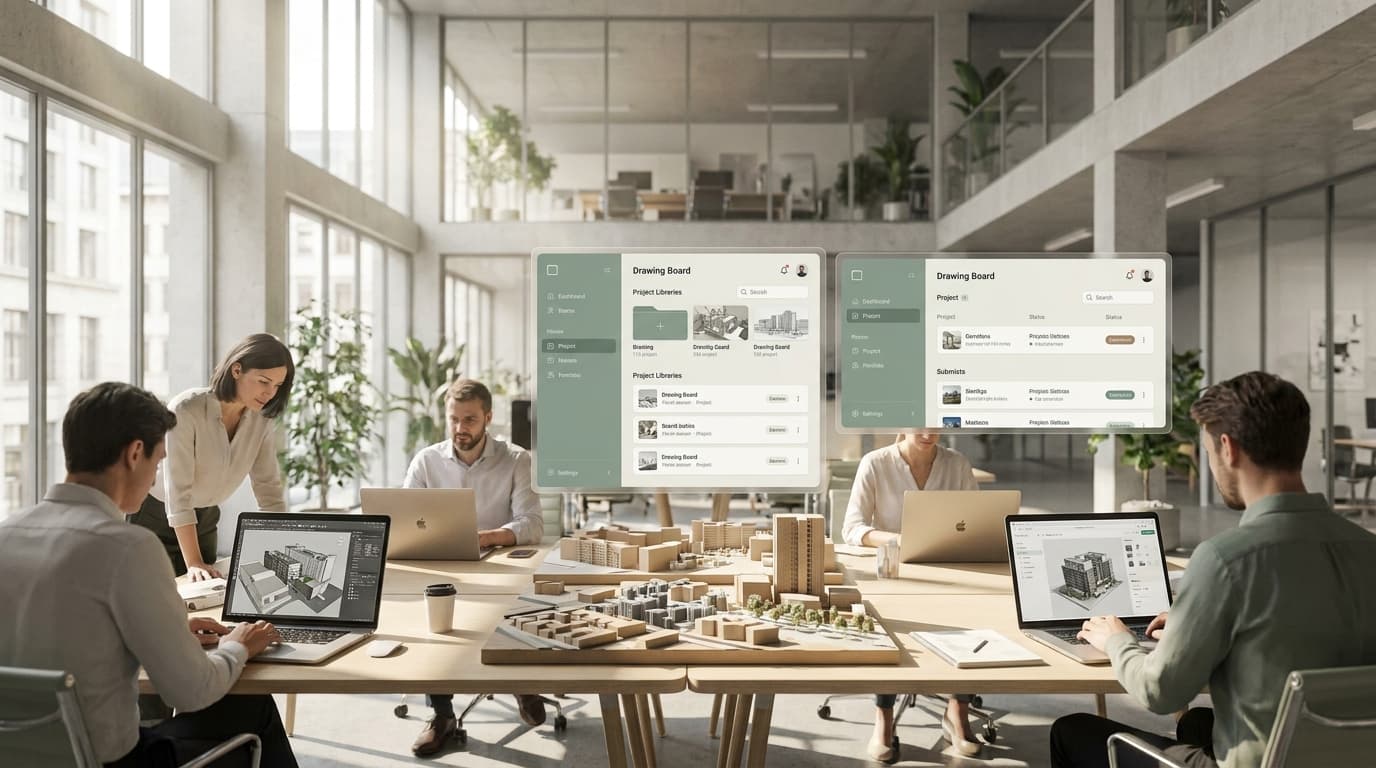
ArchAdemia's Drawing Board was built specifically around this insight. It structures presentation around projects — not just images — which forces a more coherent narrative and makes it easier for a reviewer to understand what you actually did on each scheme.
Platform Showdown: Where Should You Actually Build This Thing?
The best platform for architects to build an online portfolio in 2026 is one designed specifically for architectural work — generic builders like Squarespace and Wix lack the project structure, drawing resolution, and industry context that architecture portfolios require.
Generic Website Builders vs Architecture-Specific Platforms
Let's be honest about what each option actually delivers.
Behance has 50 million monthly users and is free. That audience is the appeal. The problem is that image compression significantly degrades the quality of technical drawings — the fine lines and precise detail that define architectural draughtsmanship get smeared into mush. You're also competing with every graphic designer, illustrator, and motion graphics artist on the platform. Architecture-specific visibility is limited. Behance is the best free platform for architecture portfolio visibility due to its scale, but it's a poor environment for technical work.
Squarespace is the best generic website builder for architects who want full design control, but it requires significant setup time and has no architecture-specific project structure. You can make it look good — if you have the design skills and the hours to invest. Most architects don't have either. And once you've built it, it's entirely disconnected from the rest of your professional toolkit.
Cargo is genuinely beautiful. It's the platform of choice for archviz artists and designers who prioritise aesthetics above all else. But it's complex, expensive relative to what it offers, and requires a level of web design fluency that most architects haven't developed. Starting from £9/month, it's not ruinously expensive — but the time cost is real.
Issuu is useful for one thing: hosting a PDF portfolio passively. It's not an online portfolio in any meaningful sense. There's no project structure, no interactivity, no way to communicate process. It's a PDF on the internet. That's not the same thing.
The Case for The Drawing Board
ArchAdemia's Drawing Board is purpose-built for architectural project presentation, integrates with a CV exporter, and is designed specifically for the architecture industry. It's included with ArchAdemia membership, which starts at £29/month — and it sits inside a wider ecosystem of professional tools including fee calculators, project trackers, and a CV exporter.
The honest limitation: Drawing Board's public discovery audience is currently smaller than Behance. If reach is your primary goal right now, a dual-platform approach — Drawing Board for your structured professional presence, Behance for visibility — is worth considering. They're not mutually exclusive.
For architecture students and junior architects who want a structured, professional portfolio without needing web design skills, the Drawing Board is the clearest recommendation on the market.
Platform Comparison Table
Platform
Cost
Architecture-Specific
Image Quality
PDF Export
CV Integration
Best For
PlatformThe Drawing Board
CostIncluded with ArchAdemia (from £29/mo)
Architecture-SpecificYes
Image QualityHigh resolution
PDF ExportYes
CV IntegrationYes
Best ForArchitecture students, junior architects, Part III candidates
PlatformBehance
CostFree
Architecture-SpecificNo
Image QualityCompressed
PDF ExportNo
CV IntegrationNo
Best ForBroad creative visibility
PlatformSquarespace
CostFrom £13/month
Architecture-SpecificNo
Image QualityHigh resolution
PDF ExportNo
CV IntegrationNo
Best ForArchitects with design skills wanting full control
PlatformCargo
CostFrom £9/month
Architecture-SpecificNo
Image QualityHigh resolution
PDF ExportNo
CV IntegrationNo
Best ForArchviz artists prioritising aesthetics
PlatformIssuu
CostFree / £7.50/month Pro
Architecture-SpecificNo
Image QualityPDF-dependent
PDF ExportYes (PDF native)
CV IntegrationNo
Best ForPassive PDF hosting only
ArchAdemia's Drawing Board is the only architecture portfolio platform that integrates directly with a CV exporter and fee calculators, making it the most complete professional toolkit for practising architects.
The Drawing Board: A Concrete Use Case
ArchAdemia's Drawing Board solves the most common architecture portfolio problem — scattered work across multiple platforms — by providing a single, structured, exportable professional presence purpose-built for architects.
Before: The Scattered Portfolio Problem
Picture a Part III candidate with genuinely strong work. Five years of project experience. Solid technical drawings. Real built work. But it's spread across a Google Drive folder that only they can navigate, a Behance page last updated in 2023, and a 40MB PDF that nobody downloads because nobody downloads 40MB PDFs. They've got the evidence. They just can't present it.
This is the most common portfolio problem in architecture, and it has nothing to do with the quality of the work. It's a structural failure. The work exists; the presentation infrastructure doesn't.
After: A Structured, Exportable, Professional Presence
The same candidate, same work, organised in Drawing Board. Projects structured by type. Process drawings displayed at full resolution — no compression artefacts eating the line quality. A project description for each scheme that explains the brief, the response, and the candidate's specific contribution. A single shareable URL. And a CV exported directly from the platform, formatted and ready, populated from the same data that structures the portfolio.
That's a different proposition entirely. Not different work — different infrastructure.
The Drawing Board's specific features that make this work: individual project pages with flexible image layouts, full-resolution upload support, project descriptions with formatting options, public and private settings (useful for work under NDA or for ongoing projects), and the CV exporter integration that no other platform offers. ArchAdemia has over 4,000 members globally using the platform — which matters less as a marketing claim and more as evidence that the community around it is real and active.
The Toolkit angle is worth emphasising. Drawing Board doesn't sit in isolation — it's part of a wider ecosystem that includes fee calculators, project trackers, and a CV exporter. For a practising architect or a Part III candidate managing their professional development, that integration is genuinely useful. It's the difference between a portfolio platform and a professional operating system.
Layout Strategy: What to Put Where
The optimal number of projects in an online architecture portfolio is 4–6 — enough to demonstrate range and depth, but focused enough to maintain impact and avoid diluting your strongest work.
The First Project Is Your Most Important Decision
Don't lead with your most recent project. Lead with your strongest, most relevant project — the one that best represents the work you want to be hired for. If you want residential commissions, your first project should be residential. If you're targeting a practice that specialises in education buildings, lead with education. Your portfolio is a positioning document as much as it is a record of achievement.
Each project needs four things: a clear title, a one-paragraph brief that describes the challenge and your response, process images showing how you got there, and at least one technical drawing. That last point matters. Technical drawings signal professional competence in a way that renders simply don't.
How Many Projects Is Enough?
Four to six. That's the answer. More than six and you start diluting the impact of your best work. Fewer than four and you look like you're hiding something. The instinct to include everything — especially for students — is understandable but counterproductive. Edit ruthlessly. A portfolio of five exceptional projects beats a portfolio of twelve average ones every time.
Process vs Outcome — Getting the Balance Right
Architecture portfolios should contain at least 30% process work — sketches, diagrams, and annotated drawings — to demonstrate design thinking rather than just finished outcomes. That's not a soft recommendation. It's the difference between a portfolio and a gallery, and it's what separates candidates who get interviews from those who don't.
Over 60% of portfolio links are first opened on a mobile device, making mobile performance a critical factor when choosing where to build. Test your layout on a phone before you share it with anyone. If the images are too small to read, the text wraps awkwardly, or the page takes more than three seconds to load — fix it before it costs you an opportunity.
The Technical Stuff That Will Ruin Your Portfolio If You Ignore It
The most common technical failure in online architecture portfolios is image compression — platforms that compress uploads degrade line drawings and technical details, undermining the quality of the work being presented.
File Formats and Resolution
Format matters more than most architects realise. Use JPG for renders and photography — it handles gradients and colour well. Use PNG for drawings with fine lines and text — it preserves edge quality that JPG compression destroys. Use PDF for document-style pages where you need precise layout control.
Resolution: upload at a minimum of 150dpi for web display. If the platform supports it, go to 300dpi. Architecture portfolios live and die on the quality of their technical drawings — compressing them to save file size is a false economy.
Loading Speed
Large image files slow page load, and slow pages get penalised. Google's Core Web Vitals treat load speed as a ranking signal, which affects how discoverable your portfolio is via search. More immediately, a portfolio that takes five seconds to load loses viewers before they've seen a single drawing.
Compress images before upload using tools like Squoosh or ImageOptim — both are free, both are excellent. Target under 500KB per image without visible quality loss. It's achievable with the right export settings.
The PDF Trap
A PDF portfolio is not a substitute for an online architecture portfolio — a 40MB PDF is a download barrier, not a professional presence. PDFs have their place: as a secondary export for specific applications, as a leave-behind after an interview, as an email attachment when someone specifically requests one. They are not an online portfolio. An online portfolio is a URL that loads in a browser, works on any device, and doesn't require anyone to download anything.
If your current portfolio strategy is "I'll email them the PDF," you're already behind.
FAQ
What is the best platform to build an architecture portfolio online in 2026?
The best platform for architects in 2026 is ArchAdemia's Drawing Board — it is purpose-built for architectural project presentation, integrates with a CV exporter, and is included with ArchAdemia membership from £29/month. For architects who also want broad creative visibility, a dual-platform approach using Drawing Board alongside Behance is worth considering.
How many projects should an architecture portfolio contain?
The optimal number of projects in an online architecture portfolio is 4–6. This provides enough range and depth to demonstrate capability without diluting the impact of your strongest work — more than six projects typically weakens a portfolio rather than strengthening it.
Should I use a PDF or a website for my architecture portfolio?
A website is your primary online portfolio; a PDF is a secondary export for specific situations. A 40MB PDF requires a download, doesn't work well on mobile, and can't be shared as a link — it is a barrier to viewing your work, not a professional presence.
What should an architecture student include in their online portfolio?
Architecture students should include 4–6 studio projects with a strong emphasis on process work — sketches, iterations, and annotated diagrams that demonstrate design thinking. Final renders alone are not sufficient; employers want to see how you arrived at the outcome, not just what it looks like.
How important is mobile performance for an architecture portfolio?
Over 60% of portfolio links are first opened on a mobile device, making mobile performance critical. If your portfolio layout breaks, loads slowly, or makes drawings unreadable on a phone, you are losing viewers before they've assessed a single project.
Does image quality matter on portfolio platforms?
Image quality is fundamental to an architecture portfolio — compressed images degrade line drawings and technical details, which are the primary evidence of professional competence. Platforms like Behance compress uploads, which is why architecture-specific platforms that preserve full resolution are preferable for technical work.
What is ArchAdemia's Drawing Board?
ArchAdemia's Drawing Board is a portfolio platform built specifically for architects and architecture students, included with ArchAdemia membership. It provides structured project pages, full-resolution image display, public and private settings, and direct integration with a CV exporter — features unavailable on any other architecture portfolio platform.
How do I make my architecture portfolio stand out online?
Lead with your strongest, most relevant project rather than your most recent one, include at least 30% process work, and ensure every project has a clear brief description alongside the images. The portfolios that stand out show design thinking — not just design outcomes.
Stop Treating Your Portfolio as an Afterthought
Your portfolio is your argument. It's the evidence you present for why someone should hire you, commission you, or trust you with their building. Leaving it as a scattered collection of PDFs and old Behance uploads isn't modesty — it's self-sabotage.
The fix isn't complicated. Four to six projects, structured around process as much as outcome, displayed at full resolution, accessible on any device via a single URL. That's the standard. It's achievable. And the tools to do it properly — including a platform built specifically for architectural work rather than repurposed from a generic creative toolkit — exist and are accessible.
If you're a student building your first portfolio, a Part III candidate pulling together professional experience, or a practising architect whose online presence hasn't been touched since 2022, the Drawing Board is the most direct route to a portfolio that actually represents the quality of your work. The work is already there. Give it the infrastructure it deserves.