Here's the verdict before the reasoning, because you came for a decision, not a feature table. If you want to be hired by an architectural visualisation studio, learn 3ds Max. If you want to stay inside an architecture practice and be the person who makes the images, learn Blender. Both answers are defensible and neither is a hedge — they're different jobs with different tooling, and six months of evenings only buys you one of them properly.
The reason this question keeps getting answered badly is that people compare the two as software. Render quality, modelling tools, viewport speed. On those terms the argument was settled years ago: both packages will produce an image nobody can tell apart in a portfolio PDF. That isn't what decides your career. What decides it is the ecosystem bolted around the host package, the files arriving in your inbox from other people, and whether a studio production manager can drop you into a live project on a Tuesday without a week of hand-holding.
Count the Job Adverts Yourself. Nobody Else's Number Is Worth Anything
Every article on this subject gestures vaguely at "industry adoption" without a single figure, and I'm not going to invent one to look authoritative. Do the count yourself — it takes an evening and it's the single most useful thing you can do before committing six months.
Make a list of fifteen studios whose work you'd actually want in your portfolio. Not the ones with the biggest Instagram following, the ones producing the kind of images you want to make. Open their careers pages. Read the software line on every junior and mid-weight advert. Then go to the artists' personal portfolios — most archviz people list their pipeline in their bio, and showreel credits are usually honest.
You'll notice two things. First, adverts are copy-pasted from the previous advert, so the software line is a lagging indicator of what the studio actually runs — but it's a leading indicator of what the recruiter will filter on, which is the thing that affects you. Second, the render engine is often named before the host package. "Corona experience essential" tells you more about the pipeline than "3ds Max" does.
That's your data. It's specific to the market you're entering and it's worth more than any global percentage.
The Plugins Are the Lock-In, Not the Software
This is the part the free-versus-paid argument completely misses. Nobody at a studio is paying for 3ds Max because they love the modifier stack. They're paying for what only runs on top of it.
Forest Pack and RailClone, both from iToo Software, are 3ds Max tools. Scattering a convincing tree line and generating a parametric façade in seconds is not a party trick — it's a third of the production time on an exterior. Blender's Geometry Nodes will do scattering natively and does it well, but "will do it" and "a junior can do it on their first afternoon to a studio's template" are different propositions.
Corona is a Chaos product for 3ds Max and Cinema 4D. If the studios on your list are Corona houses, that's the end of the conversation — there's no Blender route in. V-Ray is the more portable of the two, and Chaos have been extending it beyond the Max/Maya heartland, but the archviz-specific tooling and the decade of accumulated studio material libraries still live on the Max side.
And then the asset problem, which is the one people underestimate. In practice, the commercial archviz model libraries ship .max as the primary format with V-Ray and Corona materials already wired up. You can get an FBX or OBJ out of most of them, but you're importing naked geometry and rebuilding every shader. Multiply that across a scene with forty pieces of furniture and you've lost a day per interior. A studio's asset library is its competitive advantage, and it is almost always a Max library.
Blender's counter-argument is real: the add-on scene is enormous, inventive and cheap. It's also volatile. The Blender Foundation ships on a fast cadence and add-ons break against new versions with some regularity. For you working alone that's an evening of irritation. For a studio mid-project with eight artists on the same scene it's a reason not to adopt, and that inertia is why the hiring adverts lag behind the quality argument.
What Actually Lands in Your Inbox
Archviz is a file-receiving profession. You do not start scenes; you inherit them, usually in a state.
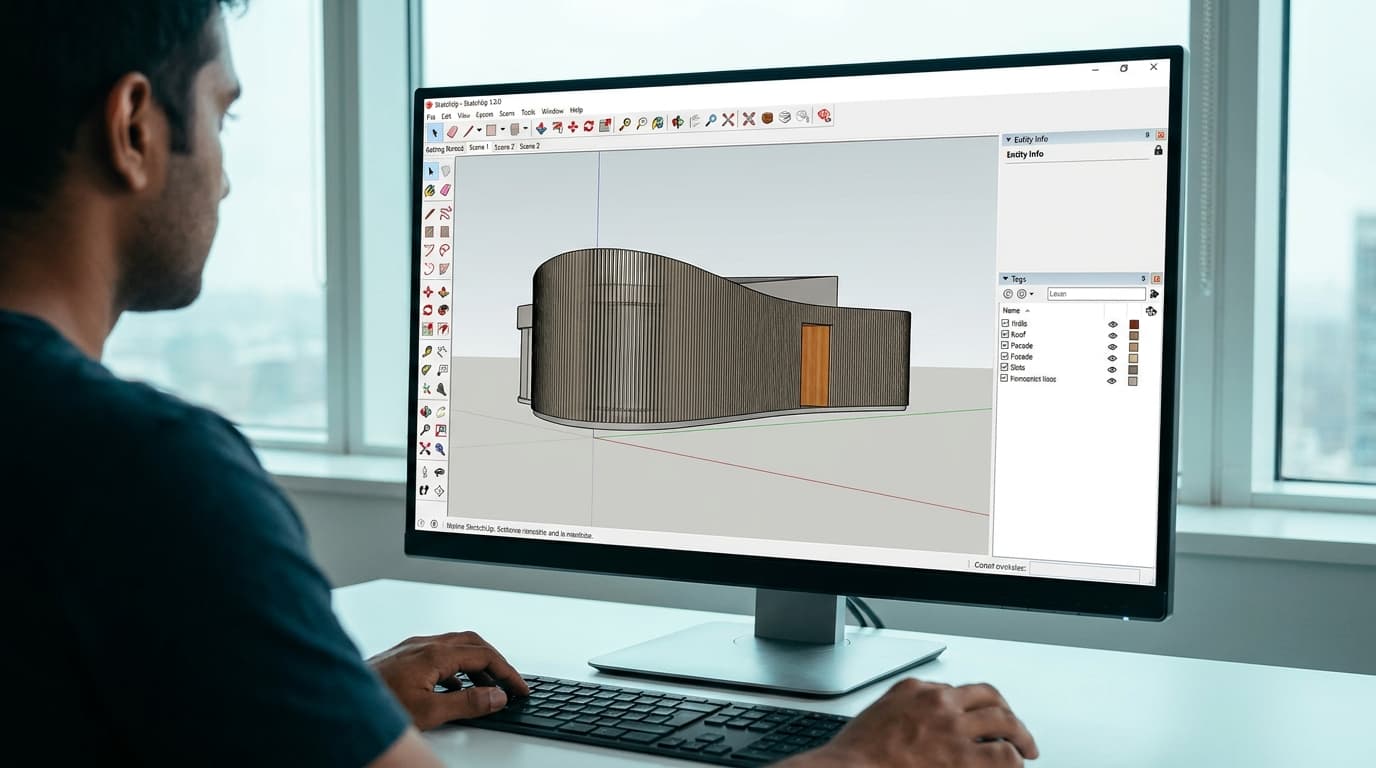
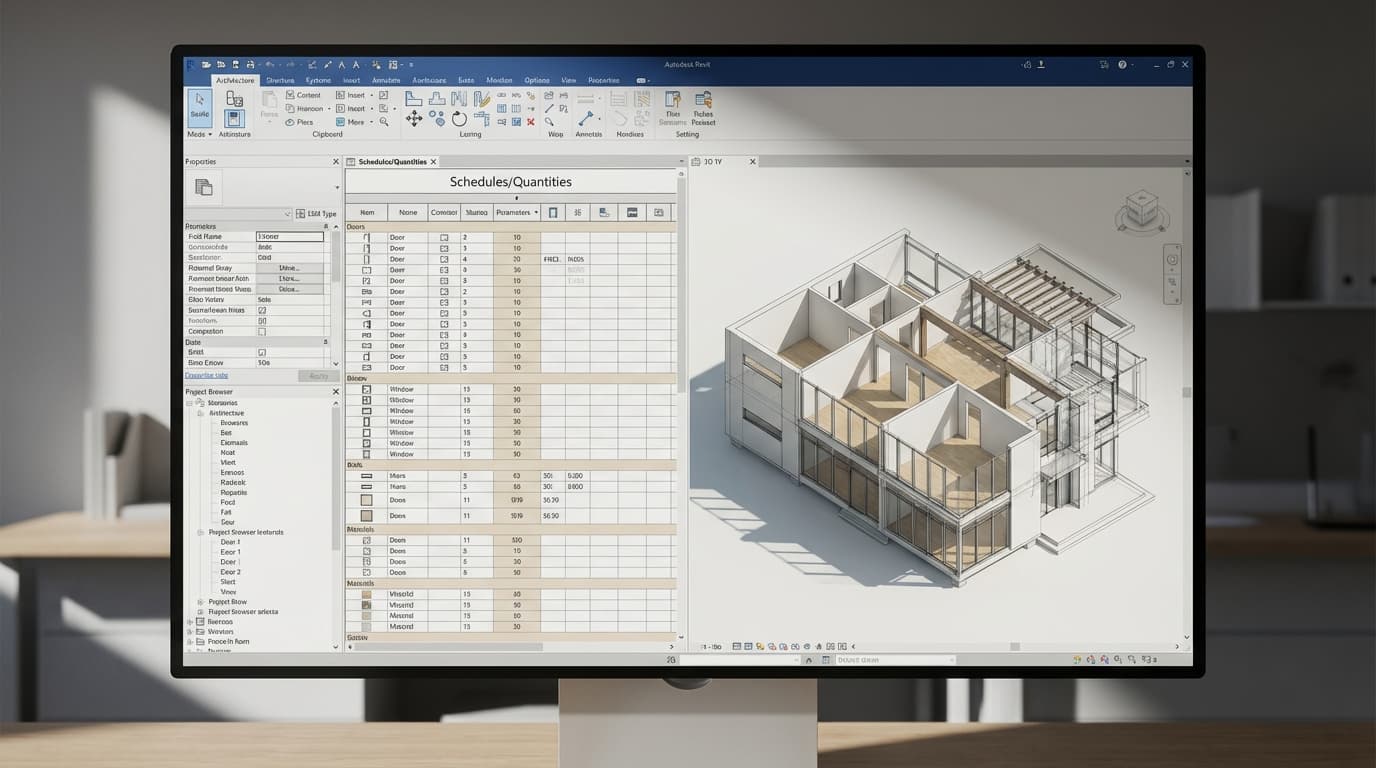
3ds Max reads DWG, RVT and SKP natively — Autodesk's own import list covers them, and the Revit route in particular is an Autodesk-to-Autodesk handoff that mostly behaves. When an architect sends you a model at 6pm on a Friday, that matters more than any benchmark.
Blender has no native Revit or Rhino import. You go through FBX, OBJ, DAE or increasingly USD, which means someone at the other end has to export correctly, and "someone at the other end" is an architect who has never exported anything in their life. DXF and 3dm come via add-ons of varying maintenance. It all works. It's just one more link in a chain, and every link is somewhere a junior gets stuck and a deadline slips.
If you're in-house, the chain is shorter, because you control both ends. You're exporting from your own Revit or Rhino model, you know what's in it, and you can fix the source instead of fighting the import. That asymmetry is a big part of why the in-house recommendation goes the other way.
On our 3ds Max course we spend a whole lesson on exporting the finished Saltzman House model out to Revit, Rhino and elsewhere, precisely because the round-trip is a skill in itself and it's where most self-taught people have gaps.
The Cost Argument Is Weaker Than Everyone Makes It Sound
Blender is free. 3ds Max is a subscription. That's the whole competitor article, usually.
Two things blunt it. Autodesk runs an education programme that gives students and educators free access to its software including 3ds Max, so for the exact window in which you're deciding, the price difference is nil. Use it. Learn on it. Build a portfolio on it. Worry about the commercial licence when someone's paying you.
Second, if you go freelance the subscription is a business cost measured against a day rate, and the sums are not close. A licence costs you a small number of billable days a year. What costs you real money is turning down a job because the client's pipeline is Corona, or spending two days rebuilding materials on assets you could have dropped straight in. In my experience the licence is the cheapest line on a freelance archviz P&L and the one people worry about most, which tells you something about how we're all trained to think about money.
Where the cost argument genuinely bites is the in-house architect. Your practice already pays for Revit, probably Enscape or D5, maybe Rhino. Getting them to add a 3ds Max seat and a render engine seat so that one person can make nicer images is a conversation you will lose. Blender costs nothing to introduce, sits on your machine quietly, and you can be producing better images by next month without a single procurement email. That's not a compromise, it's a correct read of the situation.
Can You Learn Both? Yes — But Not at the Same Time
The honest answer nobody gives: learning two DCC packages simultaneously is how you end up mediocre at both. The muscle memory fights. You'll reach for a Blender shortcut in Max, get something unexpected, and lose the thread.
Learn one properly, to the point where you're not thinking about the interface any more. Then the second one takes weeks rather than months, because the transferable bit was never the buttons — it was knowing what a clean topology looks like, how UVs behave, why your glass reads as plastic, how to light an interior that isn't a dentist's surgery.
Order matters. If you're choosing both eventually, do the harder, more constrained one first. That's 3ds Max. Coming from Max to Blender is a straightforward download-and-relearn. Coming the other way, people carry Blender habits into Max and produce scenes that no studio can open and work with — no layer discipline, everything collapsed, nothing named. The Saltzman House build we teach spends real time on layering the CAD references and separating stairs, handrails, doors and windows onto their own layers, and that's not fussiness. Scene hygiene is the actual difference between a portfolio artist and someone a studio can hire.
On timelines, from an architecture background rather than a general 3D-art one: as a rule of thumb, you're competent at modelling in either package faster than you expect, because you already think in millimetres, plans and sections — and you're a long way from portfolio-ready on images, because lighting and materials are the slow part. Six months of evenings is a realistic window to a portfolio with three or four strong scenes in it. It is not a realistic window to being good at two packages plus two render engines.
Render Engine or Host Package — Which Gets You Hired?
Both, but they're not interchangeable answers. The host package gets your CV past the filter. The render engine gets you through the interview, because that's where the images come from and the images are the only thing anyone actually looks at.
So don't learn 3ds Max as a general 3D package and stop. Learn it as a chassis and then commit to an engine on top — and if you already render competently in a real-time engine, you have a shortcut most beginners don't. Our own Max course finishes with a D5 Render live-sync workflow for exactly this reason: you keep the real-time speed you already have, and you're exercising the Max skills that matter — clean geometry, sane materials, cameras that are actually composed — without waiting twenty minutes to find out your lighting is wrong.
The Split, Restated Plainly
Want to be hired by an archviz studio? 3ds Max, with Corona or V-Ray next. It is the harder commitment, the ecosystem is expensive, the software has forty years of sediment in the interface. It is also the one where the plugins, the asset libraries and the hiring adverts all point the same direction, and where a six-month investment converts directly into employability.
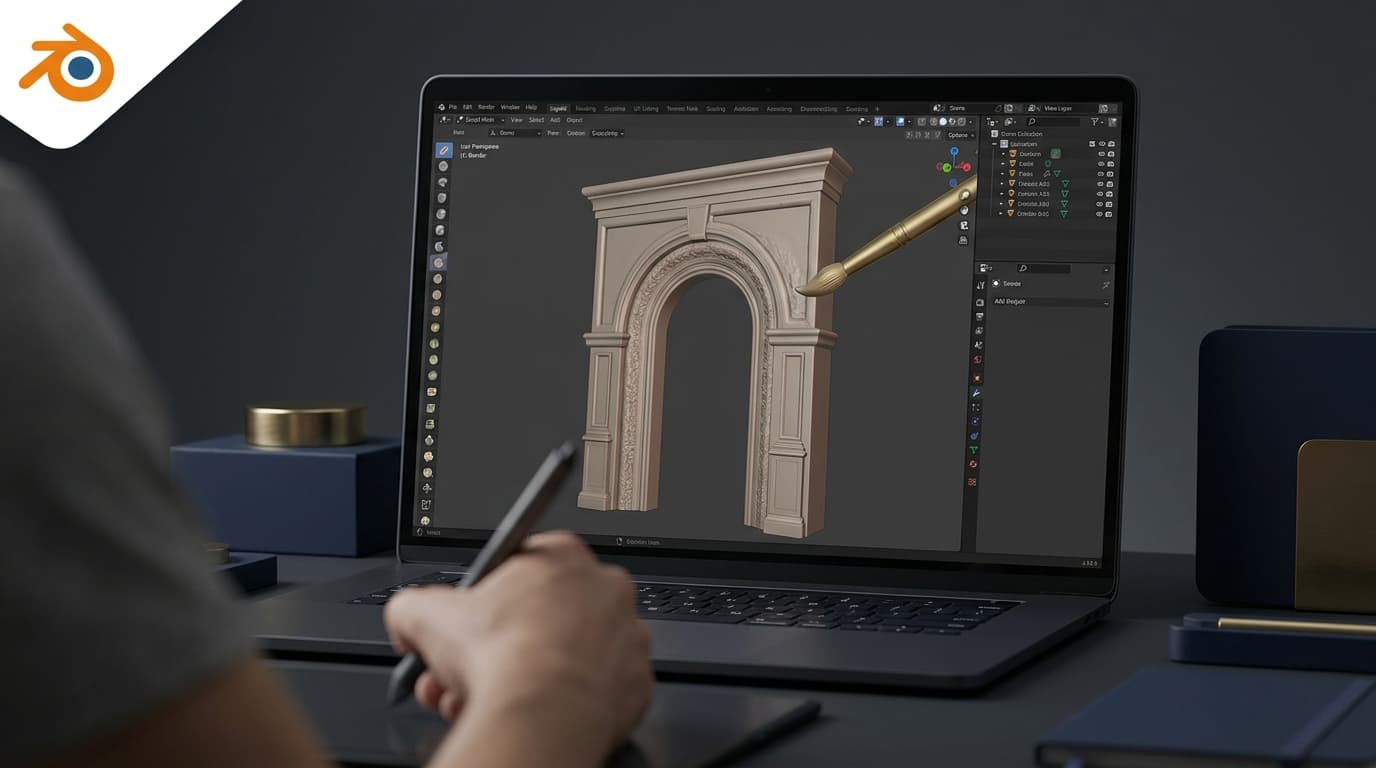
Staying in-house at a practice, making images alongside your actual job? Blender. Free, quick to introduce, no procurement fight, and the interchange friction is manageable because you're on both ends of the file.
The worst outcome isn't picking the "wrong" one. It's spending six months toggling between the two, building nothing finished, and arriving at the interview with a folder of half-scenes. Pick. Build three complete images. Nobody has ever been asked which software made a good picture.