The Free Lunch Problem
Here's what this list will not do: catalogue every tool with a free tier, conflate open-source with freemium, or point you towards something that demands a credit card on day 31. Free architecture software lists are almost universally useless — so this one is built differently.
The best free architecture software in 2026 includes Blender, FreeCAD, QGIS, Speckle, and SketchUp Free — but which one is right depends entirely on what you're trying to do. And understanding why requires being honest about what "free" actually means, because the word is doing a lot of heavy lifting in this industry.
Think of free software like a free lunch. Occasionally it's legitimately good — someone made something brilliant and decided the world should have it. Usually it exists to sell you something. And sometimes you're not the customer; you're the product. This article is about telling those three apart.
This is a curated, opinionated guide to the free architecture software that practising architects and students in 2026 actually use without paying — what works, what doesn't, and who each tool is actually for.
What 'Free' Actually Means (And When It's a Lie)
Truly Free vs Freemium vs Free Trial
There are three categories here and conflating them is how people waste entire afternoons downloading software that asks for a credit card on day 31.
Truly free / open-source tools have no cost, ever, and no feature gates. Blender, FreeCAD, QGIS, Inkscape, GIMP — these are developed by communities and foundations, not venture-backed companies trying to convert you. You can use them commercially, indefinitely, without a subscription. Truly free architecture software in 2026 includes these open-source tools, which have no cost and no feature restrictions whatsoever.
Freemium tools offer a free tier with meaningful limitations. SketchUp Free is browser-only, has no extensions, and no LayOut. Speckle's free cloud tier caps you at 10 collaborators. You can do real work in both, but you're always aware of the ceiling.
Free trials are time-limited and not worth building a workflow around. Autodesk's 30-day Revit trial, ArchiCAD's student version — useful for learning, not for practice. Worth a separate note: Autodesk's Education Community still provides free student licences for Revit and AutoCAD in 2026, renewable annually, but they cannot be used for commercial work and expire when you graduate. They're valuable for building employable skills; they're not a long-term free solution.
The Bait-and-Switch Problem
Some tools market themselves aggressively as free architecture software and then reveal the catch at the worst possible moment. SmartDraw, Planner 5D, RoomSketcher — these lock anything useful behind a subscription and exist primarily to rank well on Google searches made by people who don't know better. It's the Spotify model: you can use it, but every third interaction reminds you that you're a second-class citizen until you pay. The tools covered in this article are ones you can use indefinitely and meaningfully, without a credit card.
Blender — The One That Grew Up
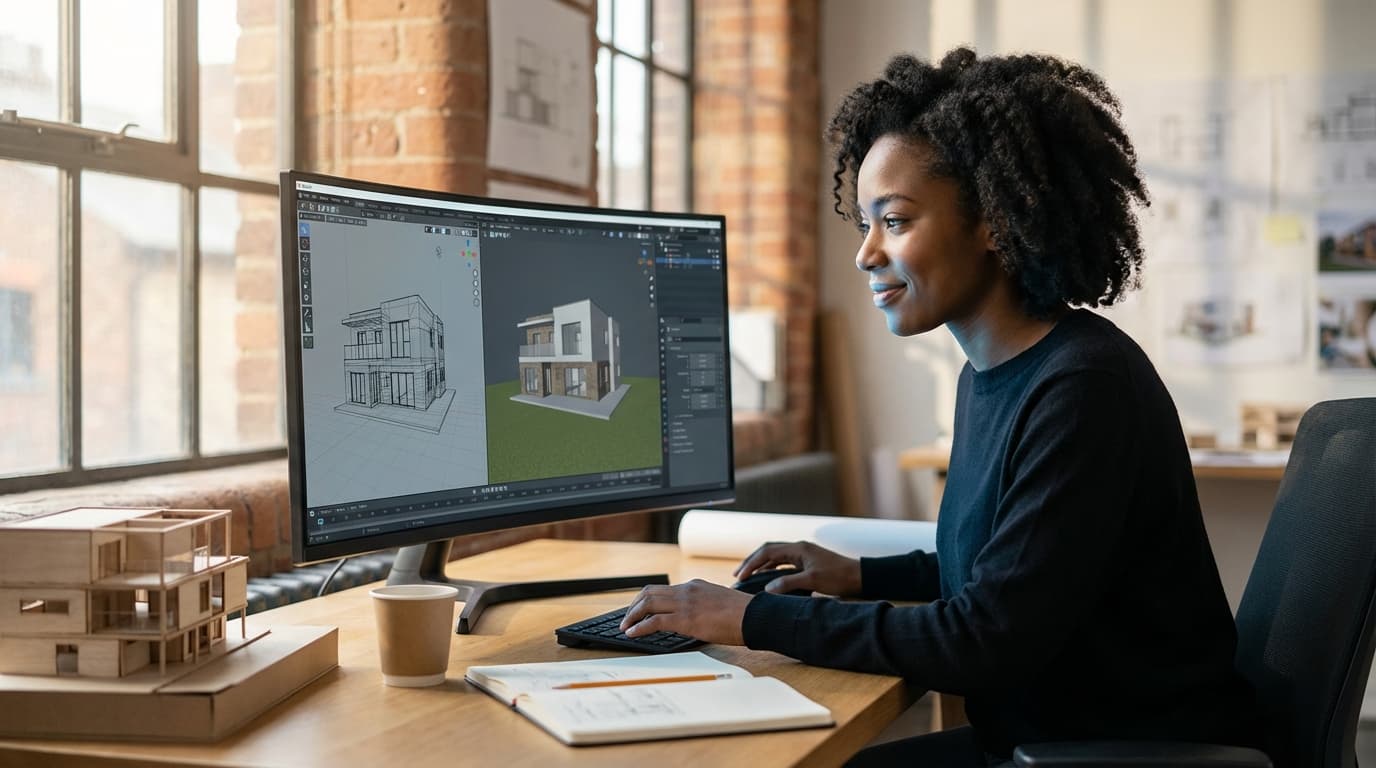
Blender is the best free architecture software for visualisation and rendering in 2026, and it isn't particularly close.
It started as a niche 3D animation tool that hobbyists used and professionals quietly ignored. Then it just kept getting better — relentlessly, version after version. Blender 4.x in 2026 includes EEVEE Next for real-time rendering, Cycles X for path-traced output that rivals V-Ray at the right settings, geometry nodes for parametric and procedural modelling, and a growing architecture-specific add-on ecosystem that includes BlenderBIM — a genuine IFC authoring tool built directly into the interface. The gap between Blender and paid visualisation software has narrowed to the point where, for many archviz workflows, it's closed entirely.
The learning curve is real. Coming from SketchUp or Rhino, the interface feels like you've been handed the controls of a submarine. But the ceiling is professional-grade, the community is enormous, and the cost is zero. For archviz work, there is no better free option. ArchAdemia's Blender for Architects course covers the full workflow from model to finished render — worth the time investment if you're serious about it.
One honest caveat: GPU rendering in Blender is only free if you already own a capable GPU. If you're rendering on a potato, you'll be using CPU cycles and waiting. Rendering farms cost money. The software is free; the hardware isn't.
FreeCAD — The Underdog with a Steep Face
FreeCAD is the best free parametric CAD tool for architects who need technical modelling without a subscription.
FreeCAD 1.0 finally shipped in 2025 after what felt like an eternal development cycle — the kind of release that prompted the open-source community to celebrate with relief more than joy. The 1.0 release brought a more stable Part Design workbench, improved IFC export, and a genuinely usable BIM workbench for those willing to invest the time.
It is not Revit. It is not trying to be. But for sole practitioners, students, or anyone who needs parametric modelling and technical drawing without paying Autodesk's subscription fees, FreeCAD is now a legitimate option rather than a brave experiment. The UI is still an acquired taste. The stability is better than it was. The IFC export works. That's progress.
SketchUp Free — The Compromised Classic
SketchUp Free is the best free tool for rapid 3D massing and client communication, though its browser-only format and lack of extensions limit professional use significantly.
The interface is genuinely intuitive in a way that no other 3D tool has managed to replicate. You can get a client-presentable massing model in an afternoon. For early-stage design conversations, that still matters enormously. SketchUp Free exists, though, primarily to funnel you toward SketchUp Pro at £299/year — that's the Trimble business model and it's not subtle. No extensions means no rendering, no advanced modelling, no LayOut for drawing production. Use it knowing what it is: a very good gateway drug.
If you want to go deeper with SketchUp in a professional context, the SketchUp Complete Guide covers everything from modelling to presentation — but that's the paid software conversation, not this one.
QGIS — The Secret Weapon Nobody Talks About
QGIS is the best free software for architectural site analysis and urban-scale mapping, integrating with Ordnance Survey open data and OpenStreetMap at no cost.
Most architects I know have either never heard of QGIS or have a vague awareness that it exists and is "for planners." Both groups are leaving significant capability on the table. QGIS is completely free, open-source GIS software that in 2026 integrates with OpenStreetMap, Ordnance Survey open data, Environment Agency flood risk datasets, and supports 3D terrain visualisation. If you've ever paid a consultant to produce a context map that you stared at for twenty minutes and thought "I could have made that," you could have made that. In an afternoon. For free.
For planning applications, urban design work, site analysis presentations, or any project where understanding the site at scale matters — which is most projects — QGIS is essential. The learning curve is gentler than Blender and the payoff is immediate.
Speckle — The Free Collaboration Layer
Speckle is the best free collaboration platform for multi-software BIM workflows, connecting Revit, Rhino, Grasshopper, and Blender via open-source data streams.
If your practice uses more than one piece of software — and almost every practice does — Speckle solves the translation problem without requiring a BIM 360 subscription. The free cloud tier supports up to 10 collaborators. Self-hosting is free and unlimited. Connectors exist for Revit, Rhino, Grasshopper, Blender, AutoCAD, QGIS, and more. For small practices and freelancers who need genuine multi-software coordination without Autodesk's platform costs, Speckle is the most practically useful free tool on this list that most people haven't tried yet.
Inkscape / GIMP — The Presentation Pair
Both are fully open-source. Inkscape handles vector graphics and drawing presentation; GIMP handles raster image editing and render post-processing. Together they replace Illustrator and Photoshop for architects who can't justify Adobe CC costs — which, at £60+/month for the full suite, is a reasonable position to take.
Honest note on GIMP: the interface is a punishment. It looks like software designed by a committee that had never used software. But it works, it's free, and once you've spent a few hours with it, you can do most of what you'd do in Photoshop. Inkscape is considerably more pleasant. Neither is as polished as the Adobe equivalents, but both are capable of producing professional output.
Comparison Table: Free Architecture Software at a Glance
| Tool |
Category |
Truly Free? |
Platform |
Best For |
Biggest Limitation |
ArchAdemia Course? |
| ToolBlender |
CategoryVisualisation / Modelling |
Truly Free?✓ Open-source |
PlatformWin / Mac / Linux |
Best ForArchviz, massing, rendering |
Biggest LimitationSteep learning curve |
ArchAdemia Course?Yes |
| ToolFreeCAD |
CategoryParametric CAD / BIM |
Truly Free?✓ Open-source |
PlatformWin / Mac / Linux |
Best ForTechnical modelling, IFC |
Biggest LimitationUI, historical instability |
ArchAdemia Course?In development |
| ToolSketchUp Free |
Category3D Modelling |
Truly Free?Freemium |
PlatformBrowser only |
Best ForRapid massing, client comms |
Biggest LimitationNo extensions, no offline |
ArchAdemia Course?Yes |
| ToolQGIS |
CategoryGIS / Site Analysis |
Truly Free?✓ Open-source |
PlatformWin / Mac / Linux |
Best ForSite analysis, urban design |
Biggest LimitationNot architecture-specific |
ArchAdemia Course?No |
| ToolSpeckle |
CategoryCollaboration / BIM |
Truly Free?Freemium (free tier) |
PlatformWin / Mac / Linux / Web |
Best ForMulti-software coordination |
Biggest LimitationRequires setup knowledge |
ArchAdemia Course?No |
| ToolInkscape |
CategoryVector Graphics |
Truly Free?✓ Open-source |
PlatformWin / Mac / Linux |
Best ForDrawing presentation |
Biggest LimitationNot intuitive for architects |
ArchAdemia Course?No |
| ToolGIMP |
CategoryRaster Editing |
Truly Free?✓ Open-source |
PlatformWin / Mac / Linux |
Best ForImage editing, render post-processing |
Biggest LimitationPainful UI |
ArchAdemia Course?No |
A comparison of the best free architecture software in 2026 shows Blender, FreeCAD, QGIS, Inkscape, and GIMP as the only fully open-source tools with no feature restrictions.
What to Use Based on Who You Are
Architecture Students: Survive Five Years Without Going Broke
For architecture students, the best free toolkit in 2026 is Blender for visualisation, SketchUp Free for early massing, QGIS for site analysis, and Inkscape for drawing presentation — a complete design toolkit at £0.
Use your Autodesk Education Community licence for Revit and AutoCAD. It's free for students, it's non-commercial, and learning Revit while you have free access to it is one of the most employable things you can do. But don't build your entire practice around software you'll lose when you graduate. Blender and QGIS will still be there. The Autodesk licence won't.
ArchAdemia's Drawing Board is worth knowing about as a free portfolio platform — if you're building your first professional presence, having somewhere to put your work that isn't a PDF emailed to a recruiter matters.
At this career stage, the honest take is that learning paid tools via your employer's licence is more valuable than mastering free alternatives. Revit proficiency gets you hired. Blender proficiency gets you noticed. Both matter; one is more immediately practical.
That said, Speckle is genuinely useful if your practice runs multi-software workflows and you want to understand the coordination layer. Blender is useful for quick visualisation turnarounds when there's no V-Ray licence available and a client presentation is in two days. SketchUp Free works for fast massing sketches, but the lack of LayOut is a real gap when you need to produce drawings from it.
Archviz Artists: Blender or Nothing
Blender is the answer. Full stop.
Blender 4.x with EEVEE Next for real-time walkthroughs and Cycles X for final output produces render quality that competes with paid tools at the right settings. The add-on ecosystem — BlenderKit for assets, Archimesh for parametric architectural elements, CAD Sketcher for constraint-based drawing — extends its capability significantly. The Blender for Architects course at ArchAdemia is the fastest route from "I've heard of Blender" to producing work you'd put in a portfolio.
If you're doing serious archviz work and want to understand how Blender sits alongside paid rendering tools, the Enscape Complete Guide and V-Ray for SketchUp courses are worth knowing about for context — but for free, Blender is where the ceiling is highest.
BIM Managers: Speckle and the Open-Source Stack
Speckle is the standout free tool for BIM coordination — it enables model management across Revit, Rhino, and Grasshopper without a BIM 360 subscription. For IFC authoring at zero cost, BlenderBIM (part of the broader IFC.js ecosystem) offers genuine free IFC creation and viewing inside Blender. For clash detection on a budget, BIMcollab Zoom has a free viewer tier that covers basic coordination needs.
The open-source BIM stack in 2026 is not a replacement for a full Autodesk platform deployment on a large project. But for small practices, freelance BIM consultants, or anyone coordinating across fewer than 10 collaborators, it's a legitimate and increasingly capable alternative. If you want to deepen your Revit BIM collaboration skills for when the paid tools are in play, Revit BIM Collaboration covers that workflow in detail.
The most useful free toolkit for running projects is practical rather than glamorous: QGIS for site analysis and context mapping, SketchUp Free for client massing conversations, and Inkscape for drawing presentation and planning documents.
The hidden cost of running jobs isn't software — it's time spent on project management overhead that nobody trained you for. ArchAdemia's Toolkit, free with membership, includes fee calculators, project trackers, and a CV exporter. It won't replace your practice management software, but it covers the basics of what sole practitioners and small practices actually need to track. The Studio Setup course is worth a look if you're at the stage of formalising how you run work.
The Free Lunch, Revisited
The free architecture software landscape in 2026 is genuinely different from what it was five years ago. Blender is professional-grade. FreeCAD 1.0 is stable enough to use in anger. QGIS has capabilities that paid GIS tools were charging thousands for a decade ago. The gap between free and paid has narrowed to the point where, for certain workflows and certain practitioners, it's closed entirely.
The free lunch is occasionally real. Blender is real. QGIS is real. Speckle is real.
The trick is knowing which free lunch is genuinely good, which one is there to sell you something, and which one you'll be paying for in ways that don't show up on a receipt. Get that right, and you can build a serious practice on a software budget that rounds to zero.
Frequently Asked Questions
What is the best free architecture software in 2026?
The best free architecture software in 2026 depends on your use case. Blender is the best free tool for visualisation and rendering; FreeCAD 1.0 is the best free option for parametric CAD and BIM-adjacent workflows; QGIS is the best free tool for site analysis and urban-scale mapping. All three are fully open-source with no feature restrictions.
Is Blender good enough for professional architectural visualisation?
Yes. Blender 4.x in 2026 offers professional-grade rendering via EEVEE Next and Cycles X, geometry nodes for parametric modelling, and a growing architecture-specific add-on ecosystem including BlenderBIM for IFC workflows. It is used by professional archviz studios globally and produces output that competes with paid rendering tools.
Can architecture students use free software throughout their degree?
Yes. A combination of Blender, SketchUp Free, QGIS, and Inkscape provides a complete free design toolkit covering visualisation, massing, site analysis, and drawing presentation. Autodesk Education Community licences for Revit and AutoCAD are also free for students (non-commercial use only) and worth using to build employable skills.
What is the difference between SketchUp Free and SketchUp Pro?
SketchUp Free is browser-based, has no extension support, no LayOut for drawing production, and cannot be used offline. SketchUp Pro (£299/year in 2026) includes all extensions, LayOut, offline use, and commercial licensing. SketchUp Free is useful for rapid massing and client communication; it is not a replacement for Pro in professional practice.
Is FreeCAD stable enough to use professionally in 2026?
FreeCAD 1.0, released in 2025, is significantly more stable than earlier versions and includes a usable BIM workbench and improved IFC export. It is a legitimate option for sole practitioners and students who need parametric modelling without a subscription, though it is not a direct replacement for Revit or ArchiCAD in large-practice BIM workflows.
What free tools do architects use for site analysis?
QGIS is the most capable free tool for architectural site analysis in 2026. It integrates with Ordnance Survey open data, OpenStreetMap, and Environment Agency flood risk datasets, and supports 3D terrain visualisation. It is fully open-source and used by architects, urban designers, and planners globally.
Does ArchAdemia have courses on free architecture software?
ArchAdemia offers a Blender for Architects course covering architectural visualisation and diorama workflows. ArchAdemia also covers SketchUp via the SketchUp Complete Guide. ArchAdemia has 60+ courses across software, design, and practice management for over 4,000 members globally, with FreeCAD content currently in development.
What is Speckle and why do architects use it?
Speckle is an open-source data platform for AEC collaboration. It connects software including Revit, Rhino, Grasshopper, and Blender via shared data streams, enabling multi-software BIM coordination without a BIM 360 subscription. The free cloud tier supports up to 10 collaborators; self-hosting is free and unlimited, making it particularly valuable for small practices and freelancers.