The Verdict: What Graduates Should Actually Use
The best portfolio platform for architecture graduates in 2026 is The Drawing Board for those who want their portfolio directly visible to hiring practices, Adobe Portfolio for those who want total design control, and Cargo or Format for graduates positioning themselves for multidisciplinary or art-adjacent roles. Each solves a different problem, and picking the wrong one costs you weeks you don't have.
Here's the one-line logic. The Drawing Board is built specifically for architecture and design work, so it does the job categorisation and studio visibility for you — you're not fighting a template, you're filling one that already understands what a section drawing is. Adobe Portfolio gives you a blank canvas and total flexibility, which is brilliant if you actually enjoy web design and disastrous if you don't. Cargo and Format sit in between — fast to set up, visually strong, but built for photographers and illustrators, not for people who need to show a BIM model alongside a hand sketch and a 1:50 detail.
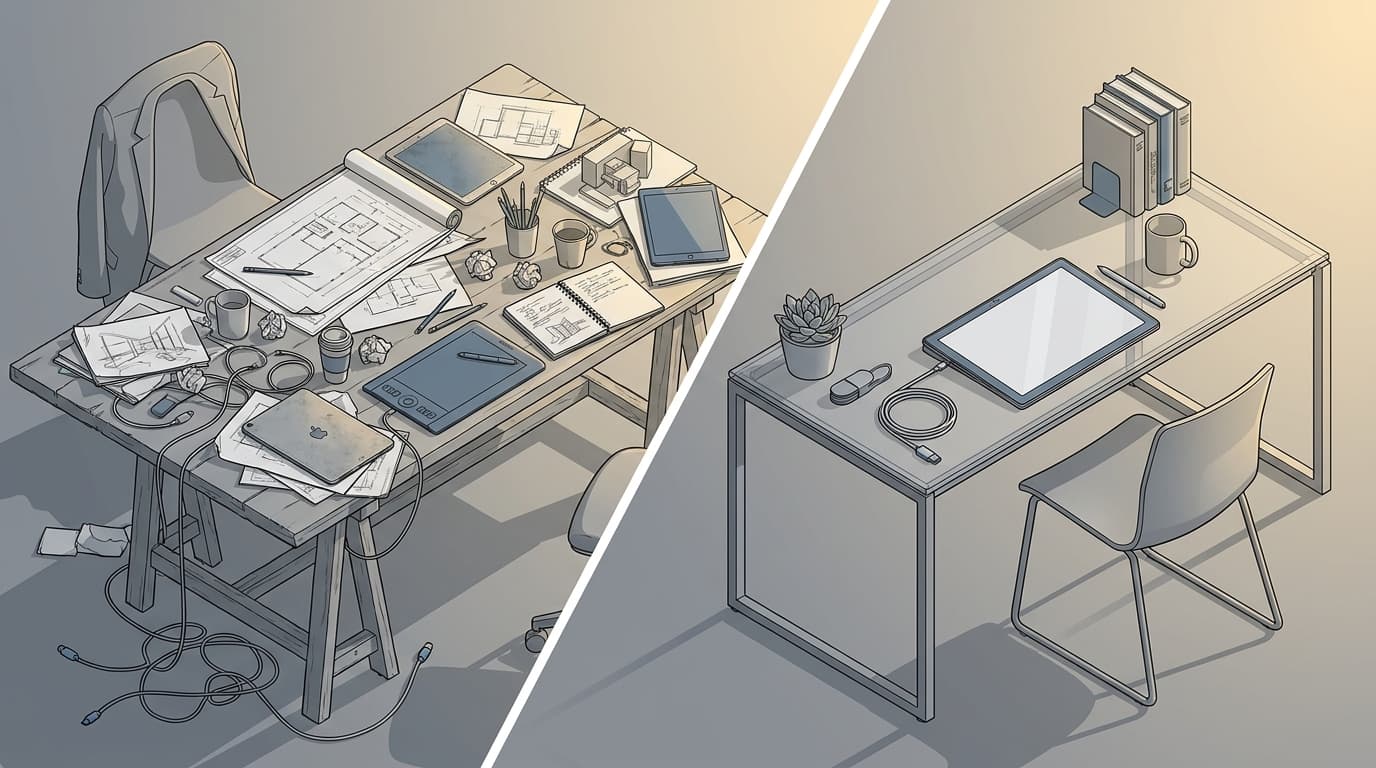
The problem underneath all of this is one I see constantly: graduates spend more hours wrestling grid systems and font pairings than they spend refining the actual work. A portfolio platform should disappear. If you can remember the CSS padding issue you fixed at 1am more clearly than the project you were trying to showcase, you've picked the wrong tool. The comparison below breaks down exactly where each platform earns its place.
Why Your PDF Portfolio Is Already Dead on Arrival
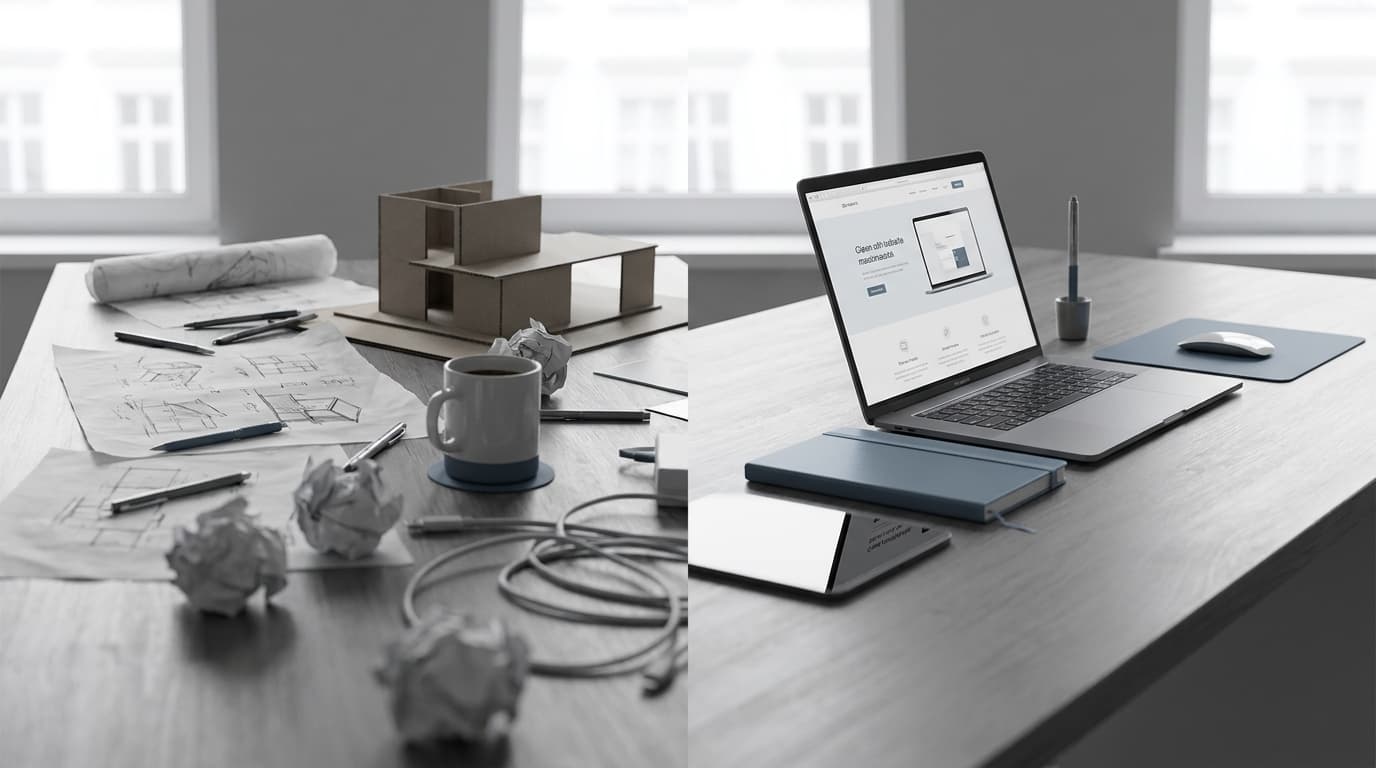
A static PDF portfolio underperforms an online portfolio platform because most hiring architects now review candidates on mobile, where PDFs are slow to load, painful to zoom, and frequently render fonts incorrectly depending on the device. If a hiring manager has to download a file before they can even see your work, you've already lost a chunk of your audience.
This isn't a hypothetical shift — it's just how recruitment works now. A hiring architect scrolling through graduate applications between meetings is doing it on a phone, in a taxi, or during a five-minute gap before a site visit. A 40MB PDF that takes eight seconds to open and then displays sideways is friction they simply won't tolerate. Practices reviewing dozens of applications for a single graduate role aren't going to fight your file format to give you a fair look. They'll move to the next tab.
Online platforms have become the baseline expectation, not a bonus. A link that opens instantly, scales to any screen, and lets someone flick through your best four projects in under a minute is the minimum bar now. That's before you even get into the fact that a live portfolio can be updated the moment you finish a new project, while a PDF becomes stale the day you send it.
This is exactly why platform choice matters as much as the content sitting inside it. A brilliant project buried in a clunky, slow-loading site does the same damage as a mediocre project on a fast, well-organised one — it just costs you the interview for a different reason.
The Contenders, Compared
Six platforms come up repeatedly when graduates ask where to host their work: The Drawing Board, Adobe Portfolio, Cargo, Format, Squarespace, and Behance. Each was judged here on price, customisation depth, architecture-specific features, mobile responsiveness, and whether it actively helps you get hired rather than just displaying pictures.
That last criterion is the one most comparison articles skip, and it's the one that matters most for a graduate with six weeks of job-hunting runway. A platform that looks gorgeous but sits invisible on the internet, waiting for someone to stumble across your personal URL, isn't doing the same job as one that puts your work in front of practices actively browsing for talent.
| Platform |
Price/Year |
Customisation |
Architecture-Specific Features |
Mobile Responsive |
Hiring/Networking Features |
Best For |
| PlatformThe Drawing Board |
Price/YearIncluded with ArchAdemia membership |
CustomisationModerate (templated, architecture-focused) |
Architecture-Specific FeaturesYes — project categorisation, drawing/render/BIM layouts |
Mobile ResponsiveYes |
Hiring/Networking FeaturesYes — visible to practices browsing for talent |
Best ForStudents & grads job-hunting |
| PlatformAdobe Portfolio |
Price/YearFree with Creative Cloud (from £19.97/month) |
CustomisationVery high |
Architecture-Specific FeaturesNone |
Mobile ResponsiveYes |
Hiring/Networking FeaturesNone |
Best ForDesign-confident grads wanting full control |
| PlatformCargo |
Price/YearFrom $156/year ($13/month) |
CustomisationHigh |
Architecture-Specific FeaturesNone |
Mobile ResponsiveYes |
Hiring/Networking FeaturesMinimal |
Best ForArt-direction/hybrid creative careers |
| PlatformFormat |
Price/YearFrom $120/year ($10/month) |
CustomisationModerate-high |
Architecture-Specific FeaturesNone |
Mobile ResponsiveYes |
Hiring/Networking FeaturesMinimal |
Best ForFast setup, clean templates |
| PlatformSquarespace |
Price/YearFrom £168/year (£14/month) |
CustomisationHigh |
Architecture-Specific FeaturesNone |
Mobile ResponsiveYes |
Hiring/Networking FeaturesNone |
Best ForFreelancers wanting a business site |
| PlatformBehance |
Price/YearFree |
CustomisationLow |
Architecture-Specific FeaturesNone |
Mobile ResponsiveYes |
Hiring/Networking FeaturesHigh (discovery feed, community) |
Best ForSupplementary visibility only |
Adobe Portfolio costs less than Adobe Portfolio's own Creative Cloud bundle price might suggest, because it's bundled in free — but that "free" only holds if you're already paying for Creative Cloud for other reasons. The Drawing Board, by contrast, costs less overall for anyone already inside the ArchAdemia ecosystem, while offering architecture-specific project templates and direct visibility to studios browsing for talent, which none of the generalist platforms offer at any price.
The Drawing Board: Built for Architects, Not Retrofitted From a Photography Template
The Drawing Board is the best portfolio platform for architecture graduates who want their work seen directly by hiring practices, because it combines portfolio hosting with built-in visibility to studios actively searching for talent. It's not a generic site builder wearing an architecture skin — it was built from the ground up for exactly this brief.
The difference shows up immediately in the project setup. Instead of starting from a blank photography grid and figuring out how to force a floor plan, a section, and a render into a layout meant for wedding photos, you're working within a structure that already understands what an architecture project looks like. Drawings, renders, and models sit in categorised layouts designed for the way architectural work actually gets presented — not shoehorned into someone else's visual logic.
It also plugs into the rest of the ArchAdemia Toolkit, including the CV exporter, so your portfolio and your CV can be built as a matched pair rather than two documents that look like they came from different people. That consistency matters more than graduates think — a hiring manager clocks mismatched branding between a CV and portfolio in about two seconds, and it reads as a lack of attention to detail before they've even looked at your work.
The trade-offs are honest ones. It's a newer platform, so it doesn't carry the sheer network scale of Behance, and it's built specifically for architecture and design, so it's the wrong tool if you're pivoting toward, say, pure graphic design work. But for a student or graduate whose goal is getting hired by a practice — not building a general creative following — that specificity is the entire point. If you want your portfolio doing double duty as a job-finding tool rather than just a digital shelf, The Drawing Board is built for exactly that job.
Adobe Portfolio: Free, Flexible, and a Genuine Pain to Set Up Well
Adobe Portfolio is the best free portfolio platform for architecture graduates who already subscribe to Creative Cloud, offering unlimited layout customisation but no architecture-specific templates and no hiring visibility. It comes bundled with Creative Cloud subscriptions from £19.97 a month, which means if you're already paying for Photoshop or InDesign, the portfolio site itself costs nothing extra.
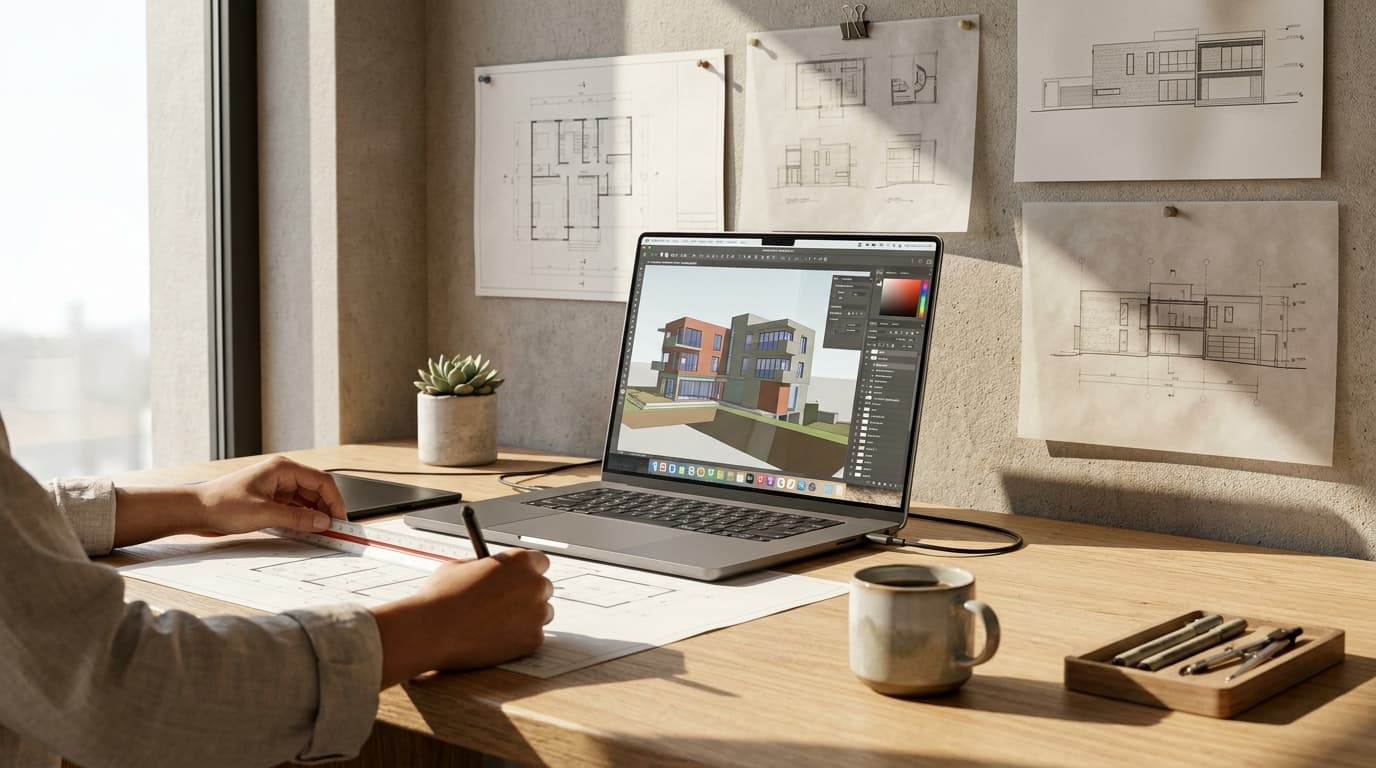
The appeal is real. Full drag-and-drop control, direct integration with Behance, and no template ceiling — if you can imagine a layout, you can probably build it. For a graduate who genuinely enjoys the craft of web design, or who has strong enough typography instincts to make a blank canvas sing, this is a legitimate route.
The catch is that "unlimited flexibility" is a trap for most people. Without real design skill, an Adobe Portfolio site tends to look exactly like what it is — a template with the branding stripped out and nothing put in its place. There's no architecture-specific structure guiding you toward good decisions, so you're making every layout call from scratch while also trying to write project narratives, prepare for interviews, and finish your Part 2 submission. I've seen graduates lose entire weekends to grid alignment issues that a purpose-built platform would have solved by default.
Best for: graduates confident in their own visual design judgement who want a fully bespoke site and already have the software subscription anyway. Everyone else is paying in time what they're saving in money.
Format is the best generalist portfolio platform for architecture graduates who want fast setup without deep customisation, priced from $10 a month with pre-built grid templates that work reasonably well for image-heavy work. Cargo and Squarespace sit either side of it — Cargo more design-forward and harder to learn, Squarespace more polished and closer to a full business website.
Cargo starts around $13 a month and leans hard into an art-direction aesthetic — bold typography, experimental layouts, a genuinely striking look if you get it right. It suits graduates angling toward exhibition design, art direction, or hybrid creative roles where "architect" is one label among several. The learning curve is steeper than the other two, though, and steep curves are exactly what you don't need three weeks before a deadline.
Format, from $10 a month, is the cleanest and fastest of the three to get looking professional. Pre-built grid templates do a lot of the heavy lifting, and it's a sensible middle ground if you want something better than Squarespace's generic templates without Cargo's setup time.
Squarespace, from £14 a month, offers the widest template variety of the three but the least architecture-specific structure. It's strongest for graduates who want a personal brand site that extends beyond a portfolio — blog, shop, booking system, the works.
None of these three offer project categorisation suited to drawings, sections, BIM stills, or scale references — that's not a criticism, it's just not what they were built for. They're photography and general-creative tools first. Best for: graduates pursuing hybrid careers where architecture is one part of a broader creative identity, not the whole of it.
Behance should not be used as a standalone architecture portfolio because it prioritises discovery-feed browsing over individual branding, which makes it a supplement to a dedicated portfolio site rather than a replacement for one. It's a networking layer, not a portfolio platform, and treating it as your only home for your work is a mistake I still see graduates make every year.
The upsides are genuine. It's free, the creative community is enormous, and it's a good source of inspiration and casual visibility — recruiters and other architects do stumble across strong work there occasionally. As a supplementary presence, it earns its place.
But it's crowded in a way that actively works against you. Your strongest project sits one scroll away from a thousand other strongest projects, with zero control over what a viewer sees next to your work or how your brand comes across as a whole. There's no cohesive first impression, because Behance was never designed to give you one — it was designed to keep people scrolling the feed, not to land them on your personal, considered presentation.
Employers rarely browse Behance cold looking for hires. It happens, but it's the exception, not the strategy. Use it to supplement a dedicated portfolio — cross-post your best work there for visibility — but never let it be the only address where your work lives.
Where you are in your career changes the right answer here more than any feature comparison table can capture. These four situations cover almost every graduate reading this.
The Student Still at University
The best portfolio platform for an architecture student is The Drawing Board, because it requires no web design skill and directly connects student work to practices searching for graduate talent. You should be spending your limited free hours on your studio project, not learning CSS grid behaviour. A platform that removes the design-decision overhead entirely is the correct trade at this stage.
The Junior Chasing Their First Role
Pair The Drawing Board with a tailored CV built through ArchAdemia's Toolkit exporter. The combination matters more than either piece alone — a portfolio and CV that share visual language and are both fast to review signal exactly the kind of attention to detail a hiring architect is quietly screening for, even when the job spec doesn't mention it.
The Career-Changer Building Credibility From Scratch
Adobe Portfolio or Format make more sense here, because a slightly more editorial, design-led presentation can help establish credibility outside the traditional RIBA-Part-1-to-Part-2 pipeline. If your CV doesn't yet read as conventionally "architectural," a portfolio with a more distinctive visual identity can do some of that persuasive work for you.
The best portfolio platform for architecture freelancers is Squarespace, because it functions as both a portfolio and a full client-facing business website from £14 a month, complete with contact forms, service pages, and booking tools. A freelancer's portfolio isn't competing for a graduate role — it's closing a client. That's a different job, and Squarespace (or Cargo, if the aesthetic fits) is built for it.
Platform choice affects first impression and how much friction stands between your work and a hiring decision — but curation and project narrative are what actually convert a passing look into an interview. The single most common graduate mistake, by a wide margin, is uploading every studio project from every year instead of the strongest four or five.
A hiring architect doesn't need your entire academic history. They need proof, fast, that you can think, draw, and resolve a design problem — and they'll get more of that proof from five tightly edited projects with a clear narrative than from twelve projects presented as a dump. Every course tutor says this. Almost no graduate portfolio actually reflects it.
If curation and storytelling are the gap, ArchAdemia's portfolio course is built specifically to close it — not more software training, but how to select, sequence, and narrate projects so the work does the convincing on its own. Even the best platform on this list can't rescue a portfolio with no story behind it. Platform gets you through the door faster. Narrative is what keeps someone standing there once they're inside.
FAQ
What is the best portfolio platform for architecture graduates in 2026?
The Drawing Board is the best portfolio platform for architecture graduates who want direct visibility to hiring practices, since it combines architecture-specific project templates with built-in access to studios browsing for talent. Adobe Portfolio suits graduates wanting full design control, while Cargo or Format suit those building a broader creative identity beyond architecture.
Is a PDF portfolio still acceptable for architecture job applications?
A PDF portfolio is increasingly a liability rather than a neutral option, since most hiring managers now review applications on mobile devices where PDFs are slow to load and awkward to navigate. An online portfolio link that opens instantly and scales to any screen is now the baseline expectation, not a bonus.
How much does a good architecture portfolio website cost?
Architecture portfolio platforms range from free (Behance, Adobe Portfolio if you already have Creative Cloud) to around £14 a month (Squarespace) or $13 a month (Cargo). The Drawing Board is included as part of ArchAdemia membership, making it the lowest additional cost for graduates who want architecture-specific features without paying for a separate subscription.
Should architecture graduates use Behance instead of a personal portfolio site?
No — Behance should be used to supplement a dedicated portfolio, not replace it, because its discovery-feed format prioritises browsing over individual branding. Employers rarely search Behance cold to find candidates, so a dedicated portfolio site remains the primary tool, with Behance adding secondary visibility.
How many projects should a graduate architecture portfolio include?
Four to five strong, fully resolved projects consistently outperform ten or more partially developed ones. Hiring architects are screening for depth of thinking and design resolution, and an over-stuffed portfolio dilutes both, regardless of which platform hosts it.
Does portfolio platform choice actually affect whether graduates get hired?
Platform choice affects friction and first impression — a slow, clunky, or poorly organised site can lose a candidate attention before their work is even properly seen. But it's secondary to project curation and narrative, which are what convert initial interest into an interview request.
Is Adobe Portfolio free for architecture students?
Adobe Portfolio is included free with any Adobe Creative Cloud subscription, which starts from £19.97 a month as of 2026 — it is not a separate standalone free product. Students already paying for Creative Cloud for Photoshop or InDesign effectively get the portfolio tool at no extra cost.
Pick the platform that matches the job you're actually doing, not the one with the prettiest template gallery. Graduates chasing practice roles need visibility and speed, not a design side-project — that's what makes The Drawing Board the correct default for most people reading this. Everyone else on this list is solving a slightly different problem, and now you know which one is yours.