The best desk for architects in 2026 is the Flexispot E7 Pro standing desk, which offers a 160cm x 80cm work surface, dual-motor lift system, and a 125kg load capacity — enough to hold two monitors, a drawing tablet, and a model-making mess — for approximately £650. If that's all you needed, you can stop here.
For everyone else, here's the quick map: students get the most value from the IKEA ALEX + LINNMON combination at £180; home studio architects should look at the Fully Jarvis Bamboo; BIM managers need the Flexispot's dual-motor stability; and anyone still working with physical drawings should consider the Häfele Drafting Table Pro at £380.
The problem with every other desk guide written for architects is that it treats the desk as an office furniture problem. It isn't. Architects need a minimum of 150cm of desk width to comfortably run dual monitors alongside a drawing tablet or physical drawings — most standard desks at 120cm fall short the moment you unroll an A1 print. This guide is written from the perspective of someone who has worked at a drawing board, a hot desk, and a home studio. Not a furniture blogger who got sent a standing desk and wrote 800 words about posture.
The best desk for an architect is fundamentally different from the best desk for a software developer, a writer, or anyone whose working life fits neatly onto a 60cm-deep rectangle.
The Architect's Desk Is Not an Office Desk
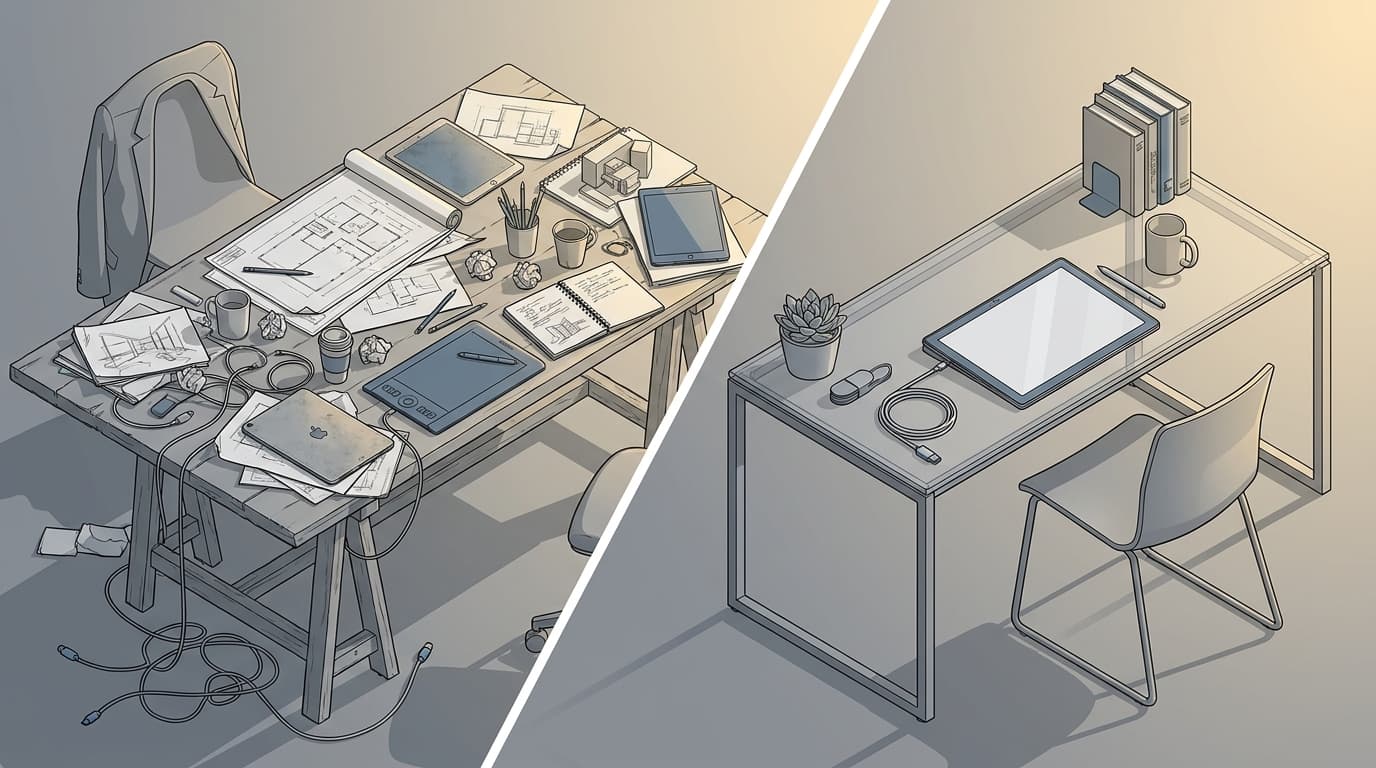
Think about what actually lives on your desk during a working day. Two monitors — possibly three. A drawing tablet. A scale rule, a set square, maybe a physical model in progress. An A3 print you're annotating by hand. A laptop docked to the monitors. Reference books. A coffee that has gone cold twice. The standard knowledge worker desk guide assumes a laptop, a keyboard, and a mouse. That's it. For architects, that setup is a fantasy.
Architects require a minimum desk depth of 80cm to position a monitor at safe viewing distance while retaining foreground space for drawings or a tablet — standard 60cm office desks create chronic neck strain within weeks as you unconsciously lean forward to compensate. This isn't opinion. It's geometry. A 27-inch monitor needs to sit roughly 60–70cm from your eyes. On a 60cm desk, that means it's touching the wall. You have no foreground space. Your neck pays the price.
What You Actually Need on That Surface
The criteria used to evaluate every desk in this guide are: surface area (width and depth), height range for sit-stand use, stability at full standing height, cable management quality, load capacity, price, and suitability for drawing versus screen work.
A desk surface of at least 150cm wide is the practical minimum for running dual monitors alongside an A3 drawing tablet without constantly shuffling equipment. Wider is better. The guides that recommend 120cm desks have never tried to work on one with a full architect's setup. The wobble test matters too — a standing desk that shakes when you type at standing height is worse than a fixed desk. And cable management on a height-adjustable desk is a problem nobody mentions until they've raised their desk for the first time and watched their entire cable run become a tangled stranglehold.
The Six Desks Worth Your Money
Flexispot E7 Pro — Best All-Round for Architects
The best all-round desk for architects in 2026 is the Flexispot E7 Pro, with a dual-motor lift system, 58–123cm height range, 160x80cm surface, and a 125kg load capacity for approximately £650. The dual-motor system is what separates this from cheaper alternatives — single-motor desks at this width develop a lean over time, particularly on carpet.
Pros: Rock-solid stability at full standing height. Programmable height presets (four memory slots). Excellent build quality. Handles two 27-inch monitors plus a laptop dock without complaint. Cons: Assembly takes about 90 minutes solo. The control panel is functional but ugly. Not the cheapest option.
Verdict: The desk most architects should buy. Full stop.
IKEA BEKANT Sit-Stand — Best Budget Standing Desk
The best budget standing desk for architects is the IKEA BEKANT Sit-Stand at approximately £450, offering a 160cm x 80cm surface — though it wobbles noticeably above 100cm height and is not recommended for monitor arms.
Pros: Wide surface at a reasonable price. IKEA build quality has improved. Straightforward assembly. Cons: The 65–85cm height range is genuinely limited — that's barely sit-stand, more sit-slightly-higher. Wobble at the top of its range is a real problem if you're using monitor arms or working with anything vibration-sensitive. 70kg load limit means you need to be selective about what goes on it.
Verdict: A reasonable entry point if budget is the hard constraint, but you'll notice the limitations within a month.
Fully Jarvis Bamboo — Best for Home Studios
The best standing desk for architects working from a home studio in 2026 is the Fully Jarvis Bamboo, available up to 180cm wide with best-in-class cable management for under £550.
Price: ~£550 Surface: Up to 180cm x 76cm Height range: 71–121cm Load capacity: 113kg
Pros: The bamboo surface is genuinely beautiful and holds up well to daily use. Cable management is the best of any desk in this list — integrated routing channels make raising and lowering the desk a clean experience. Available in multiple widths, which matters if your space isn't standard. Cons: Ships from the US, so lead times can stretch. UK customer support is less immediate than buying domestically. The 76cm depth is slightly less than the 80cm ideal.
Verdict: The best-looking desk in this list and the most pleasant to work at daily. If aesthetics matter to you — and for architects, they usually do — this is the one.
Vari Electric Standing Desk — Best for Hot-Desk Setups
The best standing desk for architecture practices with hot-desk or reconfigurable studio setups is the Vari Electric at approximately £700, with a 64–128cm height range and tool-free assembly in under 10 minutes.
Pros: The tool-free assembly claim is real — this desk can be reconfigured or relocated without a toolkit. Height range is excellent. Stable at full extension. Cons: Most expensive option in this list. Surface at 152cm is slightly narrower than the Flexispot. Not significantly better than the Flexispot for solo studio use.
Verdict: Hard to justify for a home setup. Makes complete sense for a practice that moves desks around or runs a hot-desk system.
IKEA ALEX + LINNMON Combo — Best Flat Desk for Students
The best desk for architecture students on a budget is the IKEA ALEX + LINNMON combination at approximately £180, providing a 200cm work surface with integrated drawer storage — more surface area than any standing desk in this price bracket.
Price: ~£180 (combined) Surface: 200cm x 60cm Height range: Fixed at 74cm Load capacity: 50kg
Pros: 200cm of surface is genuinely enormous and handles A1 prints, a laptop, and reference books simultaneously. The ALEX drawer unit adds storage without taking up additional floor space. Incredibly simple to assemble. Cons: 60cm depth is the main compromise — you'll want a monitor arm to push your screen back far enough. 50kg load limit means no heavy model-making setups. Fixed height, obviously.
Verdict: For a student on a loan who needs to spread out, this wins on surface area alone. Buy a monitor arm with the money you save.
Häfele Drafting Table Pro — Best for Physical Drawing Work
The best desk for architects who still work with physical drawings is the Häfele Drafting Table Pro, which offers a 0–45 degree adjustable surface angle for under £380.
Pros: The angled surface is genuinely useful for hand drawing, sketching, and reviewing physical prints — it reduces wrist strain and improves line control in a way a flat surface simply cannot. Solid build. Good storage underneath. Cons: Not a standing desk. Screen work at an angle above about 15° is uncomfortable. At 120cm wide, it's narrower than ideal for a dual-monitor setup.
Verdict: A specialist tool. If you're doing a lot of hand drawing or model-making, it's excellent. As your only desk, it's a compromise.
The Comparison Table
Desk
Price (GBP)
Surface Size
Height Range
Sit-Stand
Load Capacity
Best For
Rating
DeskFlexispot E7 Pro
Price (GBP)£650
Surface Size160 x 80cm
Height Range58–123cm
Sit-Stand✓
Load Capacity125kg
Best ForBIM Managers, Project Architects
Rating5/5
DeskIKEA BEKANT Sit-Stand
Price (GBP)£450
Surface Size160 x 80cm
Height Range65–85cm
Sit-Stand✓
Load Capacity70kg
Best ForBudget-conscious junior architects
Rating3.5/5
DeskFully Jarvis Bamboo
Price (GBP)£550
Surface SizeUp to 180 x 76cm
Height Range71–121cm
Sit-Stand✓
Load Capacity113kg
Best ForHome studio architects
Rating4.5/5
DeskVari Electric
Price (GBP)£700
Surface Size152 x 76cm
Height Range64–128cm
Sit-Stand✓
Load Capacity113kg
Best ForHot-desk / practice setups
Rating4/5
DeskIKEA ALEX + LINNMON
Price (GBP)£180
Surface Size200 x 60cm
Height RangeFixed 74cm
Sit-Stand✗
Load Capacity50kg
Best ForStudents
Rating4/5
DeskHäfele Drafting Table Pro
Price (GBP)£380
Surface Size120 x 80cm
Height RangeAdjustable angle
Sit-Stand✗
Load Capacity80kg
Best ForPhysical drawing / hand sketching
Rating4/5
Prices correct as of March 2026, UK retail.
Among the six desks evaluated for architects in 2026, the Flexispot E7 Pro scores highest overall — its 125kg load capacity, 58–123cm height range, and 160x80cm surface represent the best combination of capability and value at approximately £650.
Which Desk for Which Architect
Architecture Students: Surface First, Everything Else Second
Architecture students get the best value from the IKEA ALEX + LINNMON combination at £180, which provides 200cm of surface area — more than any standing desk in this price bracket. When you're on a student loan and need to simultaneously have a laptop open, an A1 crit sheet spread out, and a physical model in progress, surface area is the only metric that matters. A standing desk is a luxury you can invest in when you're earning. Right now, buy the IKEA combo, add a monitor arm for £40, and spend the remaining £400 on something that actually moves your career forward — like getting genuinely good at Revit or SketchUp before everyone else in your year does.
Junior Architects: The Case for Going Sit-Stand Early
Junior architects who invest in a sit-stand desk early reduce their long-term musculoskeletal risk significantly — prolonged static sitting is associated with a 40% increased risk of back and neck problems over a five-year period, according to NHS musculoskeletal data. Junior architects spend 8–10 hours a day at a desk. That compounds fast. The Fully Jarvis Bamboo at £550 is the right call here — it's not the cheapest, but it's the most pleasant desk to work at daily, and you're going to be sitting at it for a long time.
Archviz Artists: Colour, Calibration, and Clean Desk Space
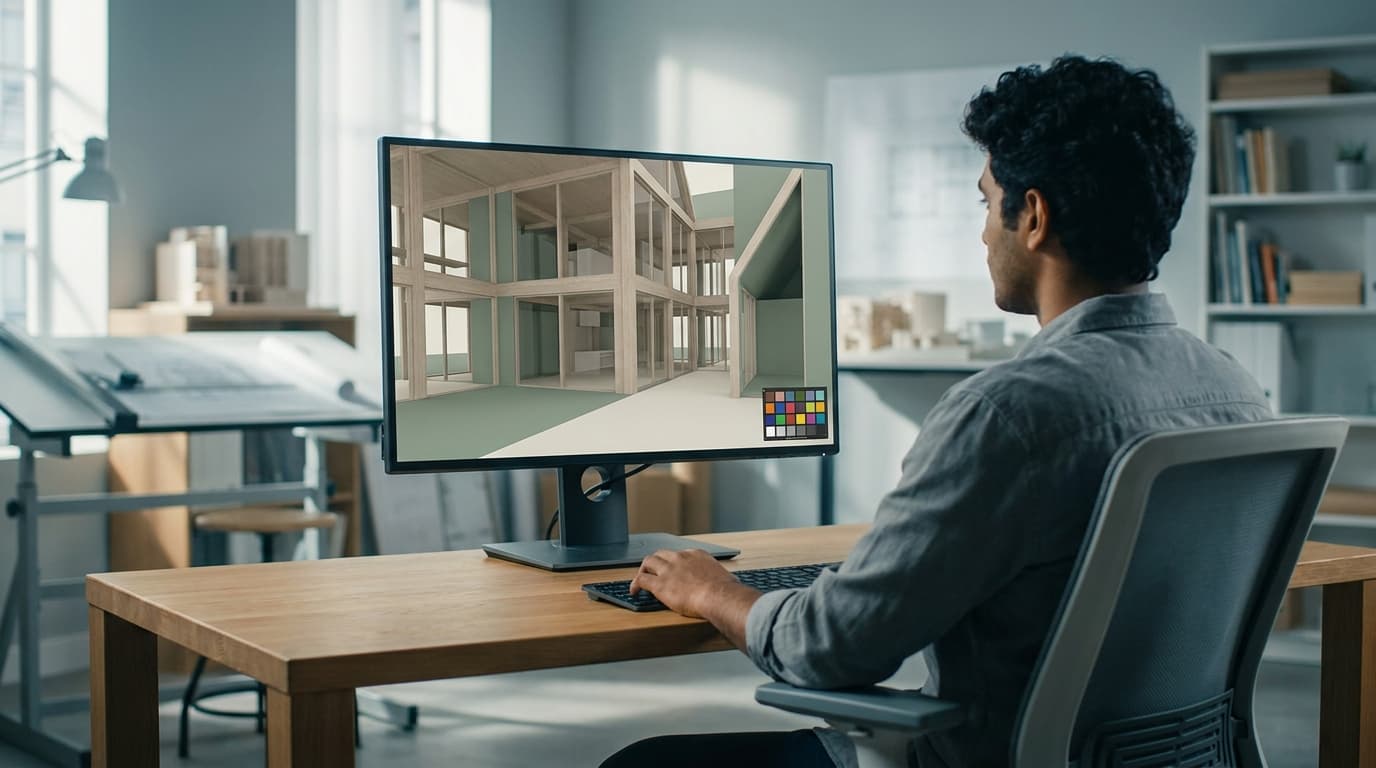
For archviz artists, the desk is the foundation of a colour-critical workspace. You need a stable, vibration-free surface for a colour-calibrated monitor, space for a drawing tablet, and room for physical reference swatches. Both the Fully Jarvis Bamboo and the Flexispot E7 Pro work well here — the Jarvis for its aesthetic cleanliness, the Flexispot for its superior stability. If you're running V-Ray for SketchUp or Enscape renders on a powerful GPU setup, the Flexispot's 125kg load capacity gives you room to grow.
BIM Managers: Stability Is Non-Negotiable
For BIM managers running multi-monitor Revit setups, the Flexispot E7 Pro is the best desk in 2026 — its dual-motor system maintains stability at full standing height under 125kg of load, which single-motor alternatives cannot match. Two 27-inch monitors, a laptop dock, a keyboard, and a mouse add up faster than you'd think. A wobbling desk mid-coordination session is not just annoying — it's a distraction you don't need when you're managing clash detection across a 500MB linked model. If your practice uses Revit BIM Collaboration workflows, your desk needs to keep up.
Project-Running Architects: You Need Two Modes
Project-running architects need to shift between screen work, drawing review, and client presentation mode across a single day. The Flexispot E7 Pro or Vari Electric both handle this — the height memory presets mean you can move between sitting for CAD work and standing to review a print without fiddling with buttons. The Vari's faster reconfigurability makes it the better choice if you're also hot-desking between studio and site office.
The Stuff Nobody Else Tells You
Monitor Arms Change Everything
Mounting your monitors on arms rather than stands adds an effective 30–40cm of usable desk depth — more than upgrading to a larger desk for most setups. This is the single highest-impact desk accessory you can buy. The Ergotron LX arm at approximately £140 is the benchmark; anything cheaper tends to droop under the weight of a 27-inch monitor within six months. Buy it once.
Cable Management Is Not Optional
A standing desk with poor cable routing becomes a tangled nightmare the moment you raise it for the first time. The cables that sit neatly on the floor at sitting height become taut, stressed, and eventually damaged when the desk rises 50cm. Look for desks with integrated cable trays — the Fully Jarvis handles this best of the six. If your desk doesn't have built-in routing, budget £30–50 for an aftermarket cable tray. It's not glamorous, but neither is a snapped monitor cable.
Your Floor Matters More Than Your Desk
Standing desks on carpet can develop a lean over time as the feet compress the pile unevenly. This is the number one complaint in user reviews that nobody addresses upfront. Use a hard floor mat underneath, or level the adjustable feet carefully on day one. A desk that leans 2mm to the left at sitting height leans 8mm at full standing height. Physics.
The Second Surface Problem
Architects almost always need a second surface. Drawings, models, reference material — it has to go somewhere. A side return table, a plan chest, or a wall-mounted plan holder solves this more cheaply than buying a bigger desk. A decent plan chest costs £200–400 and stores A1 drawings flat without rolling. A side return table adds a perpendicular work surface for £80. These are better investments than moving from a 160cm desk to a 180cm desk when the real problem is that you need a different kind of space, not more of the same kind.
Anti-Fatigue Mats Are Not a Luxury
If you're standing for more than two hours a day, an anti-fatigue mat is not optional — it's the difference between standing being beneficial and standing being a different kind of pain. The Topo by Ergodriven at approximately £80 is the best option for architects: its contoured surface encourages subtle movement rather than static standing, which is what actually reduces fatigue.
FAQ
What is the best desk for architects in 2026?
The best desk for architects in 2026 is the Flexispot E7 Pro standing desk at approximately £650. It offers a 160cm x 80cm surface, dual-motor height adjustment from 58–123cm, and a 125kg load capacity — sufficient for dual monitors, a drawing tablet, and a docked laptop simultaneously.
How wide should an architect's desk be?
An architect's desk should be at least 150cm wide. This is the practical minimum for running dual monitors alongside an A3 drawing tablet or physical drawings without constantly moving equipment. A 200cm surface is preferable for anyone regularly working with A1 prints or physical models.
What is the best standing desk for architects on a budget?
The best budget standing desk for architects is the IKEA BEKANT Sit-Stand at approximately £450, which provides a 160cm x 80cm surface. Its height range is limited to 65–85cm and it wobbles at the top of its range, so it is not recommended for monitor arms or vibration-sensitive work.
Do architects need a standing desk?
Architects benefit significantly from sit-stand desks given that most spend 8–10 hours daily at a workstation. Prolonged static sitting is associated with a 40% increased risk of musculoskeletal problems over five years. A standing desk is not essential, but it becomes increasingly worth the investment within the first two years of practice.
What is the best desk for architecture students?
The best desk for architecture students is the IKEA ALEX + LINNMON combination at approximately £180. It provides 200cm of work surface — more than any standing desk in this price range — with integrated drawer storage. It is a fixed-height desk, but the surface area advantage outweighs the sit-stand benefit at student budget levels.
What desk depth do architects need?
Architects need a minimum desk depth of 80cm. This allows a monitor to be positioned at the correct viewing distance (60–70cm) while retaining foreground space for drawings, a tablet, or a keyboard. Standard 60cm-deep office desks force the monitor too close or leave no working space in front of it.
Is the Fully Jarvis good for architects?
The Fully Jarvis Bamboo is an excellent desk for architects working from a home studio, particularly those prioritising aesthetics and cable management. It is available up to 180cm wide, has a 113kg load capacity, and offers the best integrated cable routing of any desk in this comparison. Its main limitation is a 76cm depth, slightly below the 80cm ideal.
What accessories do architects need for their desk?
The three most impactful desk accessories for architects are: a monitor arm (the Ergotron LX at ~£140 is the benchmark), an integrated or aftermarket cable management tray (£30–50), and an anti-fatigue mat for standing use (the Topo by Ergodriven at ~£80 is the best option). A monitor arm alone adds 30–40cm of effective desk depth, which is more impactful than upgrading to a larger desk for most setups.
The desk is not the most exciting purchase you'll make for your studio. But it's the one you'll interact with every single day, for more hours than almost anything else in your life. Get it wrong and you'll feel it — in your back, your neck, and your ability to focus. Get it right and you'll stop thinking about it entirely, which is exactly the point. The Flexispot E7 Pro is where most architects should land. Everything else in this list is the right answer for a specific situation. Know which situation you're in, and buy accordingly.