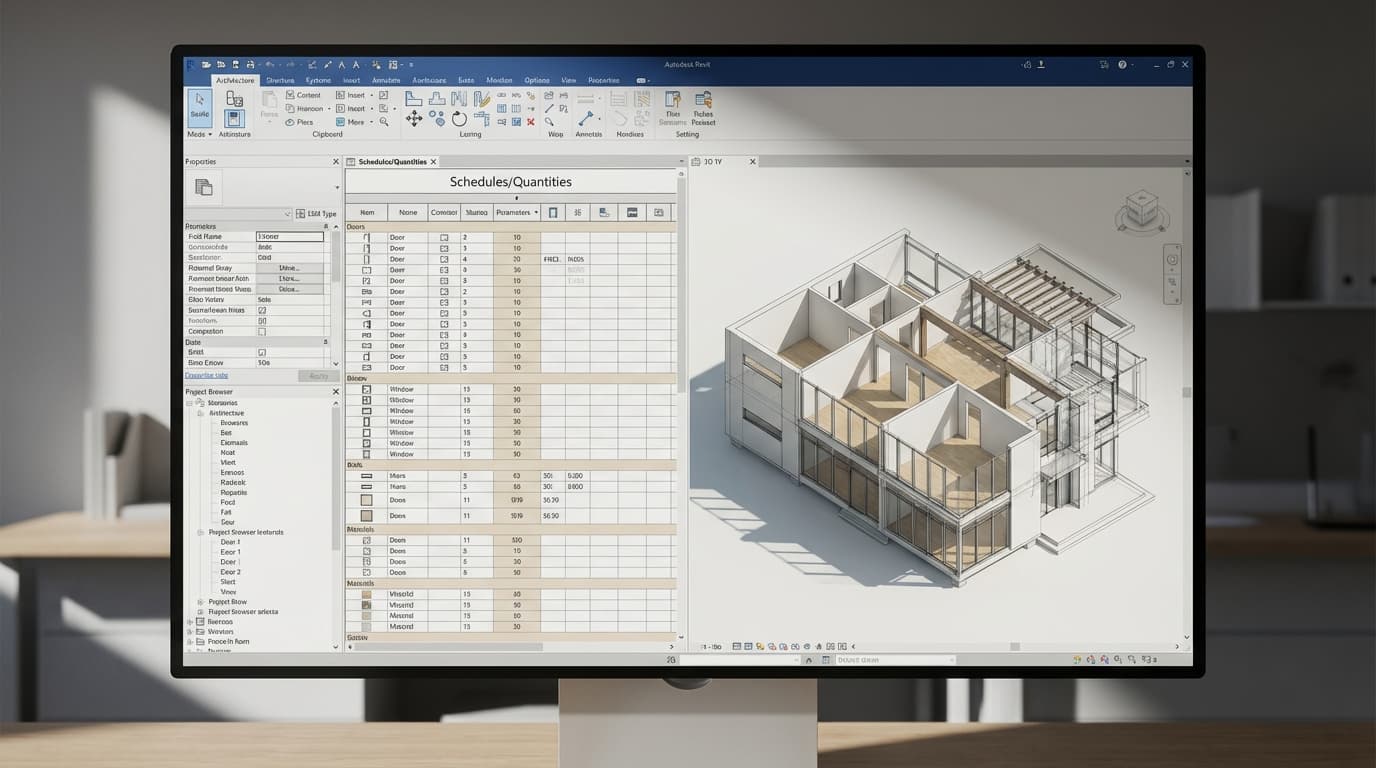
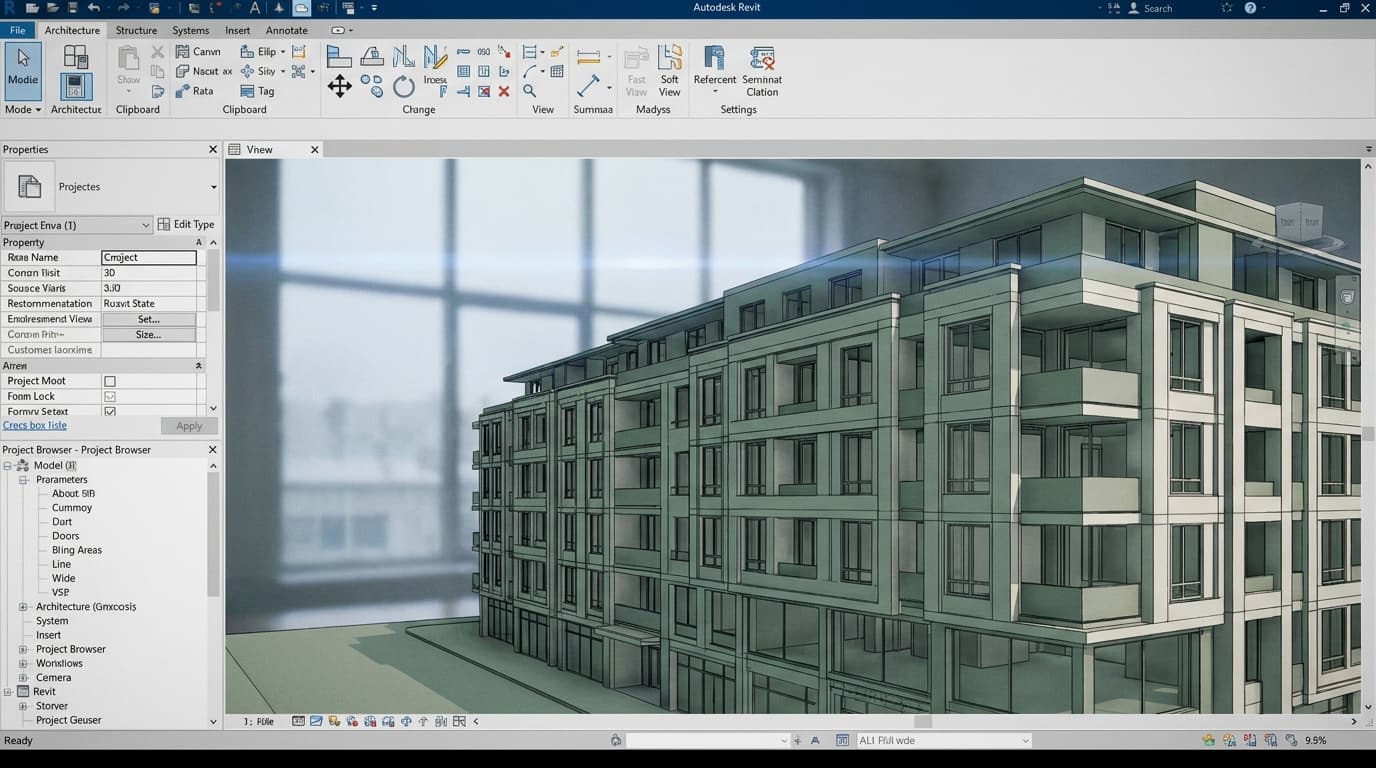
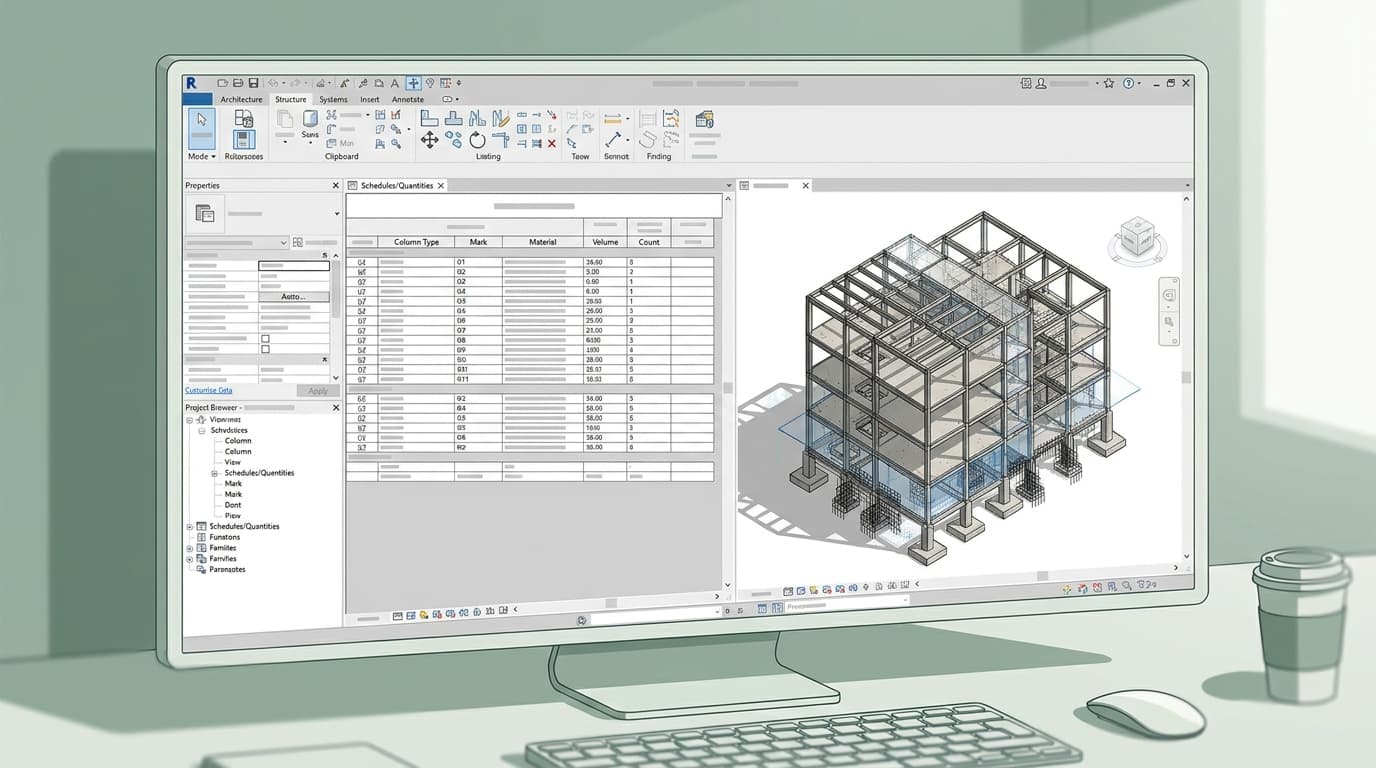
Revit dominates large practice and contractor workflows. ArchiCAD wins for smaller studios and architects who want to stay sane. That's the honest answer — and if you already know which camp you're in, you can skip to the role-based section and be done with it.
The longer answer matters because choosing the wrong BIM platform is genuinely costly. Not just in licence fees, but in months of relearning, job applications that go nowhere, and projects that fight you at every stage. Neither tool is universally better. But one is almost certainly better for you — and this article gives you a clear framework for working out which.
Revit is the better choice for architects working in large practices, contractor-led BIM environments, or any project requiring deep coordination with structural and MEP consultants. ArchiCAD is the better choice for small-to-medium studios, sole practitioners, and architects who prioritise design fluency over coordination infrastructure.
In 2026, Revit holds approximately 60% of the UK BIM market by firm size, while ArchiCAD retains a strong position in European practices and design-led studios. ArchAdemia has trained over 4,000 architects and designers across both platforms — so what follows isn't theoretical.
Autodesk Revit costs approximately £3,200 per seat per year in 2026 as part of the AEC Collection subscription. ArchiCAD's full professional licence costs approximately £2,400 per year, with a solo practitioner tier available for around £180 per year.
Revit licensing costs in 2026
The £3,200 figure is for the AEC Collection — which bundles Revit with AutoCAD, Navisworks, Civil 3D, and a dozen other tools most architects will never open. You can't buy Revit standalone anymore, not on a subscription basis. You're paying for an ecosystem whether you want it or not. For large practices that actually use Navisworks for clash detection and AutoCAD for legacy drawings, this is reasonable value. For a three-person studio that just wants to produce good BIM drawings, it's a significant overhead.
ArchiCAD licensing costs in 2026
ArchiCAD is more honest about its pricing tiers. The Solo licence at around £180/year is designed specifically for sole practitioners — a category Autodesk simply doesn't serve. The full professional licence at approximately £2,400/year is meaningfully cheaper than Revit's equivalent, and GRAPHISOFT offers a genuinely free educational licence for students, with no crippled features. That matters. ArchiCAD's educational version is the real software, not a demo.
Hidden costs: training, plugins, hardware
Hardware is where the gap widens further. Revit is RAM-hungry — 32GB is the practical minimum for comfortable use on live projects, and 64GB is where you want to be if you're running large linked-file models. ArchiCAD runs more efficiently on equivalent hardware, which is a genuine practical advantage for architects on site with a laptop.
Training costs are real on both sides. ArchAdemia's Revit beginner course is structured to compress that learning curve significantly, but you're still investing time. The ArchiCAD course gets people productive faster — which feeds directly into the next section.
ArchiCAD is the more cost-effective BIM option for sole practitioners and studios with fewer than five seats, offering a dedicated Solo licence unavailable in Revit's pricing structure.
The Learning Curve Is Not Equal — and That Matters
Most architects reach productive proficiency in ArchiCAD within 4–8 weeks. Revit typically takes 3–6 months before you feel genuinely useful on a live project. That's not a knock on Revit — it reflects the platform's depth and the complexity of the workflows it supports. But for a small studio evaluating onboarding costs, that gap is significant.
How long does it take to become productive in Revit?
Revit has a logic to it that takes time to internalise. The parametric family system, the view/sheet relationship, the way linked models interact — none of it is intuitive if you've come from AutoCAD or ArchiCAD. Most architects report needing 3–6 months before they stop fighting the software and start using it. The first month is often demoralising. This is normal. It gets better. But you need to account for it.
How long does it take to become productive in ArchiCAD?
ArchiCAD's interface maps more closely to how architects think about drawing. The tool logic is closer to traditional CAD — you place walls, you cut sections, you produce drawings. The learning curve exists, but it's shallower. Most practitioners report being genuinely productive within 4–8 weeks, which means a small practice can onboard a new hire without a six-month productivity dip.
What the job market actually rewards
Revit appears in approximately 70% of UK BIM-related job postings in 2026, making it the more strategically valuable skill for architects entering or moving within the job market. ArchiCAD appears in roughly 20%. This doesn't mean Revit is the better tool — it means the market has standardised around it at scale, largely because large practices and contractors drove adoption.
For students, the pragmatic move is to learn Revit first. ArchiCAD as a second skill is relatively quick to pick up once you understand BIM logic. For established practitioners switching mid-career, the calculation is different — moving from ArchiCAD to Revit is a significant investment; moving the other way is considerably less disruptive.
ArchAdemia's Revit courses are structured specifically to compress that 3–6 month curve. The beginner course gets you from zero to productive on real project types, not toy models.
Head-to-Head: Where Each Tool Actually Wins
Revit is the stronger BIM platform for multi-discipline coordination on large projects, particularly where structural and MEP consultants are also using Autodesk tools. ArchiCAD outperforms Revit on design iteration speed, native 2D drawing quality, and performance on Apple hardware.
Revit strengths
Large-team coordination is where Revit is genuinely unmatched. The integration with Navisworks for clash detection, the worksharing model for multi-user environments, and the depth of MEP and structural family libraries make it the default choice for complex multi-discipline projects. UK planning and BIM Level 2 compliance workflows are well-established in Revit. Contractors understand it. Structural engineers use it. The ecosystem is mature.
Dynamo — Revit's visual scripting environment — has no direct ArchiCAD equivalent. For BIM managers running parametric workflows, automating sheet setups, or building custom tools, this is a significant differentiator. If you're interested in that direction, ArchAdemia's Dynamo course is the logical next step after getting comfortable with the core platform.
ArchiCAD strengths
ArchiCAD's 2D drawing quality out of the box is genuinely superior. Sections, elevations, and details look like architectural drawings without hours of line-weight fiddling. For planning submissions and design development, this matters more than most Revit users admit.
The Teamwork feature deserves more attention than it gets. It supports real-time collaboration for studios of 3–15 architects without requiring Autodesk's BIM 360 or Autodesk Construction Cloud infrastructure — a significant cost and complexity saving for smaller practices. You get multi-user BIM without the enterprise overhead.
ArchiCAD also runs well on Mac. Revit is Windows-only. That single fact disqualifies it for a significant chunk of the architectural profession who work on Apple hardware.
Where both fall short
Neither platform is a rendering tool. Both Revit and ArchiCAD rely on third-party software — V-Ray, Enscape, or Twinmotion — for serious visualisation work. ArchiCAD's CineRender integration is marginally more seamless for quick presentation images, but for anything client-facing you'll be exporting regardless. ArchAdemia has dedicated courses for Enscape with Revit and Twinmotion for beginners that cover both pipelines.
For large-scale parametric or urban design, both platforms need help from Grasshopper (Rhino) or Dynamo (Revit). Neither handles complex computational geometry natively at scale.
Comparison Table: Revit vs ArchiCAD Across Key Criteria
In a direct comparison across 12 criteria relevant to UK architects in 2026, Revit wins on coordination, job market demand, and scripting capability; ArchiCAD wins on cost, learning curve, Mac performance, and design-stage workflow speed.
Criterion
Revit
ArchiCAD
Winner
CriterionAnnual cost (per seat)
Revit~£3,200 (AEC Collection)
ArchiCAD~£2,400 (full) / ~£180 (Solo)
WinnerArchiCAD
CriterionLearning curve
Revit3–6 months to proficiency
ArchiCAD4–8 weeks to proficiency
WinnerArchiCAD
CriterionJob market demand (UK)
Revit~70% of BIM job postings
ArchiCAD~20% of BIM job postings
WinnerRevit
CriterionLarge-team coordination
RevitExcellent (worksharing + BIM 360)
ArchiCADGood (Teamwork, no cloud dependency)
WinnerRevit
CriterionDesign iteration speed
RevitSlower
ArchiCADFaster
WinnerArchiCAD
CriterionMac compatibility
RevitWindows only
ArchiCADFull Mac support
WinnerArchiCAD
Criterion2D drawing quality
RevitGood (requires setup)
ArchiCADExcellent out of the box
WinnerArchiCAD
CriterionRendering pipeline
RevitThird-party (Enscape, V-Ray, Twinmotion)
ArchiCADThird-party + CineRender built in
WinnerDraw
CriterionParametric/scripting
RevitDynamo (powerful)
ArchiCADLimited
WinnerRevit
CriterionSmall practice suitability
RevitExpensive, complex
ArchiCADCost-effective, streamlined
WinnerArchiCAD
CriterionBIM Level 2 compliance
RevitYes
ArchiCADYes
WinnerDraw
CriterionFree/student tier
RevitNo
ArchiCADYes (full features)
WinnerArchiCAD
Which One Is Right for Your Role
The right BIM platform depends less on the software's absolute capabilities and more on what you're actually doing day to day. Here's the honest breakdown by role.
Architecture students
Architecture students should prioritise learning Revit over ArchiCAD in 2026, given that Revit appears in approximately 70% of UK BIM job postings — but ArchiCAD's free educational licence makes it a low-cost second skill worth acquiring.
Learn Revit first. The job market is clear on this. Get comfortable with the fundamentals — walls, floors, families, sheets — before you worry about anything else. ArchiCAD is worth picking up as a second tool, and the free educational licence means there's no financial barrier. Understanding both platforms also makes you a more versatile candidate for design-led studios that run ArchiCAD alongside larger practices.
Junior architects
If your practice uses Revit, get good at it quickly. The gap between someone who knows Revit superficially and someone who genuinely understands worksharing, families, and view management is visible in the quality of their output. ArchAdemia's intermediate Revit course is built for exactly this stage — you know the basics, now you need to be genuinely useful on a live project.
If you're joining a small European or design-led studio running ArchiCAD, that's your priority. Don't spend your first three months wishing you were using something else.
Archviz artists
For BIM managers working on large UK projects in 2026, Revit is the only viable primary platform — its coordination ecosystem, Dynamo scripting environment, and Navisworks integration have no equivalent in ArchiCAD.
Neither platform is your primary tool. You're exporting to V-Ray, Enscape, or Twinmotion regardless of what the architects are modelling in. ArchiCAD's CineRender integration is marginally more seamless for quick turnarounds, but Revit's ecosystem gives you more source models to work from — simply because more practices use it. The more useful investment is getting excellent at your rendering pipeline. ArchAdemia's Enscape complete guide and V-Ray for SketchUp are more directly relevant to your day-to-day than the BIM debate.
BIM managers
Revit. Full stop. The coordination ecosystem, Dynamo scripting, Navisworks integration, and market penetration make this a non-negotiation for anyone managing BIM on large UK projects. If you're in this role and not yet comfortable with Dynamo, the Dynamo for Revit course is where to go next. If clash detection and federated model coordination is your world, Navisworks belongs in your toolkit too.
Project-running architects and small practice owners
ArchiCAD is the best BIM software for small architecture practices in 2026, offering lower per-seat costs, a faster learning curve, superior Mac performance, and drawing output quality that holds up well for UK planning submissions.
If you're running a practice of two to ten people, working predominantly on residential or smaller commercial projects, and you're not being forced into Revit by a contractor or client requirement — ArchiCAD is probably the better day-to-day tool. It's cheaper, faster to use, better on Mac, and the drawing quality is genuinely superior for planning submissions. The Teamwork feature means you can collaborate without paying for Autodesk's cloud infrastructure.
The honest caveat: if your work involves regular coordination with large structural or MEP consultants who are firmly in the Autodesk ecosystem, Revit becomes harder to avoid.
The Interoperability Question Nobody Answers Honestly
ArchiCAD produces more reliable IFC exports than Revit in most tested workflows, making it the stronger choice for practices working in mixed-platform consultant teams where IFC is the primary exchange format.
IFC: the promised land that's still a work in progress
IFC — Industry Foundation Classes — is the open standard that's supposed to make the Revit vs ArchiCAD debate irrelevant. The idea is that everyone works in their preferred platform and exchanges clean, readable IFC files. In practice, it's better than it used to be and not as good as the marketing suggests.
ArchiCAD has historically invested more heavily in IFC compliance, and its exports are generally considered cleaner and more reliable. Revit's IFC export has improved but still produces inconsistencies that require cleanup on the receiving end. For practices working with consultants on different platforms, IFC coordination is the workflow — not file sharing — but the quality of what you're exchanging still matters.
Both Revit and ArchiCAD comply with UK BIM Level 2 IFC requirements for public sector projects, but mid-project platform migration is rarely practical and almost always results in significant rework.
Moving between platforms mid-project
Don't. Moving a live project from ArchiCAD to Revit mid-design — or vice versa — is painful and usually results in a partial rebuild rather than a clean transfer. The geometry comes across; the intelligence doesn't. Wall types, room data, schedules — all of it needs rebuilding in the new environment.
The practical advice is straightforward: choose once, commit, and invest in learning it properly. The platform you know well will always outperform the platform you know superficially, regardless of which one it is.
The Honest Recommendation
The decision comes down to context, not capability. Both platforms produce excellent buildings. The question is which one fits your working environment, your budget, and your career trajectory.
Choose Revit if: you're entering the UK job market, working in a practice of more than fifteen people, managing BIM on complex multi-discipline projects, or your consultants are firmly in the Autodesk ecosystem. The Revit beginner course on ArchAdemia is the fastest structured path to genuine proficiency — built specifically for architects, not generic software trainees.
Choose ArchiCAD if: you're running or joining a small-to-medium practice, you work predominantly on Mac, you prioritise design workflow over coordination infrastructure, cost per seat is a genuine constraint, or your practice is based in Europe where ArchiCAD has stronger market presence.
Learn both if: you're a student with time and access to ArchiCAD's free educational licence. Understanding the logic of both platforms makes you more adaptable, and BIM logic transfers between tools more than people expect.
The worst outcome isn't choosing the wrong platform. It's choosing one, getting frustrated with the learning curve, and never committing enough to become genuinely good at it. Mediocre Revit and mediocre ArchiCAD produce the same result: drawings that fight you, projects that slip, and a growing suspicion that everyone else has figured something out that you haven't.
They haven't. They've just put the hours in. Start now.
FAQ: Revit vs ArchiCAD
Is Revit better than ArchiCAD?
Neither platform is universally better. Revit is the stronger choice for large-practice coordination, multi-discipline BIM, and UK job market employability. ArchiCAD is the stronger choice for small studios, Mac users, and architects who prioritise design workflow speed and lower per-seat costs.
How much does Revit cost in 2026?
Revit is available in 2026 as part of Autodesk's AEC Collection subscription, priced at approximately £3,200 per seat per year. It is no longer available as a standalone subscription — the AEC Collection bundles Revit with AutoCAD, Navisworks, and other Autodesk tools.
How much does ArchiCAD cost in 2026?
ArchiCAD's full professional licence costs approximately £2,400 per seat per year in 2026. A Solo licence for sole practitioners is available for around £180 per year. A fully featured free educational licence is available for students.
Which is easier to learn, Revit or ArchiCAD?
ArchiCAD has a significantly shallower learning curve. Most architects reach productive proficiency in ArchiCAD within 4–8 weeks. Revit typically requires 3–6 months before a user is genuinely productive on a live project.
Does Revit work on Mac?
No. Revit is a Windows-only application in 2026. ArchiCAD runs natively on both Windows and macOS, making it the default choice for architects working on Apple hardware.
Which BIM software should architecture students learn?
Architecture students should prioritise Revit in 2026, as it appears in approximately 70% of UK BIM-related job postings. ArchiCAD's free educational licence makes it a low-cost second skill worth adding once you have Revit fundamentals in place.
Can you use IFC to move between Revit and ArchiCAD?
IFC file exchange between Revit and ArchiCAD is possible and both platforms comply with UK BIM Level 2 IFC requirements. However, ArchiCAD's IFC exports are generally considered more reliable. Mid-project platform migration using IFC almost always requires significant rework and is not recommended.
Which BIM software is better for small architecture practices?
ArchiCAD is the better BIM software for small architecture practices in 2026. It offers lower per-seat costs, a faster onboarding curve, full Mac support, and built-in Teamwork collaboration features that don't require Autodesk's cloud infrastructure.