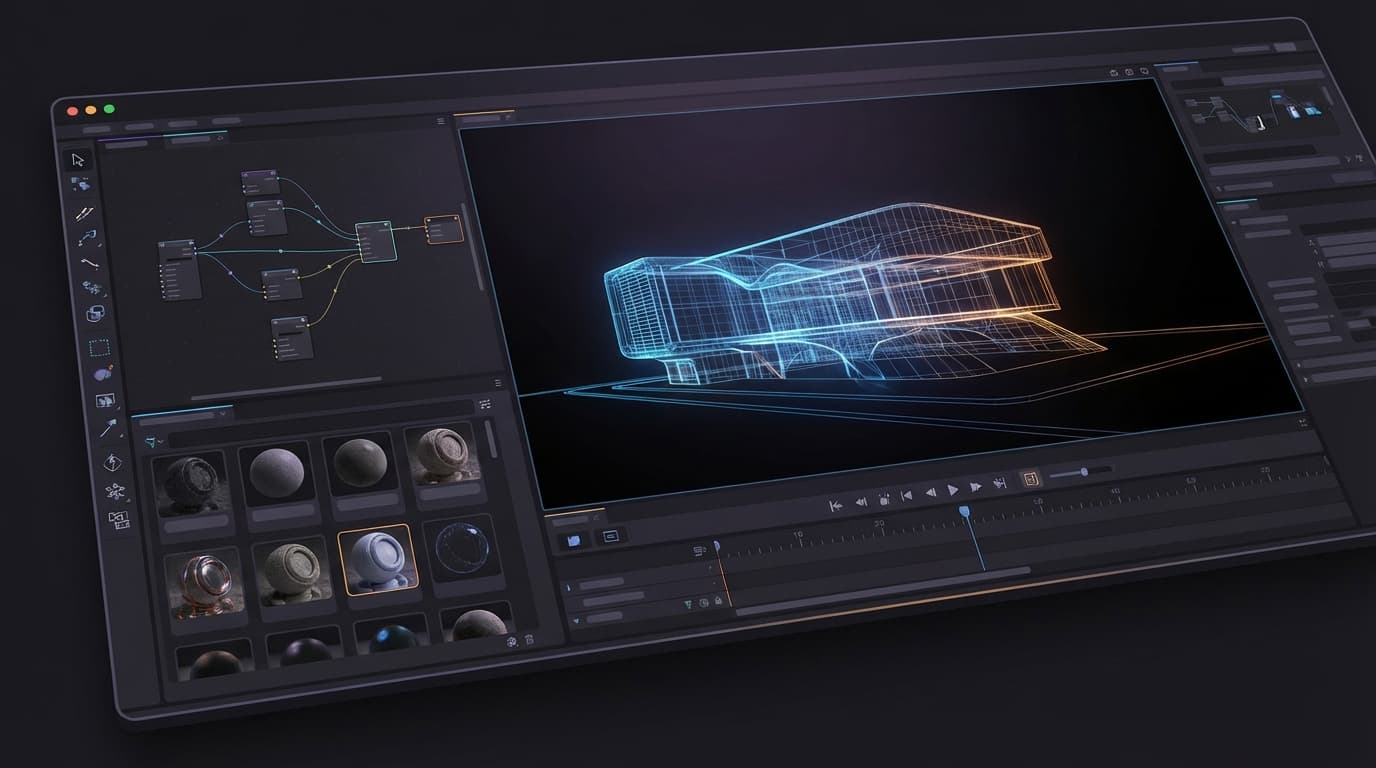
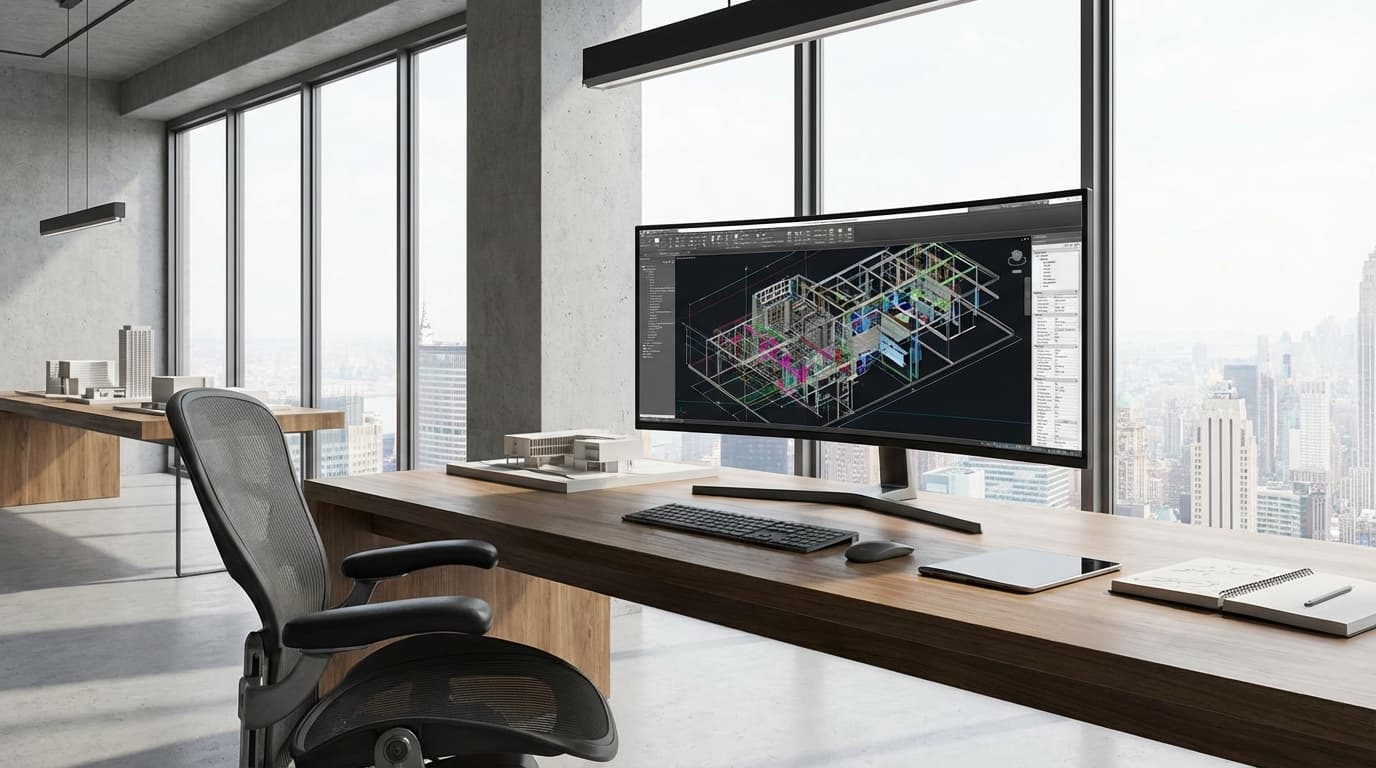
Your keyboard is the primary interface between your ideas and their digital expression. Every shortcut, every coordinate, every command flows through those keys — and if that keyboard is fighting you, your workflow is slower, your wrists are suffering, and you're making expensive mistakes you can't always see. Most architects treat keyboards as an afterthought. That's a mistake that compounds daily.
Updated 12 min read
Best Keyboards for Architects 2026: Why Your £15 Dell is Sabotaging Your CAD Workflow
Free Lessons
Watch real ArchAdemia lessons, free
Free Lessons
Watch real ArchAdemia lessons, free
11 full lessons from paid courses — no account needed
Watch a free lessonStop Typing Like It's 1999
What Makes an Architecture Keyboard Different
The best keyboards for architects prioritise CAD shortcut accessibility, tactile feedback, and multi-device connectivity over gaming features or office aesthetics. While your accountant mate might be perfectly happy with whatever came in the box, we're running complex software that demands precision input. Every misplaced keystroke in Revit costs time. Every failed shortcut breaks flow state.
Architecture keyboards need to handle the specific demands of CAD workflows. We're not just typing emails — we're firing off rapid combinations of Ctrl+Alt+obscure function keys while our left hand hovers over the mouse. The standard QWERTY layout becomes a command centre where F-keys matter more than arrow keys, and the number pad isn't optional furniture.
The difference between a generic keyboard and one built for professional workflows is like the difference between a butter knife and a scalpel. Both cut, but only one gives you the precision you actually need.
The CAD Shortcut Problem
Modern CAD software is built around shortcuts. Revit alone has over 200 default keyboard commands, and that's before you start customising your own. AutoCAD veterans can navigate entire drawings without touching a mouse. Rhino users live in a world where typing 'ex' is faster than clicking 'extend' in any menu.
But here's where most keyboards fail architects: they're designed for typing, not commanding. The function row gets buried under secondary layers. The number pad disappears in the name of portability. Essential keys like Delete and Home get shrunk down to chiclet size.
Your keyboard should accelerate your workflow, not fight it. Every time you have to hunt for a key or double-press because the switch didn't register, you're being pulled out of the design headspace and into hardware frustration.
Ergonomics vs Speed
The architecture profession has a dirty secret: we're all slowly destroying our wrists. Eight-hour CAD sessions, deadline crunches, and the peculiar hand positions required for complex shortcuts create a perfect storm of repetitive strain. Your keyboard choice directly impacts whether you'll still be able to draw in twenty years.
Ergonomics and speed aren't mutually exclusive. The best architectural keyboards find the sweet spot between comfort and performance. Tactile switches provide feedback without requiring excessive force. Proper key spacing reduces finger stretch. Programmable keys eliminate the most punishing key combinations.
The goal isn't to type faster — it's to work longer without pain and maintain precision when it matters most.
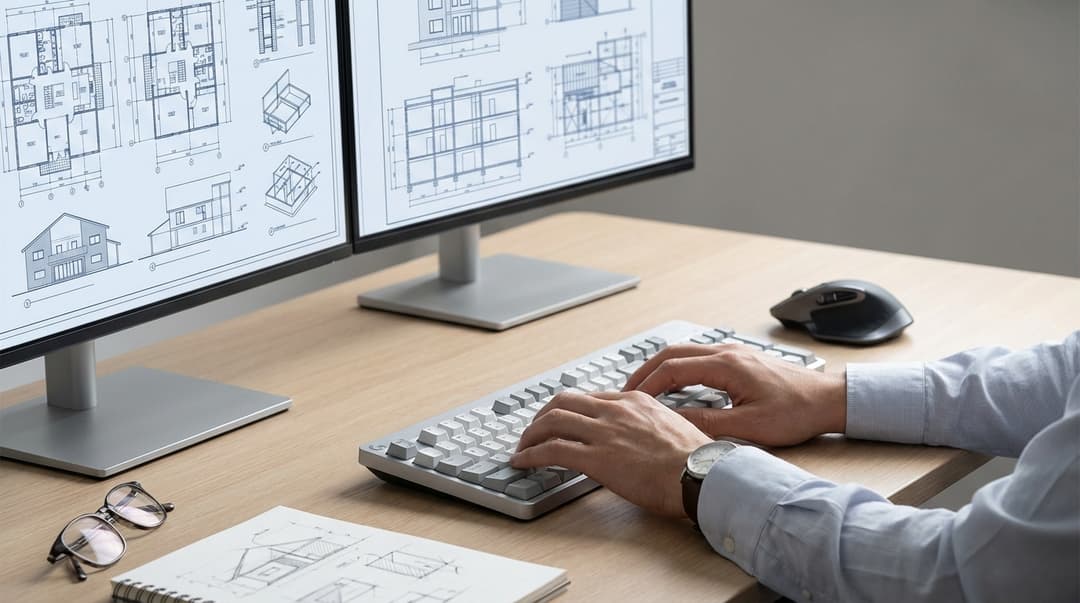
The Magnificent Seven (Plus Three Backup Dancers)
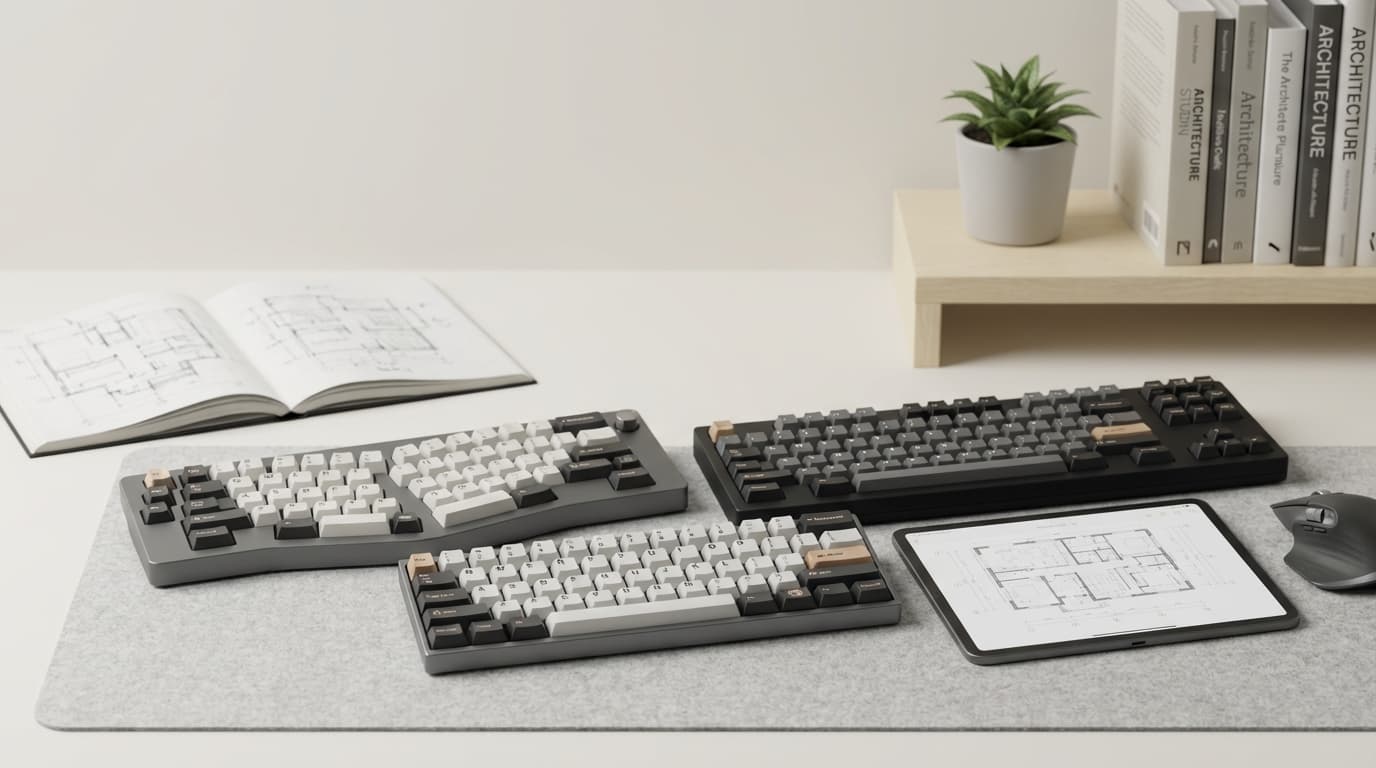
Fifteen keyboards tested over the past year through real architectural workflows — not gaming benchmarks or typing tests, but actual project work across our Revit training courses, AutoCAD essentials, and SketchUp workflows. Here's what survived the deadline crucible.
Mechanical Monsters
Best mechanical keyboard for architects in 2026: The Keychron Q1 Pro delivers tactile feedback and customisation that transforms CAD workflows. After six months of daily use across multiple projects, it's the keyboard worth recommending to anyone serious about their craft.
The Q1 Pro uses hot-swappable switches, meaning you can fine-tune the typing feel without buying a new keyboard. For architects, Gateron Brown switches are the right call — tactile enough to provide feedback without the clicking noise that'll annoy your studio neighbours. The aluminium construction feels substantial without being unnecessarily heavy, and the gasket mount design provides just enough flex to reduce finger fatigue during long sessions.
What sets it apart for architectural work is the full function row and proper key spacing. F9 for section views in Revit, F11 for full screen in any application — these aren't afterthoughts buried under secondary functions. The rotary encoder can be programmed for zoom control, turning model navigation into a tactile experience.
At £169, it's not cheap. But consider the cost per hour over a five-year career span. Good tools pay for themselves.
The Corsair K70 RGB Pro offers mechanical switches under £80 and represents the best value in the mechanical category. Don't let the gaming branding fool you — this keyboard handles CAD work beautifully. The Cherry MX Red switches are linear and fast, perfect for rapid-fire shortcut combinations. The aircraft-grade aluminium frame can handle the abuse of deadline sessions.
The dedicated media controls might seem frivolous until you're three hours into a render and want to skip tracks without Alt-tabbing out of your monitoring software. The USB passthrough is genuinely useful for plugging in a mouse or external drive.
Wireless Wonders
Best wireless keyboard for architecture students: The Logitech MX Keys Mini combines portability with the battery life needed for campus workflows. At £99, it's positioned perfectly for the student budget while delivering professional-grade performance.
The low-profile keys require less finger travel, reducing fatigue during long library sessions. The backlighting adjusts automatically to ambient conditions — crucial for those late-night studio sessions where you're the last person left in the building. Battery life extends to ten days with backlighting, three months without.
The multi-device connectivity switches between laptop, tablet, and desktop with dedicated keys. For students juggling multiple devices for research, presentation, and actual design work, this flexibility is invaluable.
The Apple Magic Keyboard remains the best wireless option for Mac-based workflows, despite its £99 price tag and polarising design. If you're committed to the macOS ecosystem and primarily work in software like Vectorworks or ArchiCAD, the integration is seamless. The scissor switches provide more tactile feedback than most laptop keyboards while maintaining the low profile that makes it genuinely portable.
The Lightning charging means you'll never hunt for AA batteries, and the connection stability is flawless. The lack of function keys, though, makes it less suitable for Windows-based CAD workflows.
Budget Champions
Best budget keyboard for CAD work: The Redragon K552 delivers mechanical switches and full-size layout for under £45. This is the keyboard worth recommending to first-year students who need something reliable but can't justify spending more than textbook money on peripherals.
The Outemu Blue switches are admittedly loud — your flatmates will know when you're working late. But they provide clear tactile feedback and have proven remarkably durable across multiple student workflows. The full-size layout means no compromises on number pad access for coordinate entry or F-key shortcuts.
Build quality exceeds expectations for the price point. The steel plate construction feels solid, and the keycaps show minimal wear after months of use. It's not pretty, but it works.
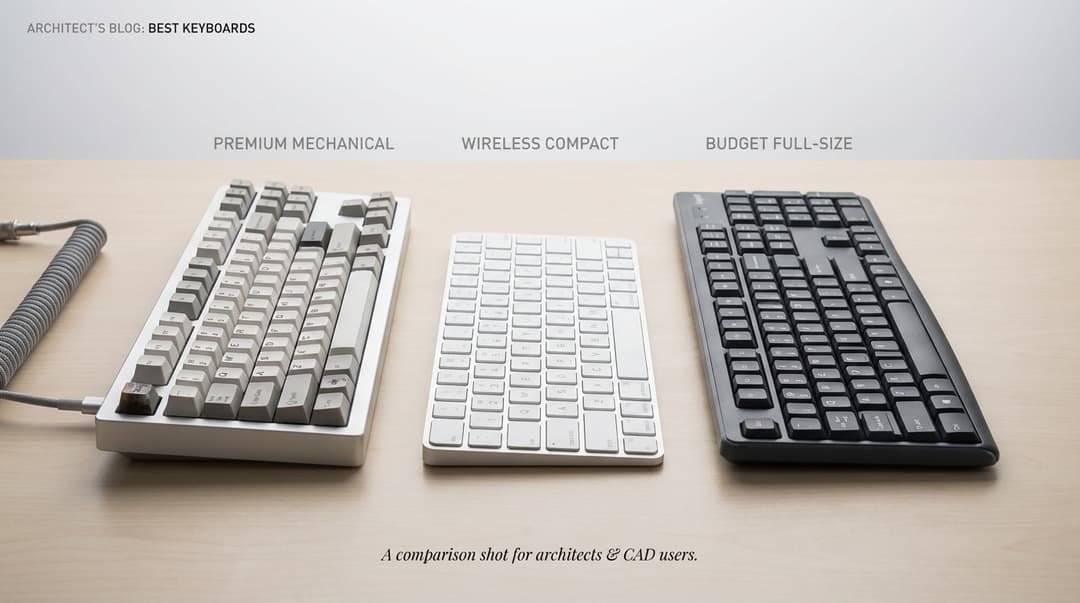
| Keyboard | Price | Switch Type | Wireless | Best For | Key Feature |
|---|---|---|---|---|---|
| Keychron Q1 Pro | £169 | Hot-swap Tactile | No | All Roles | Customisation |
| Corsair K70 RGB Pro | £79 | Cherry MX Red | No | Junior Architects | Value |
| Logitech MX Keys Mini | £99 | Low-profile | Yes | Students | Portability |
| Apple Magic Keyboard | £99 | Scissor | Yes | Mac Users | Integration |
| Redragon K552 | £45 | Outemu Blue | No | Budget Conscious | Price |
Ergonomic Essentials
The Microsoft Sculpt Ergonomic remains the best split keyboard for architects dealing with RSI concerns. At £89, it's specifically designed to address the wrist positioning issues that plague our profession. The split layout encourages natural hand positioning, while the dome shape reduces ulnar deviation.
The dedicated number pad is detachable, allowing you to position it optimally for CAD coordinate entry. Function keys are easily accessible without stretching. For architects transitioning from traditional keyboards, the learning curve is surprisingly gentle.
The wireless connectivity occasionally hiccups during intensive workflows, but for general CAD work, it's reliable enough. If wrist pain is limiting your productivity, this keyboard is worth serious consideration.
Match Your Keyboard to Your Misery
Architecture Students: Broke But Ambitious
Best keyboard for architecture students prioritises portability, durability, and sub-£60 pricing while maintaining compatibility with CAD shortcuts. Your keyboard needs to survive the transition from dorm room to studio space to library, often multiple times per day.
The Logitech MX Keys Mini hits the sweet spot for most students. Wireless connectivity eliminates cable tangles in packed bags. The compact footprint fits cramped desk spaces. Battery life extends beyond most assignment deadlines. The low-profile keys work well for both typing essays and navigating CAD software.
For students on tighter budgets, the Redragon K552 sacrifices portability for functionality. It's too large for comfortable transport but provides the full-size layout that CAD work demands. The mechanical switches will outlast your degree programme.
Junior Architects: Deadline Warriors
You're living in the world of rapid iterations and last-minute changes. Your keyboard needs to handle the abuse of 12-hour days without failing when you need it most. Best keyboard for junior architects balances speed, reliability, and professional appearance for open office environments.
The Corsair K70 RGB Pro delivers mechanical performance without the noise issues that create office tension. Linear switches allow rapid shortcut combinations without disturbing neighbouring desks. The professional aesthetic won't look out of place in client meetings.
Programmable keys become essential at this career stage. Assign complex Revit sequences to single keystrokes. Create shortcuts for your most-used layer combinations in AutoCAD. The time savings compound across projects.
Archviz Artists: Rendering Addicts
Your workflow involves long periods of detailed modelling followed by overnight renders. Comfort becomes paramount when you're spending hours fine-tuning materials in V-Ray or adjusting lighting in Enscape.
The Keychron Q1 Pro represents the best choice for archviz artists who need tactile feedback during detailed work and customisation options for software-specific workflows. The hot-swappable switches let you optimise for different tasks — tactile switches for modelling precision, linear switches for rapid texture adjustments.
The rotary encoder can be programmed for render region adjustments or camera positioning. Small details that streamline the iterative process of creating photorealistic imagery.
BIM Managers: Spreadsheet Samurai
Best keyboard for BIM managers requires full-size layout with programmable keys for Revit shortcuts and multi-model coordination tasks. Your role involves constant switching between software packages, each with distinct shortcut patterns.
The full-size layout isn't negotiable. Number pad access for coordinate entry, dedicated function keys for view management, and proper arrow key clusters for spreadsheet navigation. The Keychron Q1 Pro provides the customisation needed to create unified shortcut schemes across different software packages.
Consider multiple keyboard profiles for different project phases. One configuration for model development, another for clash detection workflows, a third for client presentations. The ability to switch contexts instantly reduces cognitive load during complex coordination tasks.
Project-Running Architects: Jack of All Trades
Your keyboard needs versatility above all else. Site notes on tablet, CAD work on desktop, client presentations on laptop — often within the same day. Best keyboards for project architects prioritise multi-device connectivity and reliable performance across varied workflows.
The Logitech MX Keys (full-size version) handles this role perfectly. Three-device connectivity with instant switching. Comfortable typing for reports and emails. Sufficient tactile feedback for CAD precision. Professional appearance for client meetings.
The ability to seamlessly transition between devices eliminates the friction of managing multiple input methods. Your muscle memory remains consistent whether you're reviewing drawings on-site or updating models in the office.
The Stuff Nobody Tells You
Switch Types That Actually Matter
Best switch type for architects: tactile brown switches provide feedback without noise disruption in open offices while maintaining precision for CAD work. The mechanical keyboard world obsesses over switch types, but most of that discussion focuses on gaming or typing speed rather than professional workflows.
For architectural work, you want switches that provide clear tactile feedback without excessive noise. Cherry MX Brown, Gateron Brown, or similar tactile switches hit this sweet spot. You feel each keypress register, reducing the uncertainty that leads to double-tapping or missed commands.
Linear switches (Red variants) work well for rapid shortcut combinations but provide less feedback for precise coordinate entry. Clicky switches (Blue variants) offer maximum tactile response but create noise issues in shared workspaces.
Actuation force matters more than most people realise. Switches requiring excessive force (over 60g) cause finger fatigue during long sessions. Switches with too little resistance (under 45g) increase accidental keypresses during rapid combinations.
The Wireless Lag Myth
Modern 2.4GHz wireless keyboards introduce less than 1ms of latency — imperceptible for any architectural workflow. The myth of wireless lag persists from early Bluetooth implementations that genuinely had performance issues.
Current wireless technology actually offers advantages for architectural workflows. No cable management reduces desk clutter. Multi-device connectivity eliminates the need for multiple keyboards. Battery life extends beyond most project deadlines.
The reliability question is more relevant than latency. Wireless connections can drop during critical moments, though this has become increasingly rare with current implementations. For mission-critical deadlines, keep a backup wired keyboard available.
Why RGB is Useless (Mostly)
RGB lighting serves no functional purpose for architectural workflows and often creates more problems than it solves. The light pollution interferes with colour-critical work. The software required for customisation adds system overhead. The additional power consumption reduces battery life on wireless models.
The exception is subtle backlighting for low-light environments. Studio spaces often have inadequate task lighting, making key visibility genuinely challenging during evening sessions. Single-colour backlighting with automatic brightness adjustment is actually useful. The rainbow effects are not.
Maintenance Reality Check
Mechanical keyboards require more maintenance than membrane alternatives. Keycaps accumulate debris from studio environments. Switches collect dust that affects performance. The modular design means more potential failure points.
But this maintenance burden comes with benefits. Individual switches can be replaced rather than discarding entire keyboards. Keycaps can be cleaned or replaced when they show wear. The overall lifespan extends far beyond cheaper alternatives.
Budget for annual deep cleaning and occasional switch replacement. The long-term cost per year often favours quality mechanical keyboards despite the higher upfront investment.
FAQ
What's the best keyboard for AutoCAD and Revit shortcuts?
Mechanical keyboards with full function rows and programmable keys excel for CAD work. The Keychron Q1 Pro offers the best combination of tactile feedback, customisation options, and shortcut accessibility for professional workflows. Full-size layouts ensure number pad access for coordinate entry.
Do wireless keyboards have lag issues for CAD work?
Modern wireless keyboards using 2.4GHz or Bluetooth 5.0+ connections have negligible latency (under 1ms) that won't impact architectural workflows. The Logitech MX Keys series demonstrates wireless performance that matches wired alternatives while offering multi-device connectivity benefits.
What's the best budget keyboard for architecture students?
The Redragon K552 provides mechanical switches and full-size layout for under £45, making it ideal for students needing CAD functionality on tight budgets. The Outemu Blue switches offer clear tactile feedback, though they're louder than premium alternatives.
Are mechanical keyboards worth it for architects?
Yes, mechanical keyboards provide superior tactile feedback and durability for long design sessions compared to membrane alternatives. The initial investment typically pays for itself through improved workflow efficiency and extended lifespan, especially for professionals spending 6+ hours daily in CAD software.
What keyboard features matter most for BIM work?
BIM workflows require full-size layouts with dedicated number pads, programmable keys for software-specific shortcuts, and reliable multi-device connectivity. The ability to switch between Revit, Navisworks, and coordination software seamlessly makes programmable profiles essential for BIM managers.
Can I use a gaming keyboard for architectural work?
Many gaming keyboards excel for architectural workflows, particularly models focusing on build quality over RGB aesthetics. The Corsair K70 series demonstrates how gaming keyboards can provide excellent CAD performance when they prioritise mechanical switches and professional layouts over flashy features.
Choosing input devices based purely on price is the same logic as specifying the cheapest materials in a building and wondering why maintenance costs spiral. The productivity debt accumulates quietly, one sticky key and missed shortcut at a time.
The best keyboards for architects aren't the flashiest or most expensive — they're the ones that disappear into your workflow, becoming transparent tools that amplify rather than impede. Whether you're a student surviving on instant noodles or a project architect juggling multiple deadlines, the right keyboard turns daily frustration into fluid productivity. Choose tools that respect your craft. Your future self, and your wrists, will thank you.

Written by
About the team