Choosing the wrong real-time renderer costs you more than money. It costs you weeks of relearning, a workflow that fights your BIM model at every turn, and client presentations that look like they were made in 2019. The good news: Enscape, Lumion, and Twinmotion each have a clear, defensible use-case in 2026 — and once you know which one fits your workflow, the decision is obvious.
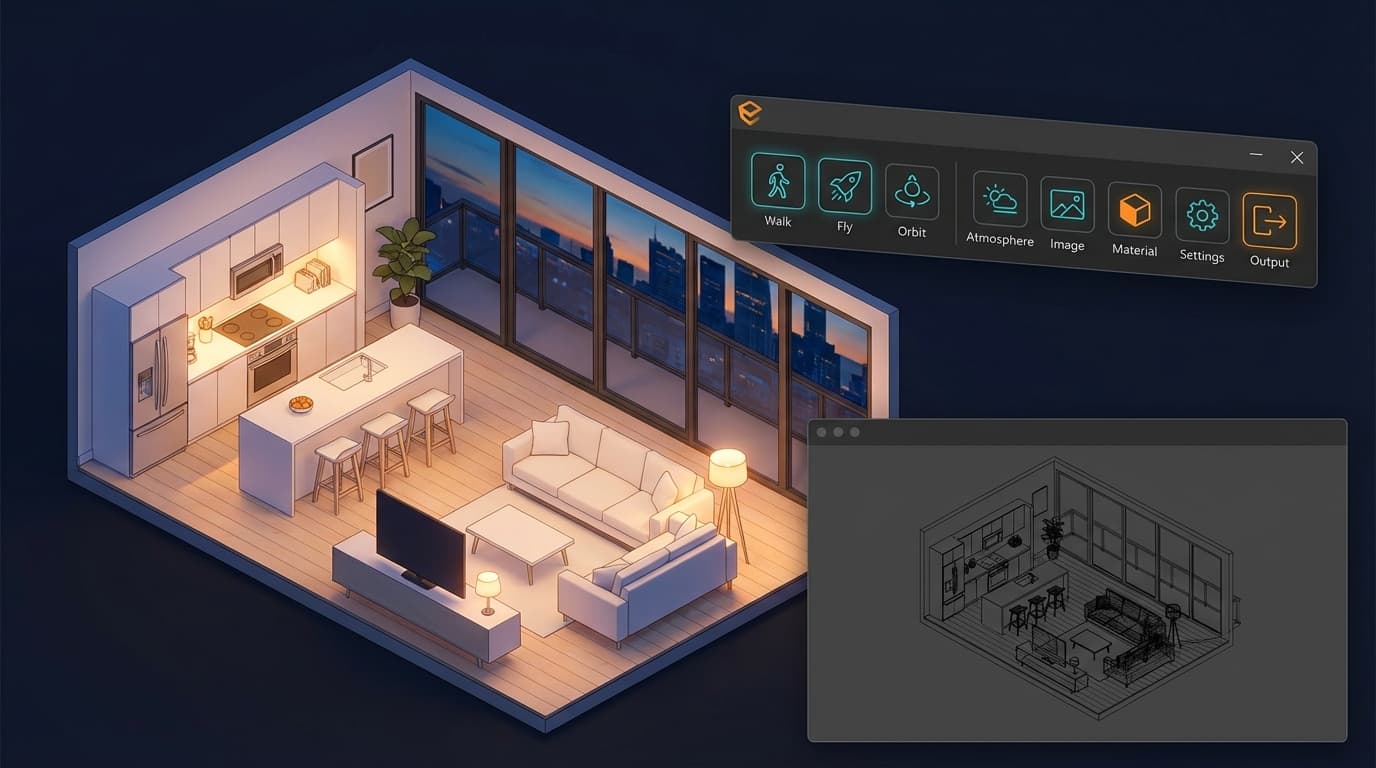
Enscape is the best real-time renderer for architects already working in Revit or SketchUp, offering direct plugin integration that renders live inside your host software without exporting a single file. Lumion 2026 produces the highest out-of-the-box visual quality of the three tools, making it the fastest route from model to client-ready render for architects without dedicated archviz training. Twinmotion is the best free-to-start real-time renderer for architecture students and small practices in 2026, with a genuine no-cost entry point and native Unreal Engine 5 integration.
All three tools have evolved significantly since the comparisons you'll find from 2023 and 2024. The raw visual quality gap has narrowed considerably. What separates them now is workflow fit, pricing structure, and the type of output you're producing. That's what this comparison is actually about.
What You're Actually Comparing (And What Doesn't Matter)
The three factors that determine the right renderer for an architect are host software compatibility, intended output type (still vs walkthrough vs VR), and licensing cost relative to studio size. Everything else — benchmark wars, YouTube showreels, render farm comparisons — is noise.
The Three Criteria That Actually Decide This
Host software compatibility is the first filter. Enscape operates as a plugin inside Revit, SketchUp, Rhino, ArchiCAD, and Vectorworks — your model is always live, always connected. Lumion works as a standalone application; you export your model as Collada, FBX, or SKP and import it. LiveSync for Revit and SketchUp partially bridges this gap, but it's still not the same as a native plugin. Twinmotion sits in the middle — it has direct links for Revit, ArchiCAD, SketchUp, and Rhino that work reasonably well, but the sync process has slightly more friction than Enscape's.
Output type shapes everything. Enscape excels at live walkthroughs and one-click VR. Lumion is built for cinematic stills and atmospheric video. Twinmotion is strongest for real-time animation and — uniquely — direct handoff to Unreal Engine 5 for fully interactive experiences.
Pricing in 2026 breaks down like this: Enscape costs approximately £599 per seat per year, making it the mid-range option but the most tightly integrated with BIM workflows. Lumion 2026 Pro is priced at approximately £1,499 per year — the most expensive of the three, but it includes the largest pre-built asset library with over 6,500 objects. Twinmotion is free for individual architects and studios earning under $1 million USD annually, making it the only real-time renderer in this comparison with a genuine no-cost entry point, with a paid licence at approximately £445 per year above that threshold.
What to Ignore: Benchmark Wars and YouTube Showreels
Those cinematic Lumion flythrough videos on YouTube? Post-processed. The Enscape 4K stills on Reddit? Colour-graded in Photoshop. Judge these tools on what you can produce in your first week, on your actual machine, from your actual model. That's the only benchmark that matters for practice.
One hardware note that applies to all three: a dedicated Nvidia or AMD GPU is the minimum requirement. Integrated graphics — including Intel Iris and, as of 2026, Apple Silicon's GPU — will not run any of these tools for real-time rendering. If you're on a MacBook without an eGPU, this comparison is academic until you sort the hardware.
Enscape: The BIM Architect's Renderer
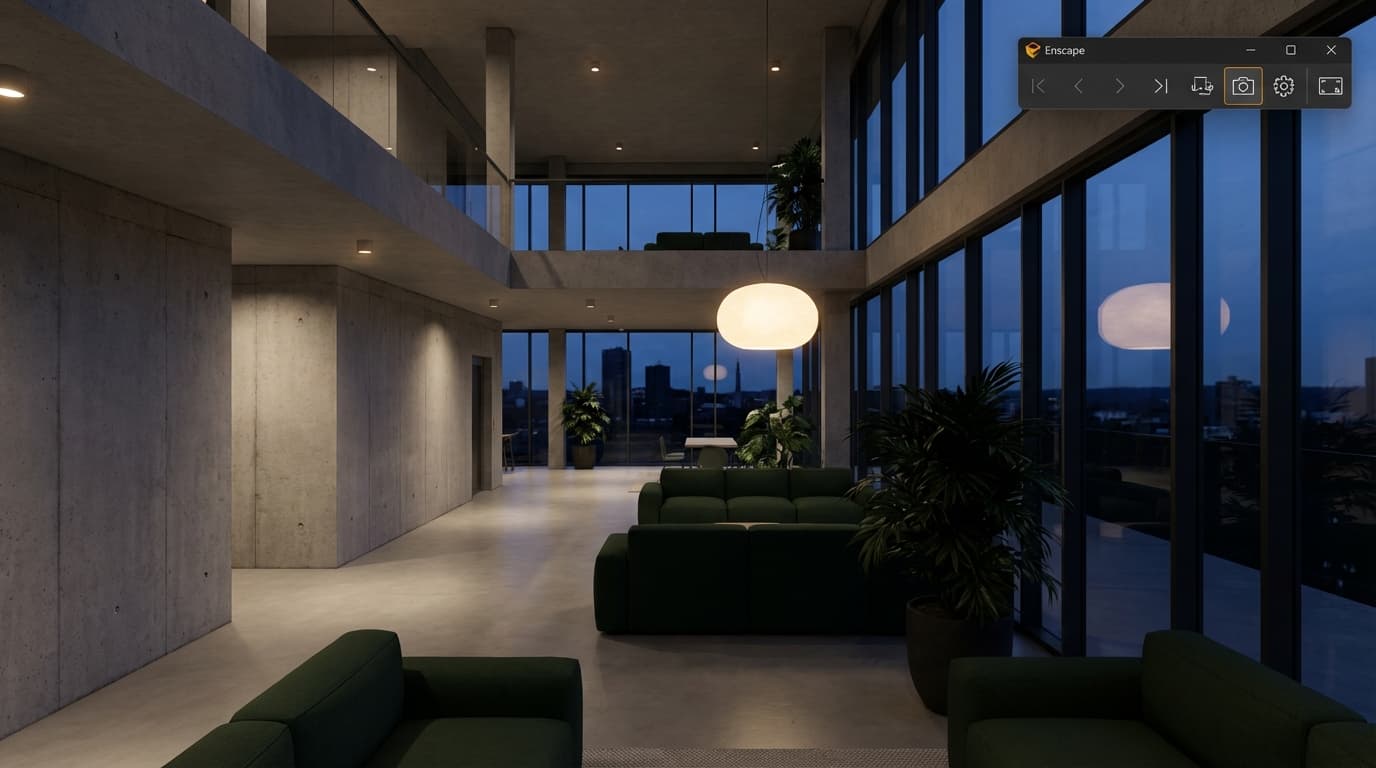
Enscape is the best real-time renderer for BIM-heavy practices using Revit or ArchiCAD, because it renders directly inside the host application with zero export workflow — changes in the model update live in the render view.
Where It Wins
The plugin model is Enscape's defining advantage. Open Revit. Press the Enscape button. You're rendering. No export, no file management, no wondering whether the version you're looking at matches the model you just updated. When you move a wall in Revit, the Enscape window updates. That live sync is genuinely transformative for design-stage client presentations — you can iterate in the room, in real time, with the client watching.
VR is where Enscape further separates itself. One click, headset on, client inside the building. No other tool in this comparison makes VR that accessible. For practices doing early-stage design reviews or planning consultations, that's a serious differentiator.
Enscape 4.x, released in the 2025–2026 cycle, introduced AI denoising and an improved HDRI sky system — a significant quality jump from version 3.x. The AI denoising reduces render noise at lower sample counts, cutting still-image render times by approximately 30% compared to version 3.x. The output quality now holds up well for most client presentations and planning submissions.
Where It Falls Short
The asset library is the weak point. Enscape carries approximately 3,500 objects — people, furniture, vegetation — against Lumion's 6,500+. For architects who need richly populated street scenes or complex landscape environments, that gap shows. Vegetation and weather effects are also less atmospheric than Lumion's — you won't get the same cinematic rainy-day render without significant manual effort.
Enscape is also not built for complex animation sequences. Walkthrough paths are functional but limited. If you need a fully choreographed fly-through with dynamic weather and crowd simulation, you're fighting the tool.
Who Should Use It
BIM managers, project-running architects, and any practice where the designer and the visualiser are the same person. If your workflow lives in Revit and you need renders that are good enough for client presentations without a separate visualisation pipeline, Enscape is the obvious choice.
If you want to go deeper on the Enscape workflow inside Revit specifically, the Enscape & Revit course covers the full setup from model preparation through to final output — worth the time if you're serious about making this your primary tool.
Not ideal for: dedicated archviz artists who need cinematic output, or studios producing competition renders where visual impact is the primary goal.
Lumion: The Fastest Route to a Beautiful Image
Lumion 2026 produces the most visually polished output of the three tools with the least technical setup, making it the best choice for architects who need client-ready renders quickly without deep rendering knowledge.
Where It Wins
The asset library is Lumion's crown jewel. Over 6,500 pre-built objects — people in motion, vehicles, detailed vegetation with seasonal variation, furniture, street furniture, water effects. No other real-time renderer in this comparison comes close. Drop a model in, populate the scene, adjust the sky, and you have something that looks genuinely good before you've touched a single material setting.
The atmospheric effects are in a different league. Rain, snow, fog, golden-hour sun, overcast diffuse light — Lumion handles environmental storytelling better than Enscape or Twinmotion. For competition submissions and marketing renders, where mood is everything, this matters enormously.
Lumion 2026 introduced AI-powered material recognition — import a mesh and Lumion auto-assigns materials based on layer and object names. It reduces manual material setup time on imported models by an estimated 40–60%. That's not a small thing when you're working to a deadline.
LiveSync for Revit, SketchUp, ArchiCAD, Rhino, and Vectorworks has improved significantly in recent versions, partially closing the workflow gap with Enscape. It's not seamless — you'll still hit friction when making major design changes — but for iterative tweaks during a presentation, it's workable.
Where It Falls Short
Lumion is a standalone application. That's the fundamental workflow constraint. When the design changes significantly, you're re-exporting, re-importing, and re-linking. For practices doing iterative design work where the model changes daily, this overhead adds up fast and becomes genuinely painful.
The price is also the hardest to justify. £1,499 per year for Pro puts it out of reach for most students and solo practitioners. There's a student licence, but the full commercial version is a significant commitment — especially when Twinmotion does much of the same work for free.
Who Should Use It
Archviz-focused architects, practices with a dedicated visualiser role, and anyone producing competition renders or marketing material where visual quality is the primary metric. If you're regularly producing material that goes to planning committees, developers, or publications, Lumion's output quality justifies the price.
ArchAdemia has a dedicated Lumion course covering the full pipeline from import to final output, plus a separate Lumion Raytracing course for practices wanting to push into higher-quality stills.
Not ideal for: real-time design review, BIM-integrated workflows, or any practice where budget is a genuine constraint.
Twinmotion: The Unreal Engine Wild Card
Twinmotion is the best real-time renderer for architecture students and early-career architects in 2026 because it is free below $1M revenue and runs on Unreal Engine 5, giving access to Lumen global illumination and Nanite virtualised geometry at no cost.
Where It Wins
The backing of Epic Games is not a minor detail. Twinmotion runs on the same engine that powers AAA game titles — and the rendering quality ceiling, when you push it, is genuinely higher than either Enscape or Lumion. Lumen, Unreal Engine 5's real-time global illumination system, produces lighting that would have required hours of ray tracing to achieve five years ago. Nanite handles geometric complexity at a level that makes polygon counts almost irrelevant for most architectural models.
The unique capability that no other tool here can match: Twinmotion to Unreal Engine export. If a project requires a fully interactive experience — a client who can open doors, switch materials, explore in real time — Twinmotion is the only tool in this comparison with a clear handoff path. That's a capability that practices building interactive presentations or digital twins should take seriously.
The asset library is smaller than Lumion's but growing rapidly through Fab, Epic's asset marketplace. The gap is closing.
Where It Falls Short
The learning curve is steeper than Lumion. The UI has improved significantly in recent releases, but Twinmotion still feels more technical than Lumion's approachable drag-and-drop interface. For an architect who needs something working by Friday, that friction is real.
Direct links for Revit, ArchiCAD, SketchUp, and Rhino exist, but the sync process is slightly less fluid than Enscape's. Hardware requirements are also demanding — the UE5 spec requires a modern dedicated GPU, and machines below that spec will struggle.
Who Should Use It
Architecture students, practices exploring interactive presentations, and archviz artists who want to grow into Unreal Engine as a long-term skill. The free tier makes it the obvious starting point for anyone who isn't already committed to another tool.
ArchAdemia covers this in both a Twinmotion Beginner course and a Twinmotion Advanced course — the advanced course goes into path tracing and cinematic animation, which is where the tool really shows what it can do. There's also a dedicated Unreal Engine Interiors course if you want to take the handoff all the way.
Not ideal for: practices needing fast setup with minimal learning investment, or studios on hardware below the UE5 minimum spec.
Head-to-Head: The Comparison Table
In a direct comparison of the three leading real-time renderers in 2026, Enscape leads on BIM integration, Lumion leads on out-of-the-box visual quality, and Twinmotion leads on value for money and rendering technology ceiling.
All three renderers require a dedicated GPU — integrated Intel or Apple Silicon graphics are not supported for real-time rendering in Enscape, Lumion, or Twinmotion as of 2026. The table tells you the specs. What it can't tell you is that the visual quality gap between these three tools has narrowed to the point where, for most client presentations, any of them will do the job. The decision is almost entirely about workflow fit and budget.
The Workflow That Actually Matters: From Model to Presentation
The renderer you choose is only as good as the model you feed it. Most architects lose more time in pre-render preparation than in the render itself.
Step 1: Get Your Model Renderer-Ready
Before you open any renderer, your model needs to be clean. Purge unused elements in Revit. Remove duplicate geometry. Check that object names and layer names are logical — Lumion's AI material recognition reads these directly, and Twinmotion uses them for auto-assignment too. A model with sensible naming conventions will save you 30–45 minutes of manual material work regardless of which tool you're using.
Keep your polygon count honest. Real-time renderers handle complexity differently from offline renderers — Twinmotion's Nanite is more forgiving, but Enscape and Lumion will slow down on unnecessarily dense geometry. Simplify furniture and entourage elements where detail won't be visible in the final output.
Step 2: Materials and Lighting — Where Most Architects Lose an Hour
This is where the workflow diverges most sharply between the three tools. In Enscape, materials are assigned in Revit or SketchUp before you even open the renderer — the Enscape Material Editor then lets you adjust roughness, reflectivity, and texture scale. In Lumion, you're assigning materials inside the application from a library. In Twinmotion, you're dragging materials from a panel onto objects.
Lighting in all three tools follows the same principle: start with the sky and sun, then add artificial light sources. Don't start with artificial lights and try to compensate — you'll chase your tail. Set your HDRI sky or sun position first, get the exterior exposure right, then work inward.
Step 3: Camera and Composition
The single most common mistake: architects set a camera at eye level, point it at the building, and render. That's a planning drawing, not a presentation visual. Drop the camera slightly below eye level for exterior shots. Use a 28–35mm equivalent focal length for buildings — wider than that and you get distortion, narrower and you lose context. Foreground elements — a branch, a kerb, a person walking — give depth and scale that no amount of render quality can substitute for.
Step 4: Output — Stills, Video, or VR
Know what you're making before you start setting up the scene. A still image, a walkthrough video, and a VR experience require different scene setups, different asset densities, and different lighting approaches. Trying to make one scene work for all three outputs is a false economy — you'll compromise all of them.
For stills: render at 2x or 3x your target resolution and downscale. The anti-aliasing improvement is worth the render time.
For video: lock your camera path before you finalise materials. Changing materials after you've animated a camera path means re-rendering the whole sequence.
For VR: keep your polygon count conservative and your material complexity low. Frame rate matters more than resolution when someone's wearing a headset.
Which One Should You Actually Use
Here's the honest answer, by role:
Architecture students: Twinmotion. It's free, it runs on UE5, and the skills transfer directly to Unreal Engine if you want to go further. There's no reason to pay for anything else at this stage.
Junior architects in a BIM practice: Enscape. If your office runs Revit, Enscape is the path of least resistance. The learning curve is shallow, the integration is seamless, and the output is good enough for everything from planning submissions to client design reviews. The Enscape Complete Guide will get you from zero to confident in a weekend.
Archviz artists and competition-focused practices: Lumion. The asset library and atmospheric quality are unmatched for producing images that win work. If you're regularly producing renders for developer clients or competition submissions, the £1,499 annual cost earns back quickly.
BIM managers running large Revit models: Enscape, without question. The live sync and zero-export workflow means visualisation becomes part of the design process rather than a separate production stage. If you want to push further into Enscape's capabilities — custom assets, scripted views, VR setup — the Enscape & Revit course covers the advanced workflow in detail.
Practices exploring interactive presentations or digital twins: Twinmotion. The Unreal Engine handoff is the only path in this comparison to fully interactive experiences, and the free tier makes experimentation low-risk.
The wrong choice isn't a disaster — all three tools are learnable and all three produce good output. But the right choice means your renderer disappears into your workflow instead of fighting it. Pick the one that fits how you already work, not the one with the best YouTube trailer.
FAQ
What is the best real-time renderer for architects in 2026?
The best real-time renderer depends on your workflow. Enscape is best for BIM practices using Revit or ArchiCAD, Lumion is best for high-quality marketing renders and competition submissions, and Twinmotion is best for students and budget-conscious practices. All three produce professional-quality output — the decision is about workflow fit, not raw quality.
Is Twinmotion really free?
Twinmotion is free for architects and studios with annual revenue under $1 million USD. Above that threshold, the licence costs approximately £445 per year in 2026. There are no watermarks or feature restrictions on the free tier — it is the full application.
Can Enscape be used without Revit?
Yes. Enscape works as a plugin inside Revit, SketchUp, Rhino, ArchiCAD, and Vectorworks. You do not need Revit specifically — but you do need one of these host applications. Enscape cannot run as a standalone renderer without a connected host software.
What GPU do I need for real-time rendering?
All three tools — Enscape, Lumion, and Twinmotion — require a dedicated Nvidia or AMD GPU. Integrated graphics, including Intel Iris and Apple Silicon, are not supported for real-time rendering as of 2026. A minimum of 8GB VRAM is recommended for comfortable use; 16GB is preferable for large architectural models.
Is Lumion worth the price for a solo architect?
At £1,499 per year, Lumion Pro is hard to justify for a solo practitioner unless you're regularly producing high-end marketing renders or competition submissions. For most solo architects, Enscape at £599 or Twinmotion at no cost will cover the majority of use cases. Lumion's price is most justifiable for practices with a dedicated visualiser or a consistent pipeline of developer clients.
Can I use Twinmotion with Revit?
Yes. Twinmotion has a direct link plugin for Revit that allows live sync between the two applications. The sync is slightly less seamless than Enscape's native Revit integration, but it works well for most workflows. The plugin is free and available through Epic Games' launcher.
What is the difference between Enscape and V-Ray?
Enscape is a real-time renderer — it produces output instantly as you work, trading some quality for speed. V-Ray is an offline renderer that produces higher-quality output but requires dedicated render time per image. For design-stage presentations and walkthroughs, Enscape is faster. For final marketing images where quality is paramount, V-Ray produces superior results. Many practices use both — Enscape for process, V-Ray for final output. ArchAdemia covers this transition in the Enscape to V-Ray Workflow course.
Which renderer is easiest to learn for beginners?
Lumion and Enscape both have learning curves of around 2 out of 5 for basic use — most architects can produce a presentable render within a few hours of first use. Twinmotion is slightly more complex, rated around 3 out of 5, due to its more technical interface. For absolute beginners, Lumion's drag-and-drop approach is the most immediately intuitive, but Enscape's integration with familiar BIM software means the total learning effort is often lower for architects already working in Revit.