Stop Choosing Your Renderer Based on Which Demo Reel Looks Prettiest
V-Ray, Enscape, and Lumion are not competing for the same use case — V-Ray dominates photorealistic still rendering, Enscape leads real-time architectural visualisation, and Lumion is the fastest route to presentation-ready animations. Choosing the wrong one costs architects significant time and money.
That distinction matters more than any feature comparison. Architects who choose rendering software based on price alone typically switch tools within 18 months, losing the learning investment entirely. Get this decision right once and you'll stop paying that tax.
ArchAdemia has 60+ courses covering all three renderers, used by over 4,000 architects and designers globally. That gives us a platform-level view of how architects actually use these tools day-to-day — not how the marketing suggests they should. What follows is an honest, role-based verdict.
What You're Actually Comparing (Because the Marketing Won't Tell You)
V-Ray requires the most technical setup but produces the highest-quality output. Enscape prioritises speed and live integration. Lumion sits between the two, optimised for fast animation over maximum realism.
The marketing for all three shows you the best possible output. It does not show you the workflow that produced it, the hours of scene setup, or the GPU that was running underneath. So let's talk about the three axes that actually matter: output quality ceiling, speed of iteration, and how each tool integrates with the software you're already using.
Render Quality Ceiling vs. Speed Floor
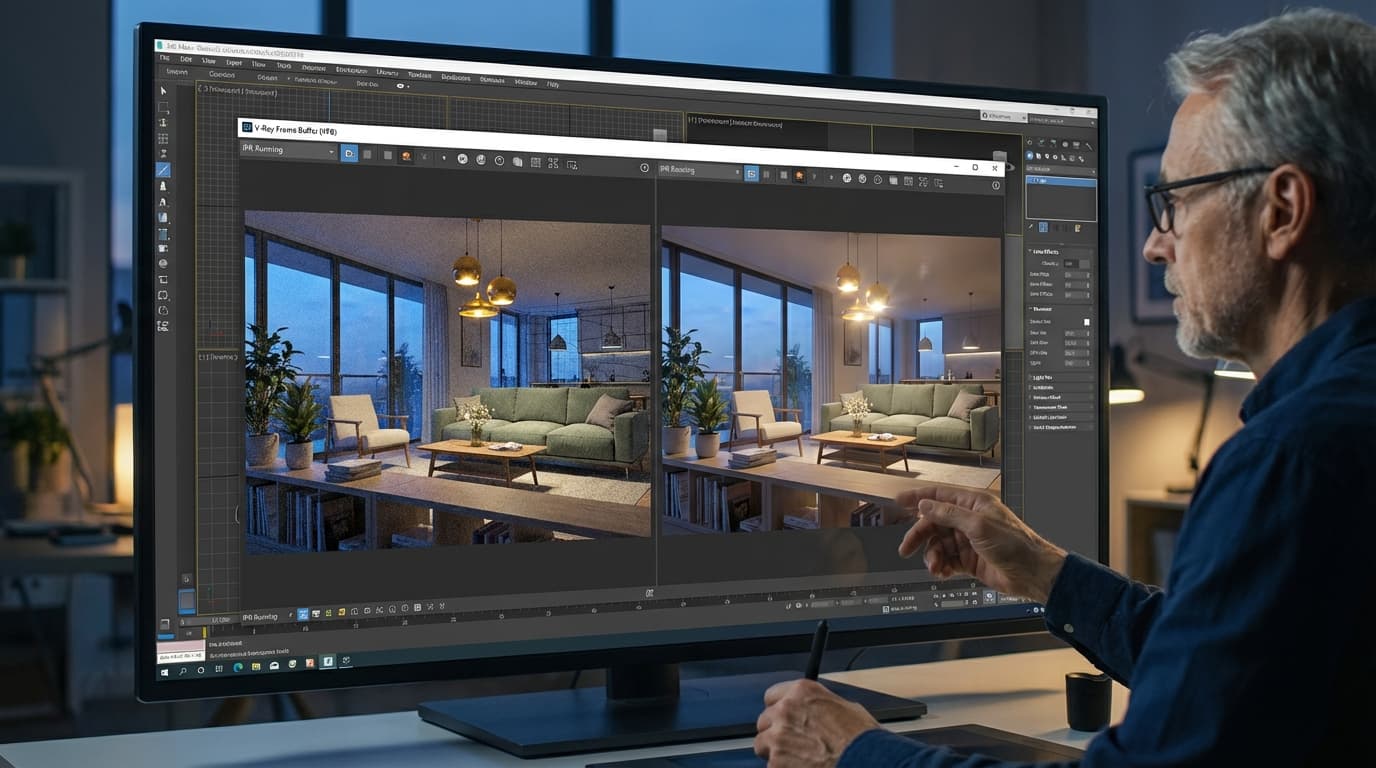
V-Ray 7 is a physically-based renderer. It simulates light the way light actually behaves — global illumination, caustics, accurate material IOR, subsurface scattering. The output ceiling is genuinely the highest of the three. V-Ray GPU rendering on an RTX 4090 produces a photorealistic 4K still in approximately 8–15 minutes depending on scene complexity. That number reflects real scene complexity, not a marketing benchmark.
Lumion produces a comparable-resolution still in under 2 minutes on the same hardware. The trade-off is physical accuracy — Lumion's rendering engine prioritises visual plausibility over simulation fidelity. For most client presentations, that trade-off is entirely acceptable. For a competition board where a jury will scrutinise every shadow, it is not.
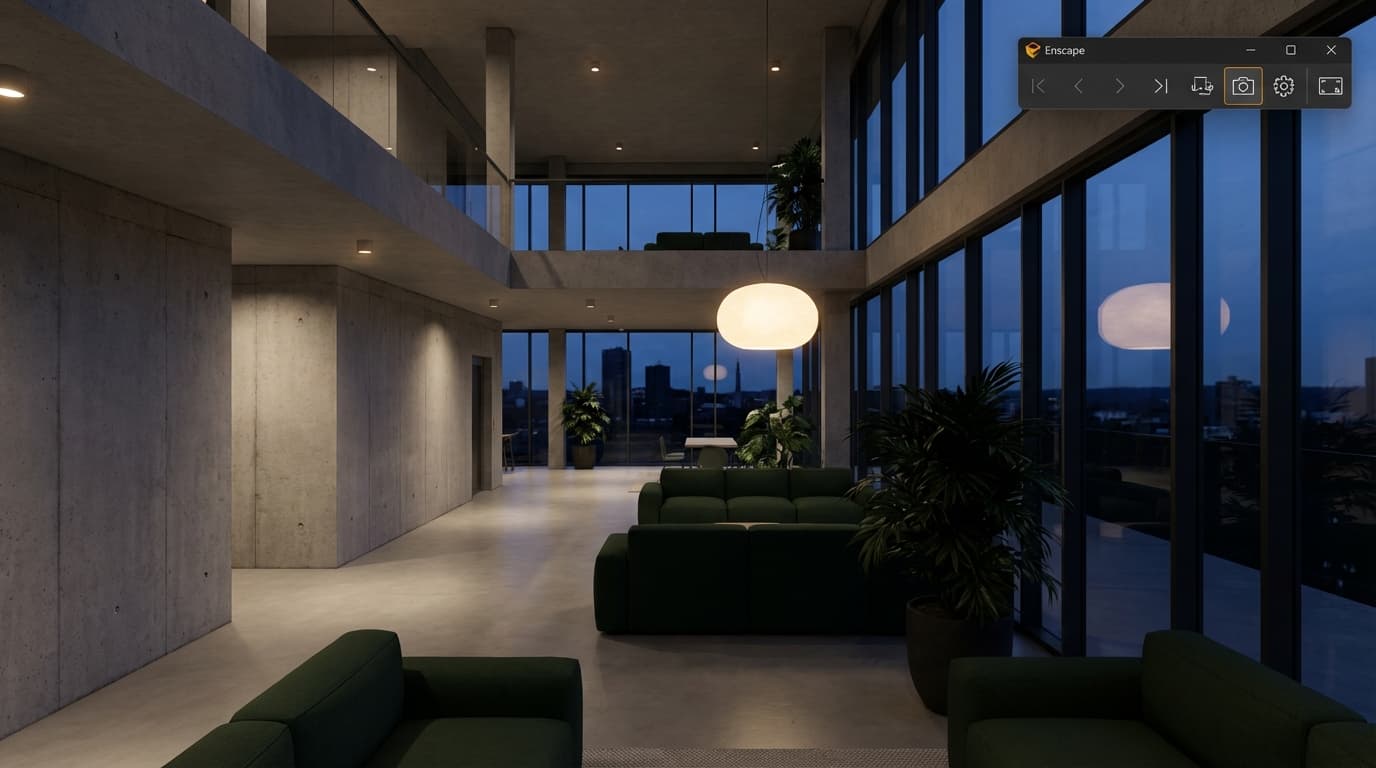
Enscape sits closest to real-time. Renders update in under 2 seconds as geometry changes, making it the only tool of the three genuinely usable during a live client meeting. That is not a small thing. That is a fundamentally different kind of tool.
This is where the decision usually gets made, and where most architects get it wrong.
V-Ray 7 works as a plugin inside Rhino, SketchUp, and 3ds Max. It does not live inside Revit. If your practice is Revit-first, V-Ray requires an export to a compatible host — which means a workflow break every time the model changes.
Enscape 4.x integrates directly into Revit, SketchUp, Rhino, and ArchiCAD, updating renders in real time as the model changes — no export or scene-rebuild required. It is the only renderer of the three that genuinely lives inside your BIM workflow.
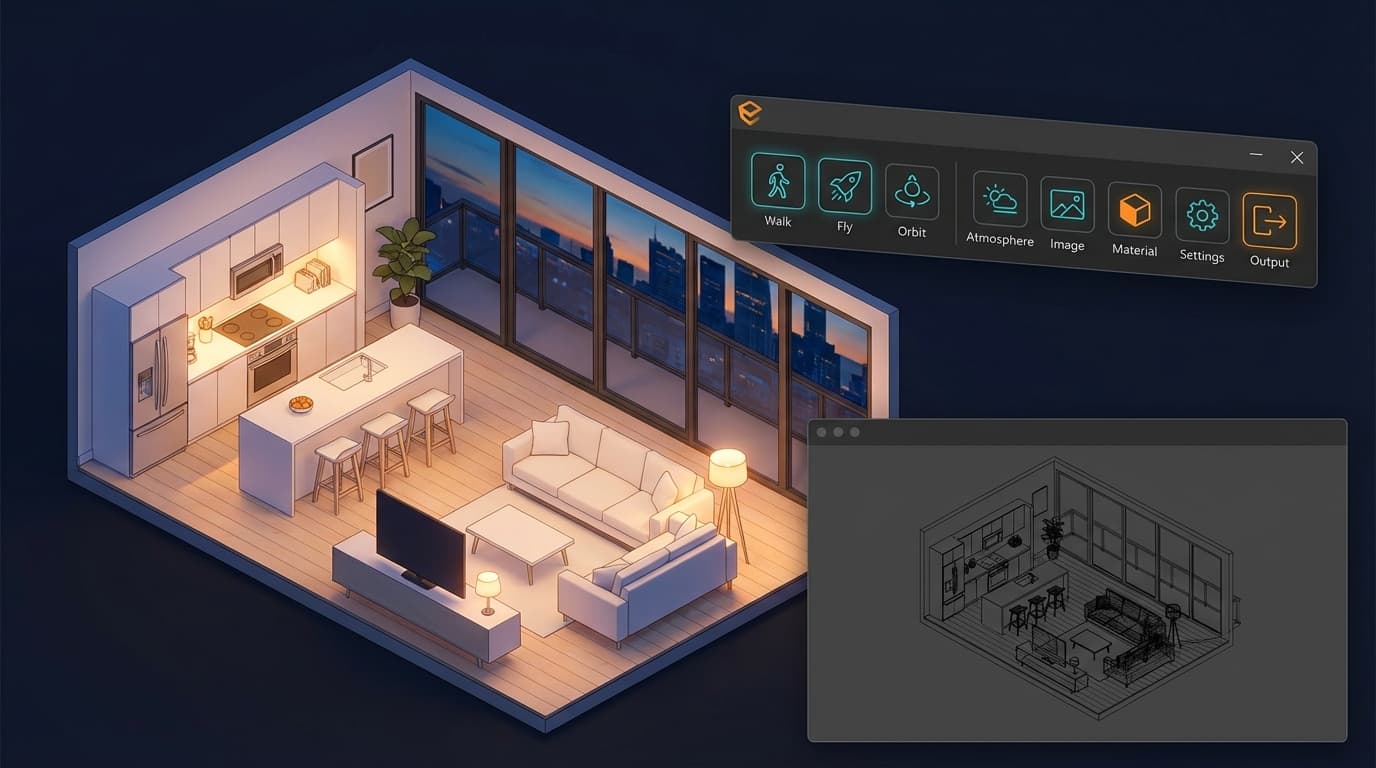
Lumion is a standalone application. You import geometry via LiveSync plugins for SketchUp, Revit, and ArchiCAD, which maintains a live connection — but you are still working in a separate application, managing a separate scene file.
Licensing Costs in 2026: What You Actually Pay
Enscape costs approximately £699 per seat annually. Lumion costs approximately £1,400–£1,800 annually depending on tier. V-Ray costs approximately £800–£1,200 annually depending on the host application. On price alone, Enscape wins. But cost-per-seat is only part of the equation — Lumion's price is harder to justify for a sole trader and easier to justify for a practice producing regular animated content.
The Comparison Table Every Architect Needs Before Buying
In 2026, Enscape costs approximately £699 per seat annually, Lumion costs £1,400–£1,800 annually, and V-Ray costs £800–£1,200 annually depending on host application — making Enscape the most cost-effective entry point for small practices.
|
V-Ray 7 |
Enscape 4.x |
Lumion 2026 |
| Best For |
V-Ray 7Photorealistic stills, archviz, competition renders |
Enscape 4.xLive client presentations, design-stage visualisation |
Lumion 2026Animations, landscape, masterplanning |
| Host Integration |
V-Ray 7Rhino / SketchUp / 3ds Max plugin |
Enscape 4.xRevit / SketchUp / Rhino / ArchiCAD plugin |
Lumion 2026Standalone + LiveSync plugins |
| Approx. Annual Cost |
V-Ray 7£800–£1,200 |
Enscape 4.x~£699/seat |
Lumion 2026£1,400–£1,800 |
| Learning Curve |
V-Ray 7High |
Enscape 4.xLow–Medium |
Lumion 2026Low |
| Real-Time Preview |
V-Ray 7No (progressive render) |
Enscape 4.xYes |
Lumion 2026Near-real-time |
| Animation Output |
V-Ray 7Limited (complex setup) |
Enscape 4.xBasic walkthroughs |
Lumion 2026Excellent |
| Photorealism Ceiling |
V-Ray 7Highest |
Enscape 4.xMedium–High |
Lumion 2026Medium |
| GPU Requirement |
V-Ray 7RTX series recommended (CUDA) |
Enscape 4.xMin. 8GB VRAM |
Lumion 202616GB VRAM recommended for large scenes |
| Mac Support |
V-Ray 7Yes (Rhino/SketchUp) |
Enscape 4.xWindows only |
Lumion 2026Windows only |
Lumion 2026 is the most expensive of the three at approximately £1,400–£1,800 per year, but it is the only tool optimised primarily for animation output rather than still rendering. If animation is not a regular deliverable, that premium is hard to justify.
V-Ray 7 is the best rendering software for architects producing high-end CGIs, competition renders, or portfolio imagery where photorealism matters more than speed. The caveat is significant: most architects who buy V-Ray for "better renders" end up using it for roughly 10% of their projects.
Who V-Ray Is Genuinely Built For
Archviz artists. Competition architects. Part II students building portfolios. Freelancers selling standalone renders to developers. If your primary deliverable is a still image that needs to hold up to scrutiny — on a competition board, in a planning application, in a developer's marketing brochure — V-Ray's physical accuracy is unmatched in this comparison.
The material system alone is worth the learning investment for that use case. Accurate IOR values, physically correct glass and water behaviour, caustics that actually look like caustics rather than a texture overlay. For close-up interior shots with complex lighting, V-Ray 7 is in a different category to the other two.
Where V-Ray Falls Apart in a Typical Practice Workflow
V-Ray does not offer real-time preview during modelling — every geometry change requires scene re-setup, making it impractical for live design-stage visualisation. That is a structural limitation, not a version issue. It is baked into what V-Ray is.
In a fast-moving project environment — where the client changes the massing on Tuesday, the planning consultant wants a revised view on Thursday, and the team is modelling in Revit — V-Ray creates friction at every step. The renders are beautiful. Getting to them is painful.
There is also the host software constraint. V-Ray does not integrate with Revit directly. If your practice runs on Revit, you are looking at an export to SketchUp or 3ds Max, scene rebuild, material reassignment, lighting re-setup. Every. Single. Time. The model changes.
The V-Ray Learning Investment: What It Actually Takes
Architects without prior rendering experience typically require 40–60 hours of structured training before producing professional-quality V-Ray output. That is not a criticism — it reflects the depth of the tool. But it is a real number that most people underestimate when they purchase a licence.
The fastest path through that curve is structured training rather than YouTube tutorials assembled from five different V-Ray versions. ArchAdemia's Rhino & V-Ray course and V-Ray for SketchUp course are built specifically for architects — covering lighting, materials, and camera settings in the context of architectural scenes, not product renders or VFX work. If you are coming to V-Ray from Enscape and want to understand how the two workflows connect, the Enscape to V-Ray workflow course is the most direct bridge.
Best for: Archviz artists, competition architects, Part II students, freelance CGI work. V-Ray 7 is the best rendering software for architects producing competition imagery or high-end residential CGIs, where photorealism is the primary deliverable and render time is not the constraint.
Enscape: The Renderer That Actually Fits How Architects Work
Enscape is the best real-time rendering software for Revit-based architecture practices in 2026, updating visualisations instantly as the BIM model changes without any export workflow. For practices running Revit as their primary tool, this is not a minor convenience — it changes how you present design.
Why Real-Time Rendering Changes Client Conversations
The traditional presentation model goes: model the design, export geometry, rebuild scene in renderer, produce images, present images, client requests changes, repeat from the beginning. That loop takes days. Sometimes weeks.
Enscape collapses it. The design team models in Revit, opens the Enscape window, and presents to the client in the same session. Change a material — the client sees it update in seconds. Walk them through the space while you are still technically in a BIM model. The conversation shifts from "what does this look like" to "do you prefer this or this" — which is a much more productive place to be.
Enscape renders update in under 2 seconds as geometry changes. In a live client meeting, that responsiveness is worth more than any quality difference between Enscape and V-Ray.
Enscape's Honest Limitations
The material library is curated but limited compared to V-Ray's full physically-based material system. Enscape's output at the photorealism ceiling — particularly for close-up detail shots, complex glass, or water — is noticeably below V-Ray. That gap has narrowed. Enscape 4.x introduced path tracing mode, which produces higher-quality still images and partially closes the photorealism gap with V-Ray for standard architectural scenes. But "partially closes" is doing real work in that sentence. For specialist archviz, V-Ray is still the better tool.
Enscape requires a minimum of 8GB VRAM and runs on Windows only — Mac users must use Bootcamp or a Windows machine. That is a genuine constraint worth knowing before you buy.
Enscape in a Revit-First Practice: The Strongest Case
Enscape is the best real-time rendering software for Revit-based architecture practices, offering live model integration at approximately £699 per seat annually in 2026. For a small practice of three to five architects, that cost is manageable and the productivity gain — particularly in client-facing stages — is immediate.
Junior architects managing design presentations get the most out of Enscape. The learning curve is shallow enough that someone with no prior rendering experience can produce credible visualisations within a week of structured training. BIM managers running stakeholder presentations find it invaluable for showing non-technical clients what a space will actually feel like.
ArchAdemia's Enscape Complete Guide covers everything from initial setup through to path-traced stills and VR walkthroughs — structured for architects already working in Revit, SketchUp, or Rhino who want to get productive fast. There is also a dedicated Enscape and Revit course for practices where the BIM workflow is the priority.
Best for: Junior architects, BIM managers, Revit-first practices, design-stage client presentations. Enscape is the best real-time rendering software for Revit-based architecture practices, offering live model integration at approximately £699 per seat annually.
Lumion: Fast, Beautiful, and Slightly Dishonest About What It Is
Lumion is the best rendering software for architects producing animated walkthroughs and landscape visualisations quickly — its asset library and weather effects make it faster than any competitor for site-context renders, but it does not match V-Ray for photorealistic close-up detail.
Where Lumion Genuinely Earns Its Price Tag
The content library. Thousands of trees, people, vehicles, furniture pieces, weather effects, water systems — drag-and-drop environment building that would take hours to assemble in V-Ray. For site context renders and masterplanning visualisations, where you need populated streets, mature planting, and convincing sky conditions, Lumion is faster than anything else in this comparison by a significant margin.
Lumion 2026 is the fastest tool for producing presentation animations, typically completing a 30-second walkthrough render in under an hour on a mid-range workstation. A 60-second site walkthrough that would take a day in V-Ray takes 2–3 hours in Lumion. For practices producing regular animated content — planning applications, developer presentations, public consultations — that time saving has a direct cost equivalent.
The Lumion Trap: When It Becomes a Crutch
Lumion renders have a recognisable look. Experienced clients, planning officers, and competition jurors can spot a Lumion render. The atmospheric effects, the particular quality of the vegetation, the way light behaves — it has a house style. That is not inherently a problem. But it does mean your visualisation is immediately legible as a particular type of output, with all the associations that carries.
The deeper trap is that Lumion's ease of use can substitute for design rigour. When you can make anything look beautiful in three hours, the temptation is to use the renderer to paper over design problems rather than resolve them. The tool is not responsible for that — but it enables it in a way that V-Ray's friction does not.
Lumion for Landscape and Masterplanning: Its Strongest Use Case
For landscape architects, urban designers, and masterplanners, Lumion is not just fast — it is the right tool. The scale at which these projects operate makes V-Ray's scene-by-scene approach impractical. Lumion handles large sites, multiple building masses, complex planting schemes, and animated pedestrian flows with less friction than any competitor.
ArchAdemia's Lumion course covers the full workflow from geometry import through to final animation output. For practices wanting to push further, the Lumion Raytracing course covers the advanced rendering techniques that get Lumion output closest to V-Ray quality for stills.
Best for: Landscape architects, masterplanners, practices producing regular animated content, planning applications. Lumion 2026 is the best rendering software for architects producing animated site context visualisations, with a content library and animation workflow that no competitor matches at comparable speed.
The Verdict: Which One Should You Actually Buy?
There is no universal answer, which is exactly what the marketing does not want you to hear. But there is a right answer for your situation.
Buy Enscape if you are running a Revit-based practice and your primary need is design-stage client communication. It is the lowest-friction, most immediately useful renderer for the majority of practising architects. At £699 per seat, it is also the most defensible purchase for a small practice. Start here.
Buy Lumion if animation is a regular deliverable and you work at the scale of landscape, masterplanning, or large mixed-use projects. The higher price is justified by the time saving on animated content. Not justified if you primarily produce stills.
Buy V-Ray if you are an archviz specialist, a competition architect, or a Part II student building a portfolio that needs to compete at the highest level. Accept the learning curve as the cost of entry. Budget 40–60 hours of structured training before expecting professional output — and get that training from a structured course rather than assembling it from disparate tutorials.
If you are genuinely unsure where to start, Enscape is the lowest-risk entry point. The learning curve is manageable, the Revit integration is immediate, and there is a clear upgrade path — ArchAdemia's Enscape to V-Ray workflow course exists precisely for the moment when Enscape's quality ceiling stops being enough and you are ready to push further.
FAQ: V-Ray vs Enscape vs Lumion
Which is better for architects — V-Ray, Enscape, or Lumion?
The best renderer for architects depends entirely on the deliverable. Enscape is best for design-stage client presentations in a Revit workflow. V-Ray is best for photorealistic competition and marketing imagery. Lumion is best for animated walkthroughs and landscape visualisations. No single tool is best for all three.
Is V-Ray worth learning for architects in 2026?
V-Ray is worth learning for architects whose primary output is high-quality still imagery — competition entries, developer CGIs, or archviz portfolios. For project-running architects who primarily need design-stage visualisation, Enscape delivers better value for the learning investment. Expect 40–60 hours of structured training before producing professional V-Ray output.
Can Enscape replace V-Ray?
Enscape cannot fully replace V-Ray for photorealistic still rendering. Enscape 4.x's path tracing mode narrows the quality gap for standard architectural scenes, but V-Ray's physical accuracy — particularly for complex glass, water, and close-up material detail — remains superior. For real-time design visualisation, Enscape has no equivalent among the three.
How much does Lumion cost in 2026?
Lumion costs approximately £1,400–£1,800 per year in 2026 depending on the licence tier. This makes it the most expensive of the three options — more than Enscape at approximately £699 per seat annually and V-Ray at approximately £800–£1,200 annually. The premium is justified for practices producing regular animated content; it is harder to justify for still-image-focused workflows.
Does Enscape work with Revit?
Enscape integrates directly with Revit as a plugin, updating the rendered view in real time as the BIM model changes — no export or scene rebuild required. This makes it the strongest real-time rendering option for Revit-based practices. Enscape also integrates with SketchUp, Rhino, and ArchiCAD.
What GPU do I need for rendering in 2026?
GPU requirements vary by renderer. V-Ray GPU rendering performs best with an NVIDIA RTX series card with CUDA support. Enscape requires a minimum of 8GB VRAM. Lumion recommends 16GB VRAM for large scenes. For a workstation handling all three tools, an RTX 4080 or RTX 4090 with 16GB VRAM covers all requirements comfortably.
Is Lumion good for beginners?
Lumion has the lowest learning curve of the three renderers, making it genuinely accessible for beginners. The drag-and-drop asset library and straightforward animation tools mean a new user can produce a credible walkthrough within days. The trade-off is that Lumion's output has a recognisable visual style that limits its ceiling for specialist archviz work.
Which renderer is best for architecture students?
For architecture students, the best renderer depends on the stage of study. Part I and Part II students building design portfolios should prioritise Enscape for design-stage work and consider V-Ray for competition and portfolio imagery. Students specifically pursuing archviz as a career path should invest in V-Ray from the outset, accepting the steeper learning curve as a career investment.