The Short Answer, Because You've Got a Client Meeting at 3pm
Enscape wins for live client walkthroughs. V-Ray wins for the hero image that ends up on the wall of the boardroom, or the front page of the planning submission. That's the whole verdict — everything else in this article is just justifying it.
The trade-off underneath that verdict is simple: Enscape sacrifices ultimate realism for real-time interactivity, while V-Ray sacrifices speed for photographic accuracy. Enscape is the best renderer for live, real-time client walkthroughs where design changes need to be shown instantly — it renders frames in under 50 milliseconds on a mid-range GPU, which is why it feels less like "rendering" and more like moving through a finished building. V-Ray is the best renderer for photorealistic hero shots and marketing stills, where a render time of several minutes per frame is a fair price for physically accurate lighting and material response.
So the question isn't "which renderer is better." That's the wrong question, and it's the one that keeps studios stuck arguing in Slack channels. The right question is: what am I presenting, and to whom? A live walkthrough with a client who wants to move a wall on the spot needs one tool. A planning committee reading a static visual on an A1 board needs another. Most studios running both licenses aren't wasting money — they've just correctly identified that these are two different jobs wearing the same "renderer" label.
What 'Client Presentation' Actually Means (And Why That Changes the Answer)
The right renderer choice depends entirely on presentation format: real-time client walkthroughs favour Enscape, while fixed marketing images and planning visuals favour V-Ray. Get this distinction wrong and you'll either bore a planning officer with a laggy live model, or waste four hours ray-tracing a scene that only needed to answer "does the extension block the neighbour's light."
Live walkthroughs vs fixed hero shots
A live walkthrough is a conversation. The client is in the room — physically or on a call — and they want to interrogate the design. "What if the kitchen island was rotated?" "Can we see it with brick instead of render?" "What does it look like from the garden at golden hour?" These are real-time questions, and they demand a real-time answer. This is Enscape's entire reason for existing.
A fixed hero shot is a statement. It's the image on the planning application, the render on your Instagram grid, the shot in the awards submission. Nobody's asking it questions. It just needs to look unquestionably real, and it needs to look that way under the kind of scrutiny a static, zoomed-in, printed image invites. This is V-Ray's job.
The boardroom test: who's in the room and what are they deciding on?
If the people in the room are deciding on design — layout, massing, materiality, "does this feel right" — you want speed and interactivity, so Enscape. If they're deciding on approval — planning committee, investment board, awards panel — you want maximum polish on a small number of fixed frames, so V-Ray.
Junior architects get this wrong constantly, and it's rarely a skills problem — it's a habit problem. Most default to whatever renderer their studio already has open, rather than stopping to ask which tool actually matches the moment. If your BIM manager has Enscape running for coordination walkthroughs, it's tempting to just use that for the client meeting too, even when the meeting calls for something more considered.
This is exactly where ArchAdemia's role-based framework earns its keep. Students need speed and a low learning curve because they don't have four years to learn a render engine before their crit. BIM managers need stability across huge linked Revit models more than they need ray-traced caustics. Archviz artists need fine-grained control over every material and light source. Project-running architects need something that works equally well on a laptop at a site visit and on a workstation back at the studio. Same industry, four different jobs, four different answers.
Enscape: The Renderer That Doesn't Make You Wait
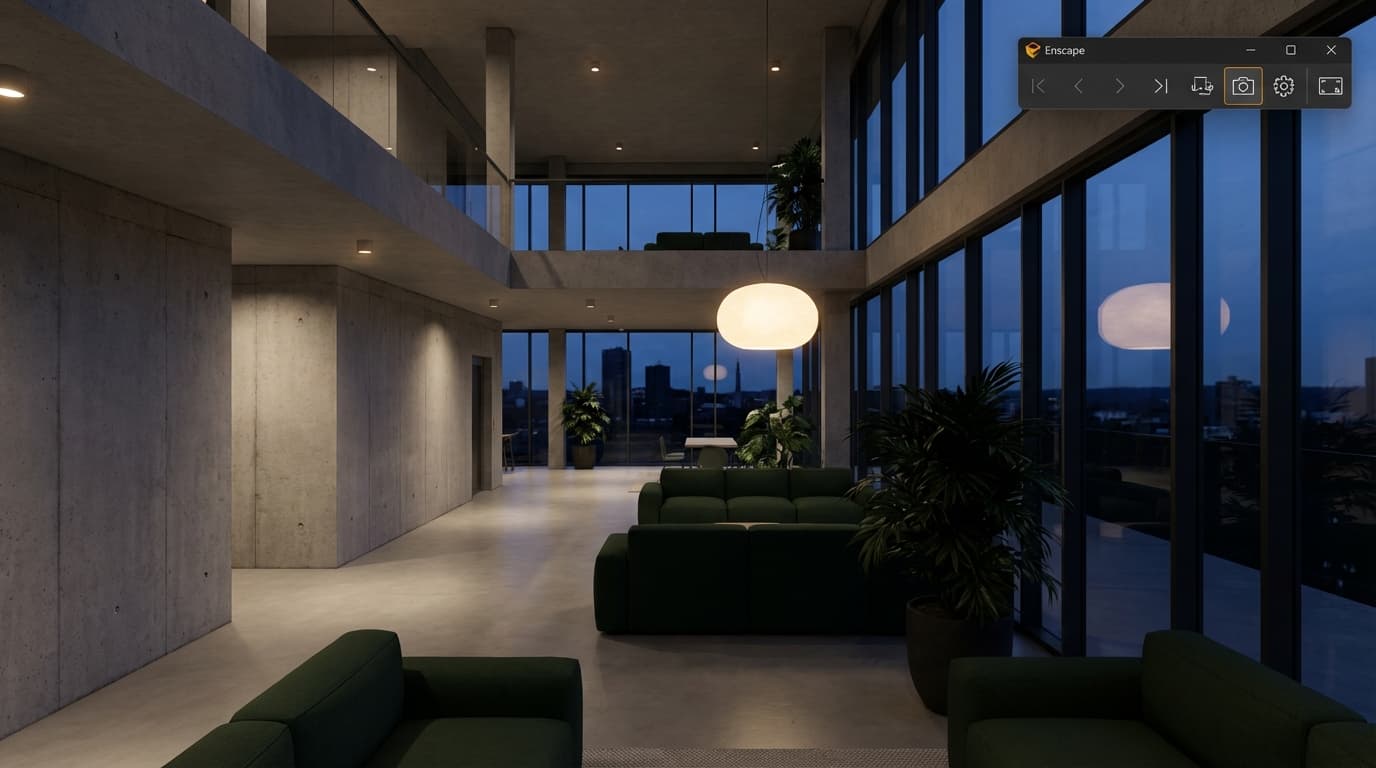
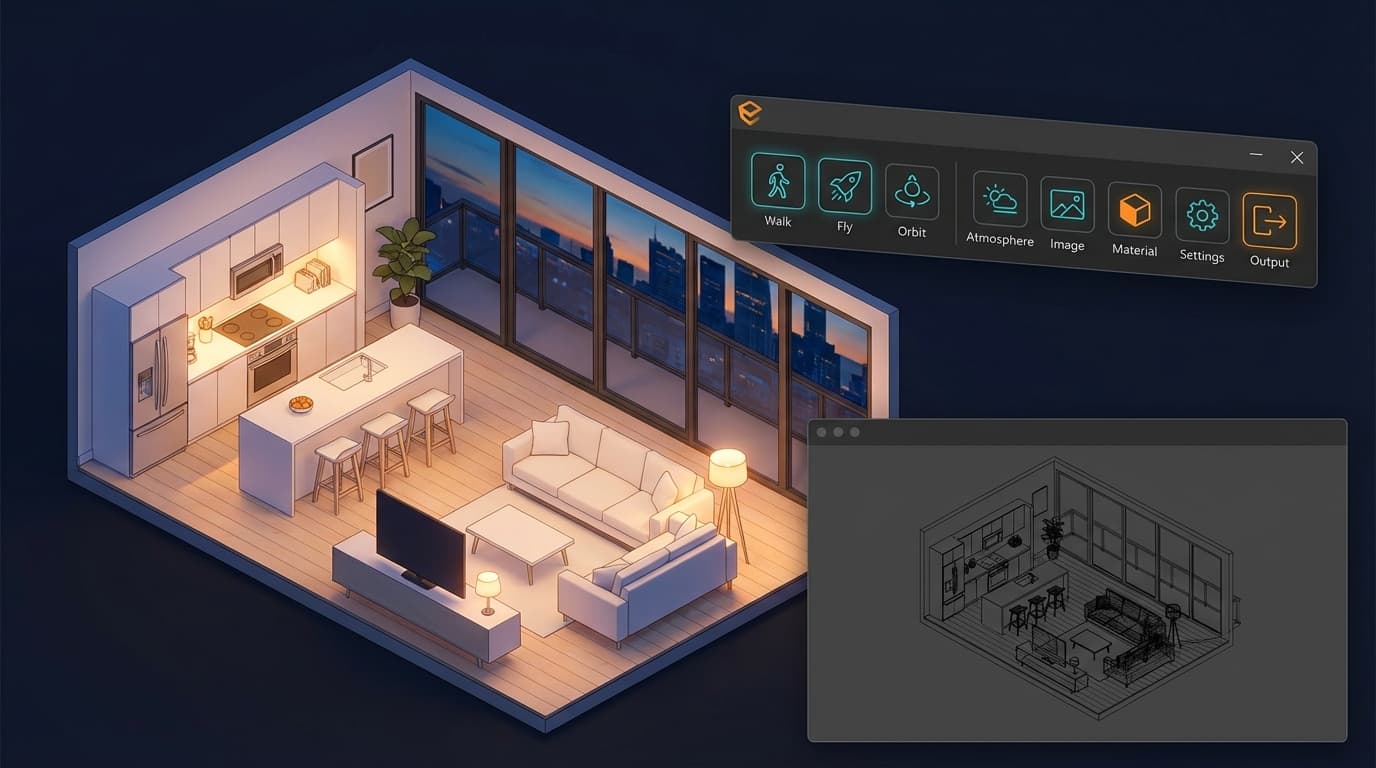
Enscape is the best renderer for architects presenting directly from Revit or SketchUp without leaving the modelling software, because it renders changes in real time with no separate export step. There's no "send to render," no baking, no waiting for a progress bar. You move the mouse, the building changes, the client watches it happen live.
Real-time performance and hardware demands
Enscape's rendering engine is built on real-time rasterisation with ray-traced lighting enhancements layered on top — which is precisely why it's fast. It's not doing the full physical light simulation V-Ray does; it's doing a very good approximation of it, fast enough that your eye doesn't register the compromise unless you go looking for it.
The hardware ask is comparatively modest. An RTX 4060-class GPU with 8GB of VRAM will comfortably handle most residential and mid-size commercial projects without stuttering. That's a meaningful detail for anyone reading this on a student budget — you don't need a workstation-grade card to run client-ready visuals.
Integration with Revit, SketchUp and Rhino
Enscape sits inside Revit, SketchUp, Rhino and Archicad as a live viewport, not a plugin you tab out to. Change a material in your Revit model and it updates in the Enscape window before you've let go of the mouse. For design meetings where the client asks "can we see it in timber cladding instead," this is the entire value proposition in one sentence — Enscape shows it in under a second, live, on screen, with the client watching.
Where Enscape's realism falls short
Enscape's weaknesses show up exactly where you'd expect a real-time engine to struggle: reflections, refraction, and complex lighting scenarios like caustics or deep global illumination bounces. Glass looks good, not perfect. Water looks convincing at walkthrough speed, less so paused and zoomed in. Material realism — skin tones on rendered figures, complex fabric, brushed metal under raking light — can look slightly synthetic under close scrutiny on a large screen.
None of that matters in a live walkthrough moving at a natural pace. It matters a great deal on a printed A1 board six feet from a planning committee's face.
On pricing, Enscape sits at roughly £58 a month or £460 a year per licence in 2026 — a noticeably cheaper entry point than V-Ray, which makes it the sensible starting point for students and solo practitioners. If you're building your rendering skillset from scratch, the Enscape Complete Guide or the more workflow-specific Enscape & Revit course will get you presentation-ready far faster than trial and error.
V-Ray: The Renderer That Makes You Wait, Then Makes You Look Good
V-Ray is the best renderer for final marketing images and planning application visuals requiring photographic realism, with typical render times of 3 to 20 minutes per frame on a high-end GPU. That wait is the cost of admission for physical accuracy — and for a single hero image, it's a cost worth paying every time.
Ray tracing accuracy and material realism
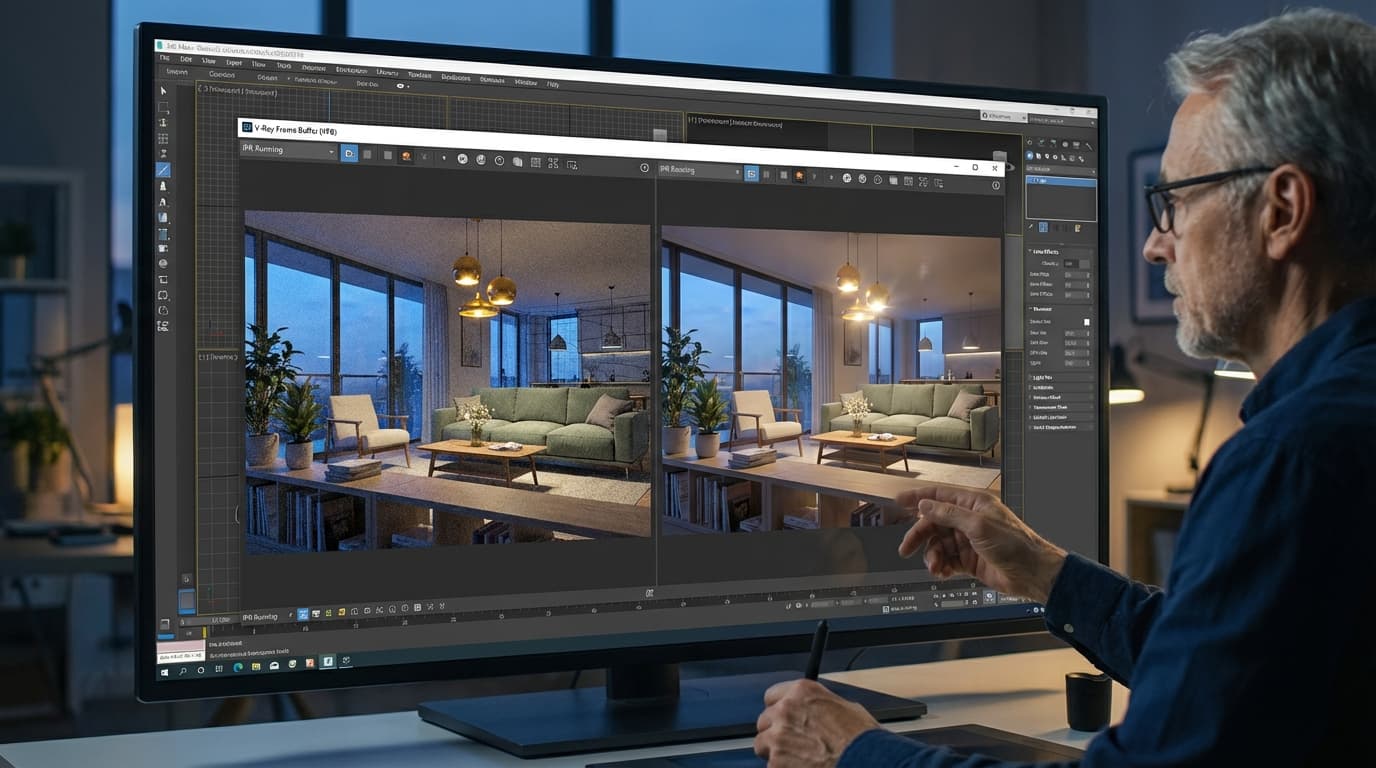
V-Ray uses full ray and path tracing to simulate how light actually behaves — bouncing, scattering, refracting through glass, catching in a puddle, softening as it passes through a linen curtain. This is the gold standard used in competition renders, planning documents, and marketing material precisely because it doesn't approximate light. It calculates it.
The difference shows up most in the details Enscape has to fake: caustics from a swimming pool, the exact way light diffuses through frosted glass, the subtle sheen difference between brushed and polished steel. On a small screen in a live walkthrough, you'd struggle to tell the difference. Printed at A1 and studied for thirty seconds by a planning officer, you absolutely can.
Render times and hardware demands
A single high-resolution V-Ray still can take anywhere from 3 to 20 minutes depending on scene complexity, lighting setup, and GPU — perfectly fine when you're producing one final image, completely unworkable if a client wants to see six material options in a live meeting. This is the trade-off, stated plainly: V-Ray doesn't do "live." It does "final."
VRAM is the hardware bottleneck that matters most. Scenes with high-poly landscaping, dense vegetation, or large linked BIM models perform best on cards with 16GB or more of VRAM — think RTX 4080 or 4090-class GPUs. Under-spec the VRAM and you'll be staring at a "scene too complex" error at 11pm the night before a deadline, which is a specific kind of misery worth avoiding with the right hardware from the outset.
Where V-Ray becomes overkill
V-Ray pricing sits meaningfully higher than Enscape — roughly £57 a month for V-Ray Solo, with studio and collaboration licensing pushing costs up further. That price tag positions it as a tool built for firms producing final-output visuals, not something you fire up for a Tuesday morning internal design review.
And that's the overkill scenario worth naming directly: using V-Ray for early-stage design meetings where the client just needs to understand massing and materiality, not admire photoreal glass reflections. If you're burning fifteen minutes rendering a still to show a client a floor plan tweak, you've picked the wrong tool for the moment — not because V-Ray is bad, but because you've asked a scalpel to do a hammer's job.
If your work already lives in 3ds Max or Rhino, the V-Ray for 3ds Max or Rhino & V-Ray courses are the fastest route to the kind of hero shots that actually win planning committees over. SketchUp users have their own dedicated path via V-Ray for SketchUp.
Enscape vs V-Ray: The Comparison Table Everyone Actually Wants
Enscape uses real-time rasterisation with ray-traced lighting enhancements, while V-Ray uses full path tracing — this fundamental engine difference is the root cause of every other difference in the table below, from speed to price to realism ceiling.
V-RayRevit, SketchUp, Rhino, 3ds Max (render engine)
Read that table honestly and the pattern is obvious: these aren't two competitors fighting for the same job. They're two specialists who happen to share a job title.
The Workflow Nobody Talks About: Using Both Without Doubling Your Workload
The most efficient renderer workflow for client-facing architecture projects is using Enscape during design development for live feedback, then switching to V-Ray for final photorealistic output once the design is locked. This isn't a compromise — it's how most studios that own both licences actually operate, whether they talk about it publicly or not.
Enscape for design development, V-Ray for final delivery
The sequence looks like this in practice. First, build and iterate the design in Revit or SketchUp with Enscape's live view running for internal reviews and early client check-ins — every material swap, every massing tweak, shown instantly, no friction. Second, once client sign-off is close and the geometry has stopped moving, lock the design. Third, switch into V-Ray for the final hero shots, planning visuals, or portfolio pieces, now that materials and geometry are settled enough to justify the render time investment.
This is the point where a lot of practices trip up, because the handover between the two engines isn't as clean as everyone assumes.
Setting up your model once, rendering it twice
Two gotchas worth knowing before they cost you a deadline. First: material libraries don't translate 1:1 between Enscape and V-Ray. Budget real time to rebuild your key presets — glass, timber cladding, metal roofing — rather than assuming a clean handover. What reads as convincing brushed aluminium in Enscape can look flat and plasticky the moment it lands in V-Ray with no adjustment.
Second: lighting setups need re-checking in V-Ray even if they looked correct in Enscape. Sun position and IES profiles for artificial lighting behave differently because the two engines interpret light falloff differently — Enscape's real-time approximation and V-Ray's full physical simulation simply don't agree on every detail. A scene that looked perfectly lit at 4pm in Enscape might need the sun angle nudged when you rebuild it in V-Ray.
The efficiency fix that actually works: keep a saved "presentation camera" in your model for both renderers, so your client walkthrough views and your final hero shot views are consistent and directly comparable. It also means you're not hunting for "that one angle the client liked" three weeks later when the final render is due.
If this dual-engine workflow sounds like exactly the gap in your process, ArchAdemia's Enscape to V-Ray course walks through the full handover — material rebuilding, lighting recalibration, and camera consistency — so you're not reverse-engineering it under deadline pressure the way most people do the first time.
Best Renderer By Role: Match the Tool to the Job, Not Your Ego
There's no single "best renderer" answer across the profession — the right tool changes depending on what your role actually demands day to day, and pretending otherwise is how studios end up with the wrong software subscription.
Students and juniors. The best renderer for architecture students in 2026 is Enscape, thanks to its low learning curve, real-time feedback loop that builds design instinct faster than waiting on render queues, and a lower price point of roughly £460 a year against V-Ray's higher studio-level costs. You'll learn more about light and material by seeing instant feedback fifty times a day than by waiting twelve minutes for one "correct" render.
BIM managers and large practices. The best renderer for BIM managers handling large linked Revit models is Enscape, because it supports coordination walkthroughs across teams and handles live model updates without requiring a re-bake every time someone on the team changes a wall type. Pair it with proper model discipline — the Revit BIM Collaboration course covers exactly the linked-model workflows that keep Enscape running smoothly at scale.
Archviz specialists. For dedicated archviz artists producing hero content, V-Ray remains the benchmark, offering the material and lighting control needed to hit the photographic realism clients and competition juries expect. If that's your specialism, the Corona Exteriors and Cinema 4D & Corona courses are worth exploring as complementary engines alongside V-Ray, particularly for interior-heavy work.
Project-running architects. The best renderer for architects juggling site visits, studio work, and client meetings in the same week is Enscape, for the simple reason that it runs on lighter hardware and produces client-ready visuals on the same laptop you're carrying to site. Save V-Ray sessions for back-at-desk final delivery, when you've got the time and the horsepower to let it run properly.
FAQ: Enscape vs V-Ray for Client Presentations
Is Enscape or V-Ray better for client presentations?
Enscape is better for live, interactive client presentations where design decisions are being discussed in real time. V-Ray is better for fixed, polished images used in planning submissions, marketing, or portfolio pieces. The right choice depends on whether the presentation is a conversation or a final statement.
Can Enscape produce photorealistic renders like V-Ray?
Enscape can produce very good renders but does not match V-Ray's realism ceiling, particularly in reflections, refraction, and complex global illumination. Enscape prioritises real-time speed over the last 10-15% of photographic accuracy that V-Ray delivers through full path tracing.
How much does Enscape cost compared to V-Ray in 2026?
Enscape costs roughly £58 a month or £460 a year per licence in 2026. V-Ray Solo costs roughly £57 a month, with studio and collaboration licensing pushing the total higher for teams. Enscape is generally the cheaper entry point for students and solo practitioners.
What GPU do I need to run Enscape smoothly?
An RTX 4060-class GPU with 8GB of VRAM comfortably handles most residential and mid-size commercial Enscape projects. Larger, more complex scenes benefit from more VRAM, but Enscape's hardware requirements are notably lighter than V-Ray's.
Why does V-Ray take so much longer to render than Enscape?
V-Ray uses full ray and path tracing to physically simulate how light behaves, calculating real bounces, refraction, and caustics rather than approximating them. This produces higher realism but requires 3 to 20 minutes per high-resolution frame, compared to Enscape's real-time rendering of under 50 milliseconds per frame.
Do architecture studios need to buy both Enscape and V-Ray?
Many established studios license both because they serve different stages of the same project: Enscape for live design development and client walkthroughs, V-Ray for final hero shots and planning visuals. This isn't redundant spending — it reflects genuine specialisation between real-time and offline rendering.
Which renderer is easier to learn, Enscape or V-Ray?
Enscape has a significantly lower learning curve and most users are presentation-ready within days, since it works as a live viewport inside Revit, SketchUp, or Rhino. V-Ray takes longer to master fully, often several weeks, because it involves manually configuring lighting, materials, and render settings for physical accuracy.
Can I use Enscape material presets in V-Ray?
No — material libraries do not transfer directly between Enscape and V-Ray, so key materials like glass, timber cladding, and metal roofing typically need rebuilding when switching engines. Budgeting time for this rebuild avoids last-minute surprises when preparing final V-Ray renders from an Enscape-developed model.
Buying one renderer and asking it to do both jobs is like hiring one person to run your site meetings and write your planning statement — technically possible, rarely the strongest outcome. Enscape wins the room when the room is live. V-Ray wins the room when the room is quiet, staring at a printed board, deciding whether to say yes. Know which room you're walking into before you open the software, and the choice stops being a debate.