The Renderer That Suits You Is Not the One Your Studio Defaulted To
For architectural visualisation in 2026, V-Ray and Corona are the two dominant CPU/GPU rendering engines — but Corona is faster to learn and produces warmer, more photographic results out of the box, while V-Ray offers greater control for complex lighting and large-scale production pipelines. That is the verdict. Everything below is the reasoning.
The problem most architects run into is not a technical one. It is that they inherit a renderer the way they inherit a desk — whoever set up the studio chose it years ago, nobody questioned it, and now everyone is either fighting the tool or assuming it is the only option. Switching mid-project is painful. Starting the wrong one from scratch wastes weeks. This article gives you the comparison before you commit: render quality, speed, learning curve, cost, and workflow integration, structured by the role you actually occupy. By the end, you will know which one to use and why.
Scope note: this comparison focuses on 3ds Max and SketchUp integrations, which account for the overwhelming majority of architectural use cases in 2026.
What You're Actually Comparing (Before You Pick a Side)
V-Ray costs approximately £630/year per workstation licence in 2026; Corona costs approximately £430/year — both owned by Chaos Group but sold as separate products. That £200 annual gap is not trivial for a freelancer or a small practice.
V-Ray is developed by Chaos Group and supports nine host applications: 3ds Max, SketchUp, Rhino, Revit, Cinema 4D, Maya, Houdini, Blender, and Unreal Engine. Corona, also owned by Chaos Group following their 2017 acquisition, primarily supports 3ds Max and Cinema 4D, with a SketchUp version in active development as of 2026 that still lacks feature parity with its 3ds Max counterpart.
Both engines use unbiased path-tracing at their core. The philosophical difference is in how much manual control each exposes to the user. V-Ray hands you every dial. Corona hides most of them on purpose. Neither approach is wrong — they just suit different types of people and different types of projects.
V-Ray has over 20 years of development history and is used across film VFX, product visualisation, and large-scale architectural competitions globally. Corona's community is younger, tighter, and almost entirely focused on architecture and interiors. Both are mature products. Neither is going anywhere.
| Licence (2026) |
V-Ray |
Corona |
| Licence (2026)Annual cost |
V-Ray~£630/workstation |
Corona~£430/workstation |
| Licence (2026)Owner |
V-RayChaos Group |
CoronaChaos Group |
| Licence (2026)Primary hosts |
V-Ray9 applications |
Corona3ds Max, Cinema 4D (+SketchUp in dev) |
Prices correct as of July 2026; verify current licensing at the Chaos Group website.
Render Quality: Where They Actually Differ
Corona produces more naturalistic interior lighting out of the box, requiring fewer manual overrides than V-Ray to achieve a warm, photographic result. V-Ray gives more precise control over light behaviour, making it preferable for technically demanding exteriors and large mixed-use schemes.
Interior Renders: Where Corona Has the Edge
Corona's physical sky and interior light caching is more forgiving. Point a camera into a room, set up a couple of light sources, hit render — and what comes back looks credible. Not perfect, but credible. That matters enormously when you are on a deadline and do not have three hours to chase down why your ceiling is blowing out.
V-Ray can produce identical — or superior — interior results, but it requires you to understand what you are doing first. The parameter set is wider, which means more ways to get it wrong before you get it right.
Exterior and Daylight Renders: Where V-Ray Earns Its Reputation
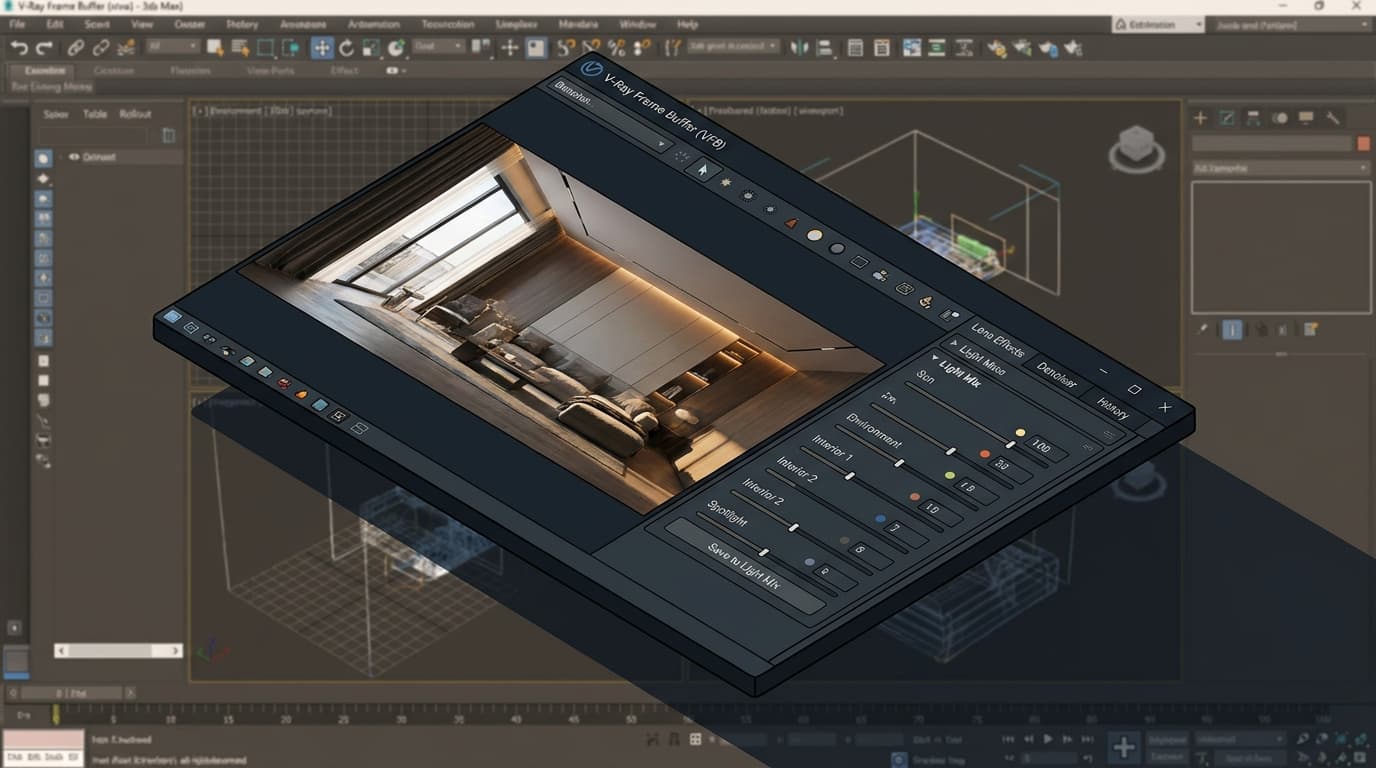
V-Ray's Light Mix feature allows post-render adjustment of individual light sources without re-rendering — a workflow advantage Corona does not currently match at the same level. For an exterior render with complex artificial lighting across multiple zones, being able to dial each source up or down after the fact is genuinely transformative. It turns what would be a four-render iteration cycle into a single pass with post-production control.
V-Ray's sun and sky system also gives more precise control over atmospheric haze, horizon glow, and seasonal sun angles — relevant for planning submissions and daylight studies where accuracy matters more than aesthetics.
Material Fidelity and Organic Surfaces
V-Ray's Chaos Cosmos library is larger and more production-ready than Corona's material library as of 2026. For archviz artists working on hospitality or healthcare schemes with human figures, V-Ray's subsurface scattering shader is more advanced — skin and organic materials render with more depth and realism.
Honest verdict: for 90% of residential and small commercial projects, the output quality difference is negligible if the artist knows what they are doing. The real differentiator is workflow speed and control, not raw image quality.
Speed: The Number That Actually Matters on Deadline
Corona Renderer is 20–35% faster than V-Ray in CPU-based interior rendering benchmarks; V-Ray GPU on an RTX 4090 renders the same scenes significantly faster than Corona CPU. Which one is faster for you depends entirely on your hardware.
CPU vs GPU Rendering: What Each Engine Supports
Corona is a CPU renderer at heart. It uses GPU acceleration for denoising but does not offer a full GPU rendering mode in the way V-Ray does. V-Ray GPU (CUDA and RTX modes) offloads the entire render calculation to the graphics card, which on modern NVIDIA hardware is dramatically faster than any CPU for exterior and product renders.
Real-World Render Times: What Benchmarks Actually Show
V-Ray GPU on an NVIDIA RTX 4090 renders a complex exterior scene at 4K in under 4 minutes. The same scene in Corona CPU on a 32-core workstation takes approximately 11–14 minutes. That is a meaningful gap in a production environment.
Flip to interior renders on CPU hardware only, and Corona closes the gap — and then some. For the same interior scene at equivalent quality settings, Corona CPU consistently finishes 20–35% faster than V-Ray CPU. Studios without high-end GPU workstations should weight this heavily.
Noise Reduction and Denoising Comparison
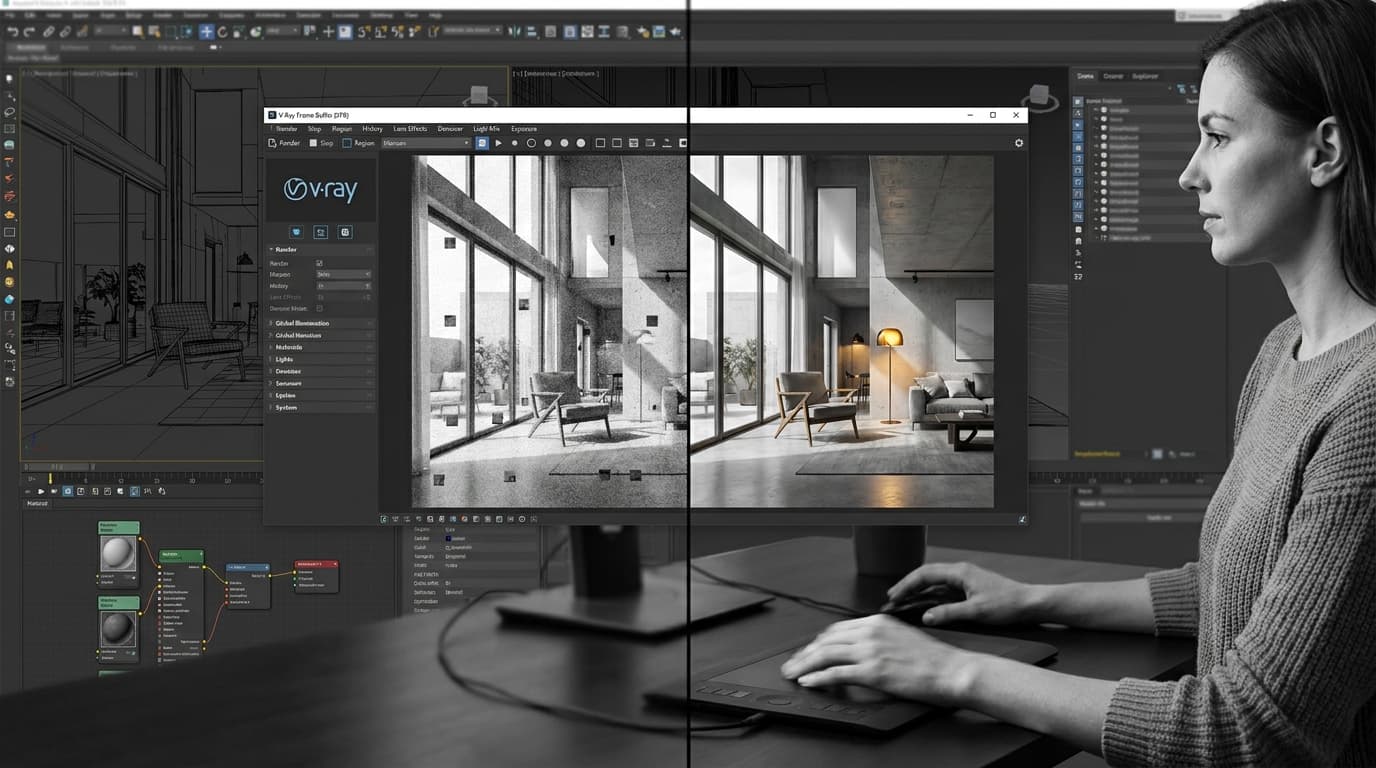
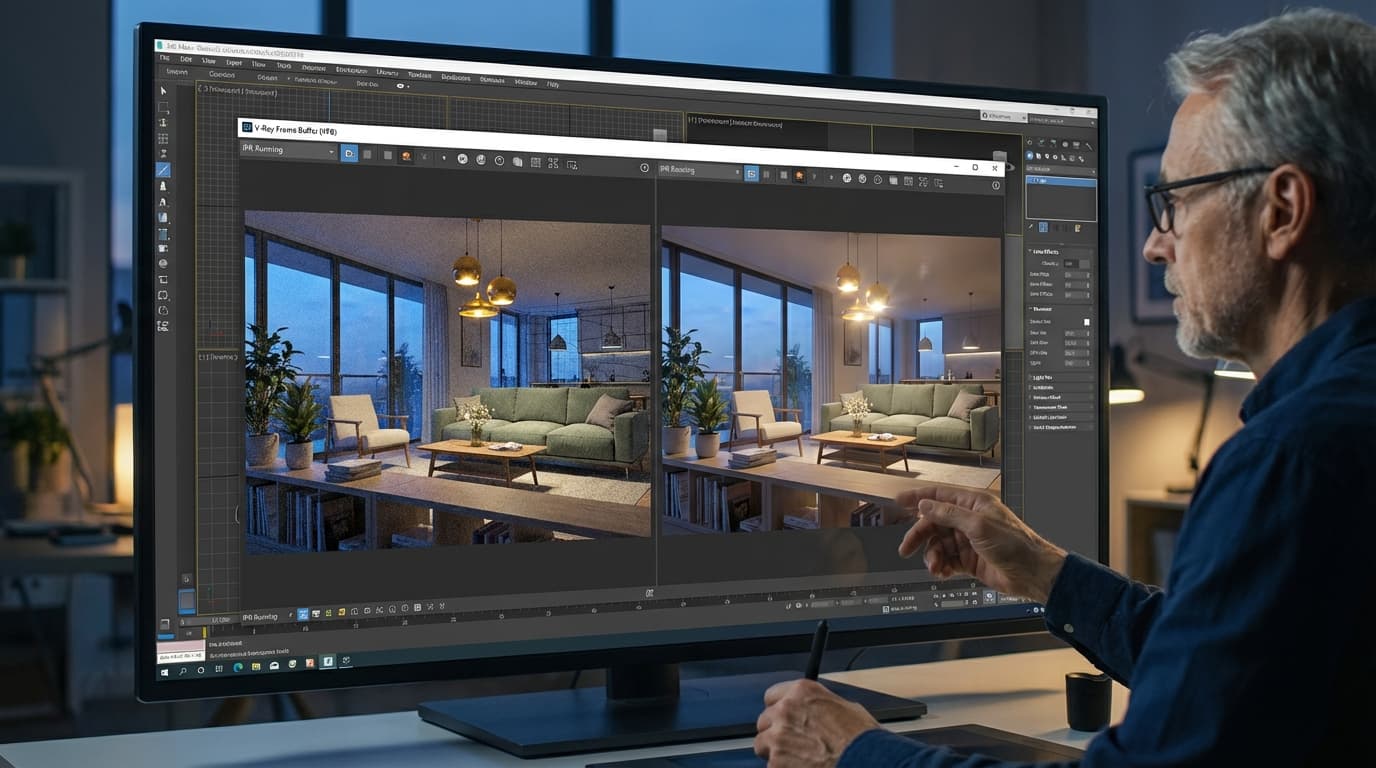
Corona's denoising uses Intel OIDN integrated directly into the render pipeline — it requires almost no setup and produces clean results reliably. V-Ray's denoiser offers more granular control (you can apply it per render element, adjust strength per pass) but needs configuration to avoid the characteristic plastic-smear that aggressive denoising produces.
Practical takeaway: GPU studio, use V-Ray GPU. CPU-only studio, use Corona. It really is that binary.
Learning Curve: Which One Won't Break a Junior Architect
Corona Renderer has a shallower learning curve than V-Ray — most architects produce usable portfolio renders within one week of starting; V-Ray typically requires 2–4 weeks to avoid common beginner errors like overexposed interiors or noisy shadows.
Setup Complexity and Default Settings
Corona's interface is deliberately minimal. The render settings panel is short. The material editor is clean. The defaults are conservative enough that a first render will look roughly right even if you have not touched a single parameter. That is a design philosophy, not an accident.
V-Ray's interface is comprehensive. It is also, to anyone encountering it for the first time, bewildering. The global illumination settings alone have enough options to keep you reading documentation for an afternoon. That depth is genuinely useful once you understand it. Getting to that point takes time.
Documentation, Community, and Tutorials
V-Ray has a larger global community and more third-party tutorials — the sheer volume of content reflects twenty-plus years of adoption. Corona's community is smaller but almost exclusively focused on architecture, which means the signal-to-noise ratio is better. You are less likely to wade through film VFX tutorials to find something relevant to a residential extension.
ArchAdemia covers both in depth. If you are starting with V-Ray, the V-Ray for 3ds Max course covers the full workflow from scratch — lighting, materials, camera settings, and post-production — without assuming prior rendering knowledge. There is also a dedicated Corona interiors course and a Corona exteriors course if you want to go deep on that side.
How Long to Get Production-Ready Results
For architecture students and Part I/II candidates rendering their first portfolio pieces, Corona is the more forgiving starting point. For BIM managers handing off rendering tasks to junior staff, Corona's simpler settings reduce the number of things that can go wrong between briefing and delivery.
V-Ray rewards the time investment — but it does require that investment upfront.
Head-to-Head: The Comparison Table
In a direct 2026 comparison, Corona wins on learning curve, interior render speed (CPU), and licence cost; V-Ray wins on host app compatibility, GPU rendering performance, and advanced light control.
| Category |
V-Ray 2026 |
Corona 2026 |
Winner |
| CategoryInterior render quality |
V-Ray 2026Excellent (requires setup) |
Corona 2026Excellent (out of box) |
WinnerCorona |
| CategoryExterior render quality |
V-Ray 2026Excellent + Light Mix |
Corona 2026Very good |
WinnerV-Ray |
| CategoryCPU render speed |
V-Ray 2026Good |
Corona 202620–35% faster |
WinnerCorona |
| CategoryGPU render speed |
V-Ray 2026Excellent (RTX 4090: <4 min at 4K) |
Corona 2026No full GPU mode |
WinnerV-Ray |
| CategoryLearning curve |
V-Ray 20262–4 weeks to competency |
Corona 2026~1 week to usable results |
WinnerCorona |
| CategoryLicence cost (2026) |
V-Ray 2026~£630/year |
Corona 2026~£430/year |
WinnerCorona |
| CategoryHost app support |
V-Ray 20269 applications |
Corona 20263 (3ds Max, C4D, SketchUp in dev) |
WinnerV-Ray |
| CategoryDenoising |
V-Ray 2026Granular, needs config |
Corona 2026Simple, excellent defaults |
WinnerCorona |
| CategoryMaterial library |
V-Ray 2026Chaos Cosmos (larger) |
Corona 2026Good, smaller |
WinnerV-Ray |
| CategoryCommunity and tutorials |
V-Ray 2026Larger, broader |
Corona 2026Smaller, architecture-focused |
WinnerDraw |
| CategoryRevit integration |
V-Ray 2026Native, production-ready |
Corona 2026None |
WinnerV-Ray |
| CategoryBest for |
V-Ray 2026Archviz pros, BIM, GPU studios |
Corona 2026Students, freelancers, CPU studios |
Winner— |
Prices correct as of July 2026; check the Chaos Group website for current licensing.
Which Renderer for Which Architect: Role-Based Verdicts
The best renderer for architecture students in 2026 is Corona — at approximately £430/year, it is cheaper than V-Ray and produces portfolio-quality interior renders without advanced configuration. The best renderer for archviz professionals and production studios in 2026 is V-Ray, due to its GPU rendering capability, Chaos Cosmos asset library, and mature distributed rendering pipeline.
Architecture Students and Part I/II Candidates
Use Corona. Lower licence cost, faster results, and a forgiving interface mean you spend your time on design decisions rather than render settings. For your first portfolio pieces, that is the right trade-off. The Corona interiors course is the fastest route from zero to a render that looks like it belongs in a portfolio.
Junior Architects Building a Portfolio
If your studio uses V-Ray, learn V-Ray — fighting the incumbent is never worth it. If you have a free choice, start with Corona for speed and simplicity, and treat V-Ray as a skill to develop over time. The V-Ray for SketchUp course is worth bookmarking for when you are ready to cross over.
Archviz Artists and Visualisation Specialists
V-Ray. No meaningful competition here. GPU rendering, Light Mix, the Chaos Cosmos asset library, and compatibility across nine host applications make it the professional production standard. If you are producing high-volume renders for developers or entering architectural competitions, V-Ray's distributed rendering across multiple machines is more mature and better documented than Corona's equivalent.
BIM Managers and Large-Scale Project Teams
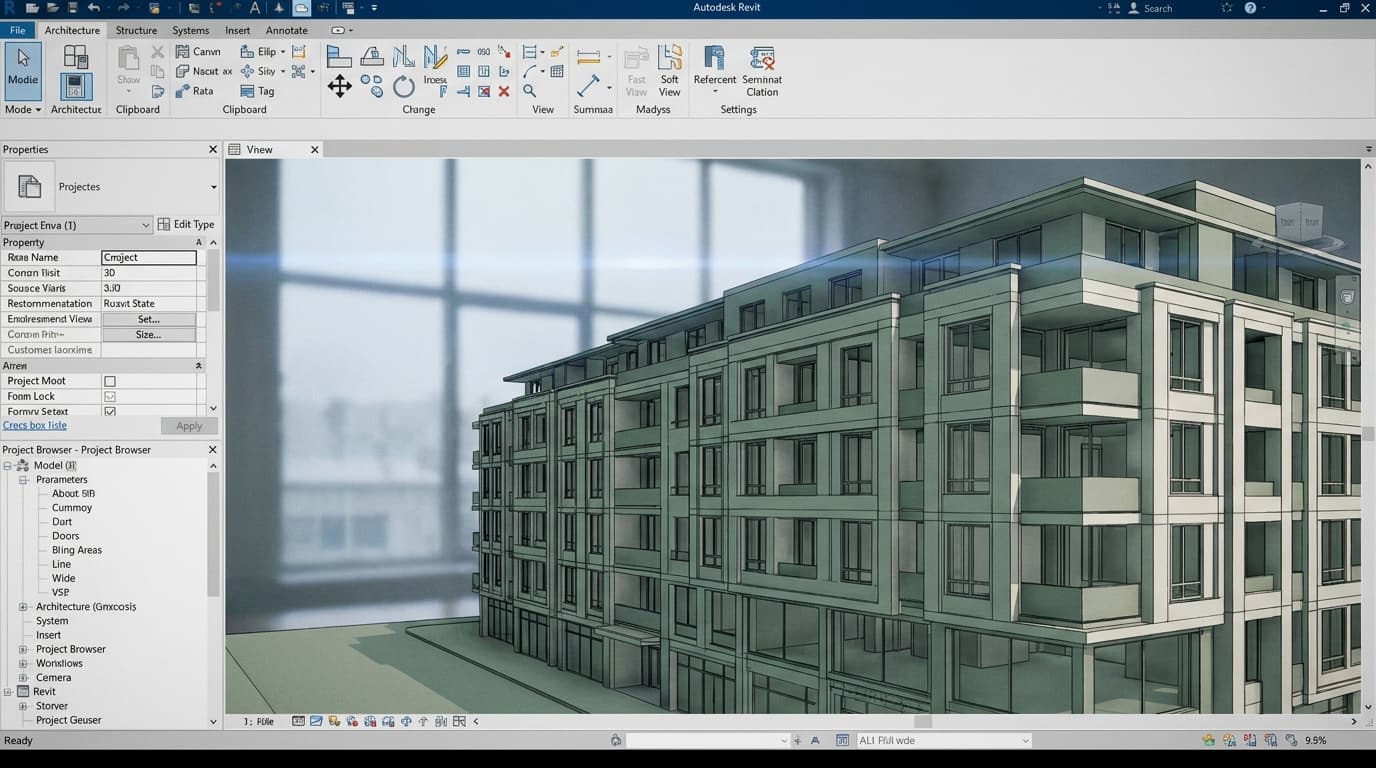
V-Ray for Revit is the most production-ready BIM rendering workflow available in 2026. It supports linked model rendering and batch rendering across multiple design options — no equivalent exists in Corona's current product lineup. For anyone coordinating large models and needing to render directly from the BIM environment without exporting to 3ds Max, V-Ray is the only serious option.
Freelance Architects and Sole Practitioners
For freelance architects handling residential and small commercial projects, Corona Renderer is the better choice — lower annual cost and faster CPU render times reduce per-project overhead. At £430 versus £630 per year, the saving is £200 annually. Over five years, that is £1,000 — roughly two months of software subscriptions reinvested elsewhere. The maths is straightforward.
The Workflow That Gets Missed: Integration With the Rest of Your Pipeline
V-Ray's Revit integration is the most production-ready BIM rendering workflow available in 2026; Corona's SketchUp plugin is still in active development and lacks feature parity with its 3ds Max version.
V-Ray and Revit: What Actually Works
V-Ray for Revit renders directly from the BIM model. No export to 3ds Max, no geometry cleanup, no material re-mapping from scratch. For a large coordinated model with linked structural and MEP files, that is a significant time saving — and it means the render reflects the actual design state rather than a snapshot exported three days ago. If your practice runs Revit as its primary authoring tool, V-Ray is not just a preference — it is the only renderer that integrates at this level.
The Revit BIM Collaboration course pairs well with a V-Ray workflow if you are building a coordinated pipeline from scratch.
Corona and SketchUp: The Current State
Corona's SketchUp plugin exists and is improving, but as of 2026 it does not match the 3ds Max version in terms of material control, render element output, or stability on complex models. If SketchUp is your primary modelling tool and you want a renderer that is genuinely production-ready in that environment, V-Ray for SketchUp is the more mature choice. The complete guide to V-Ray for SketchUp covers the full workflow.
If you are already deep in the SketchUp ecosystem and want to understand the full modelling workflow before adding rendering, the SketchUp Complete Guide is the place to start.
Post-Production: Photoshop and Colour Grading Differences
Corona renders tend to arrive closer to a finished image — warmer, more balanced, requiring less aggressive post-production colour correction. That is a feature, not a limitation. For architects who are not specialist archviz artists, less Photoshop work per render is a genuine time saving.
V-Ray renders give you more raw material to work with. The output is more neutral, which means more flexibility in post — but also more work. V-Ray's render element system (separate passes for reflections, shadows, GI, and so on) is more comprehensive, which matters enormously if you are doing heavy compositing in Photoshop or After Effects. For archviz artists who live in post-production, that control is worth having. For an architect who just needs a clean image for a planning submission, it is overhead you do not need.
Stop Defaulting. Start Deciding.
V-Ray vs Corona rendering is not a debate with a single universal answer — but it is a decision that has a correct answer for your specific situation, and most architects never make it consciously.
Corona wins for students, freelancers, and CPU-based studios who need fast, forgiving results without a steep learning curve or a premium licence cost. V-Ray wins for archviz professionals, BIM-integrated practices, GPU-equipped studios, and anyone whose pipeline extends beyond 3ds Max into Revit, Rhino, or Unreal Engine.
The one scenario where V-Ray is the clear choice regardless of role: if you are working in SketchUp and want a renderer that is genuinely production-ready in that environment today. The complete guide to V-Ray for SketchUp at ArchAdemia covers the full workflow — lighting, materials, camera settings, and post-production — and it is the fastest way to get there without spending two weeks reading documentation.
Pick the right tool before you start. Your deadline will thank you.
FAQ: V-Ray vs Corona for Architectural Rendering
Is V-Ray or Corona better for architectural visualisation in 2026?
Both are industry-standard tools capable of producing identical quality in experienced hands. Corona is better for architects who prioritise speed of setup and a forgiving learning curve; V-Ray is better for studios requiring GPU rendering, Revit integration, or multi-software compatibility across nine host applications.
How much does V-Ray cost compared to Corona in 2026?
V-Ray costs approximately £630 per workstation per year in 2026; Corona costs approximately £430 per workstation per year. Both are sold by Chaos Group. Prices should be verified on the Chaos Group website as licensing structures can change.
Which renderer is faster: V-Ray or Corona?
On CPU hardware, Corona is 20–35% faster than V-Ray for interior rendering benchmarks. On GPU hardware, V-Ray GPU on an NVIDIA RTX 4090 renders complex exterior scenes at 4K in under 4 minutes — significantly faster than Corona CPU on equivalent scenes. The faster renderer depends entirely on your hardware setup.
Can Corona render in SketchUp?
Corona has a SketchUp plugin in active development as of 2026, but it lacks feature parity with the 3ds Max version. For SketchUp users who need a production-ready renderer today, V-Ray for SketchUp is the more mature and fully featured option.
Which renderer should architecture students use?
Architecture students should start with Corona. At approximately £430/year it is cheaper than V-Ray, the interface is simpler, and most students produce usable portfolio renders within one week of starting. V-Ray is worth learning later, but Corona removes unnecessary friction at the beginning.
Does V-Ray work with Revit?
Yes. V-Ray for Revit is the most production-ready BIM rendering workflow available in 2026, supporting linked model rendering and batch rendering across multiple design options directly from the Revit environment. Corona has no equivalent Revit integration.
What is V-Ray Light Mix and does Corona have it?
V-Ray Light Mix is a post-render feature that allows individual light sources to be adjusted in intensity and colour after the render is complete, without re-rendering. Corona does not currently offer an equivalent feature at the same level of control. For projects with complex artificial lighting, this is a significant V-Ray advantage.
Which renderer is easier to learn: V-Ray or Corona?
Corona is significantly easier to learn. Most architects produce usable renders within one week of starting. V-Ray typically requires 2–4 weeks to understand its parameter set well enough to avoid common errors like overexposed interiors or persistent render noise. Both have comprehensive tutorial resources available through ArchAdemia.