Choosing between V-Ray and Corona for architectural rendering in 3ds Max is not really a technical question. It is a workflow question — and the answer changes depending on who you are, what you are building, and how much time you have before the client presentation. Both renderers are genuinely excellent. Both will produce images that win commissions. But they suit different people at different career stages, and defaulting to whichever one your first studio happened to use is how architects spend years fighting a tool that was never quite right for them.
For architects new to 3ds Max rendering in 2026, Corona Renderer offers a faster learning curve and more forgiving default settings than V-Ray, making it the stronger starting point for interior visualisation. V-Ray 7 and Corona 12 are both Chaos Group products in 2026, sharing the same licensing ecosystem — but they are built on fundamentally different philosophies, and that difference matters.
Here is the practical, opinionated comparison you actually need.
What You're Actually Comparing (Before We Get Into It)
As of 2026, both V-Ray and Corona Renderer are owned by Chaos Group — V-Ray is currently on version 7 and Corona on version 12. Chaos acquired Corona back in 2017, and since then both products have converged on shared licensing infrastructure while remaining distinct render engines with genuinely different core philosophies.
Renderer Lineage and Current Versions
V-Ray has been the industry standard for production-grade architectural visualisation for over two decades. It is physically accurate, deeply configurable, and used across film, animation, product design, and architecture. Corona arrived later, built specifically for architectural visualisation, with a philosophy that prioritised speed-to-result over maximum technical control. That origin story still defines both products today.
Licensing Costs in 2026
A Chaos Solo licence for either V-Ray or Corona costs approximately £610 per year in 2026. The Chaos Premium tier covers both renderers under a single annual subscription — relevant if your studio wants to run both or if you are building a versatile freelance offering. Student licences are available at significantly reduced rates through the Chaos Education programme.
The Chaos Acquisition: What It Means for Both Products
The practical consequence of Chaos owning both products is that the licensing, support infrastructure, and asset libraries (Chaos Cosmos) are now shared. You get access to the same material and asset library regardless of which renderer you use. The engines themselves, however, remain separate — different sampling algorithms, different material systems, different render settings panels. Do not assume that learning one gives you the other for free.
Speed: The Number That Actually Matters on a Deadline
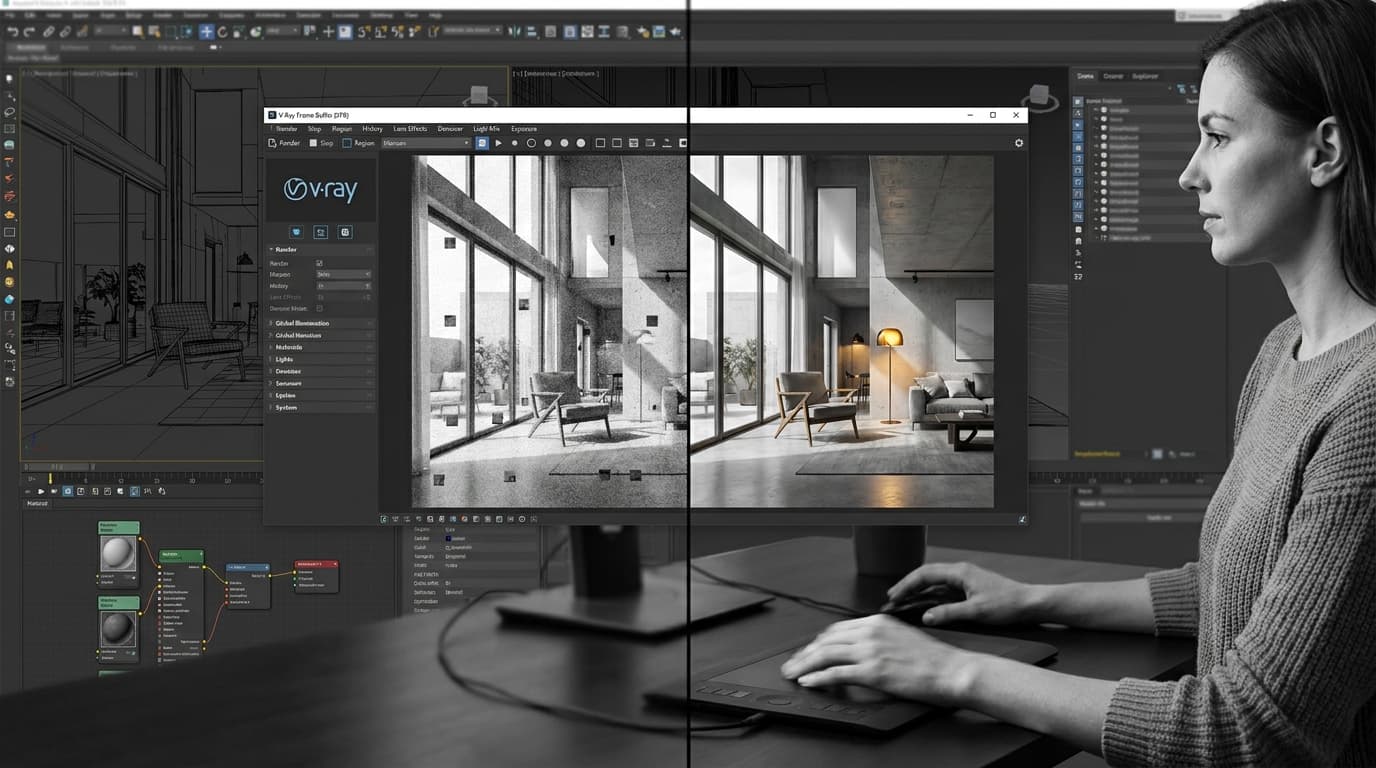
Corona Renderer is consistently faster than V-Ray for interior architectural renders on CPU — in comparable scene setups, Corona typically reaches a clean noise threshold 20–35% faster than V-Ray CPU on the same hardware. That is not a marginal difference. On a tight deadline, it is the difference between sending the client three options and sending them one.
Render Times: Interior Scenes
Corona's sampling algorithm is optimised for the kind of scenes architects actually render — enclosed spaces with mixed natural and artificial light, lots of reflective surfaces, complex material interactions. Its progressive rendering approach means you get a usable preview almost immediately, and the noise clears predictably. V-Ray CPU can absolutely match Corona on quality, but it requires more deliberate setup to get there at comparable speed.
Render Times: Exterior and Daylight Scenes
The gap narrows significantly outdoors. V-Ray GPU with RTX hardware typically outperforms Corona CPU for exterior architectural scenes with direct sunlight and sky lighting. A scene that takes 45 minutes on Corona CPU might complete in 8–12 minutes on V-Ray GPU with an RTX 4090. If your studio is GPU-heavy, that changes the calculation entirely.
GPU vs CPU Rendering in Both Engines
This is the single most important hardware consideration in the V-Ray vs Corona architectural rendering debate: Corona Renderer does not support GPU rendering as of version 12 in 2026. It is a CPU-only renderer. Full stop. V-Ray GPU via CUDA and RTX is mature, stable, and fast — and it is getting faster with each hardware generation.
For freelancers working on laptops or studios without dedicated GPU workstations, Corona's CPU approach is not a disadvantage — it is actually liberating. You do not need an RTX 4090 to produce high-quality results. For studios that have already invested in GPU render farms or high-end workstations, V-Ray GPU is a compelling reason to stay on V-Ray.
Scene Type
V-Ray 7 CPU
V-Ray 7 GPU (RTX 4090)
Corona 12 CPU
Scene TypeInterior (1 light source)
V-Ray 7 CPUBaseline
V-Ray 7 GPU (RTX 4090)~3× faster than V-Ray CPU
Corona 12 CPU~25–35% faster than V-Ray CPU
Scene TypeInterior (complex multi-light)
V-Ray 7 CPUBaseline
V-Ray 7 GPU (RTX 4090)~2.5× faster than V-Ray CPU
Corona 12 CPU~20–30% faster than V-Ray CPU
Scene TypeExterior (daylight, HDRI)
V-Ray 7 CPUBaseline
V-Ray 7 GPU (RTX 4090)~4–5× faster than V-Ray CPU
Corona 12 CPU~10–15% faster than V-Ray CPU
Scene TypeAnimation frame (exterior)
V-Ray 7 CPUBaseline
V-Ray 7 GPU (RTX 4090)~4× faster than V-Ray CPU
Corona 12 CPU~15% faster than V-Ray CPU
Benchmarks are indicative based on comparable scene complexity. Actual results vary significantly by scene setup and hardware configuration.
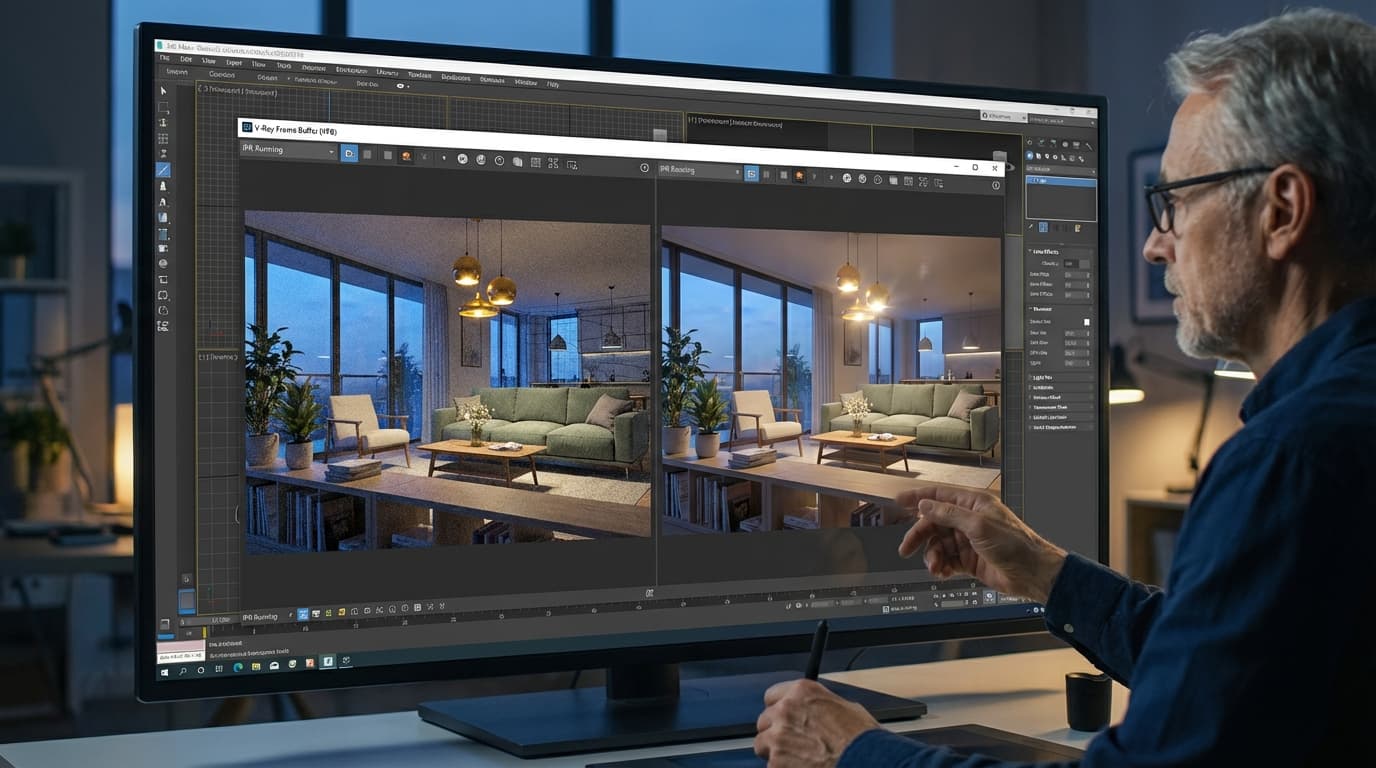
One more thing worth knowing: Corona's interactive render (IR) is widely considered more responsive and easier to read during material and lighting iteration than V-Ray's equivalent. Small thing. Enormous quality-of-life difference when you are tweaking materials at 11pm.
Materials and Lighting: Where the Real Learning Curve Lives
Corona Physical Material uses a unified PBR shader with sensible defaults, making it faster to produce convincing architectural materials than V-Ray's multi-parameter material system for users with limited rendering experience. That single fact explains why so many architecture students gravitate to Corona and stick with it.
Material Systems Compared
Corona's approach is closer to a PBR workflow you might recognise from Unreal Engine or Blender — one material, clear parameters, predictable results. Adjust the roughness, set the reflection colour, add a bump map, done. V-Ray's material system (VRayMtl) offers considerably more control: Fresnel reflections, multiple BRDF types, sub-surface scattering parameters, displacement settings, anisotropy controls. For a specialist archviz artist, that depth is valuable. For a project architect who needs convincing glass and concrete in the next two hours, it is a liability.
Critically: V-Ray's default 3ds Max material is not physically based — new users who do not switch to VRayMtl from the outset will produce inaccurate, flat renders regardless of how well the lighting is set up. This is the single most common beginner mistake in V-Ray, and it bites hard.
Lighting Setup Philosophy
Corona's exposure and white balance controls are built into the camera and render settings in a way that feels intuitive to anyone who has thought photographically. Set your ISO, set your shutter speed, point your camera. The scene responds like a real camera would. V-Ray's physical camera works similarly, but the additional parameters and the separation between render settings and camera settings create more opportunities to produce an accidentally broken exposure.
HDRIs, IES Lights, and Physical Sun/Sky
Both renderers support HDRI dome lighting and IES photometric lights. V-Ray's dome light with HDRI is marginally more configurable for exterior scenes with mixed natural and artificial light — useful for technical daylight studies where accuracy matters. Corona handles both cases cleanly without the additional configuration overhead.
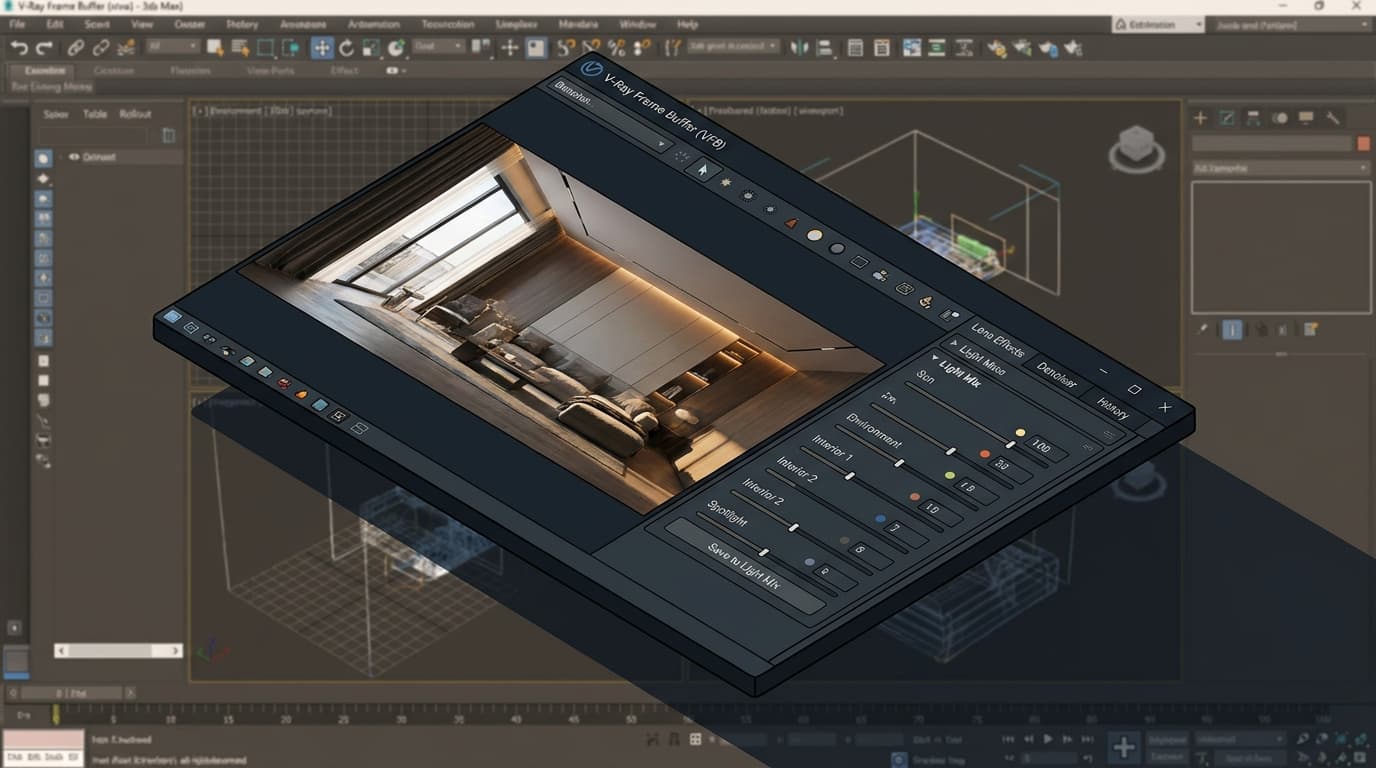
Corona's LightMix feature allows architects to adjust individual light source intensities and colours after rendering without re-rendering the scene — a significant time-saver during client presentation iterations. You render once, then spend ten minutes in LightMix exploring different lighting moods. V-Ray has a comparable feature (V-Ray Light Mix in the Frame Buffer), but Corona's implementation is more widely praised for its responsiveness and ease of use.
The Comparison Table: V-Ray vs Corona at a Glance
Feature
V-Ray 7
Corona 12
FeatureGPU Rendering
V-Ray 7Yes (CUDA + RTX)
Corona 12No — CPU only
FeatureCPU Speed: Interior
V-Ray 7Baseline
Corona 12~20–35% faster
FeatureCPU Speed: Exterior
V-Ray 7Baseline
Corona 12~10–15% faster
FeatureMaterial System
V-Ray 7VRayMtl (complex, powerful)
Corona 12Corona Physical Material (unified, intuitive)
FeatureLearning Curve (1–5)
V-Ray 74
Corona 122
FeatureInteractive Render Quality
V-Ray 7Good
Corona 12Excellent
FeaturePost-Render Light Editing
V-Ray 7V-Ray Light Mix
Corona 12LightMix (more responsive)
FeatureAnnual Licence Cost
V-Ray 7~£610 (Solo)
Corona 12~£610 (Solo)
FeatureBest For
V-Ray 7Archviz artists, GPU studios, animation
Corona 12Students, juniors, CPU studios, interiors
Both V-Ray and Corona are available under Chaos Group licensing in 2026, with Chaos Premium covering both renderers under a single annual subscription.
The headline takeaway: if you have the hardware and the ambition to go deep, V-Ray rewards the investment. If you need results fast and your hardware is CPU-first, Corona is the more efficient choice for the majority of architectural rendering work.
Which One Should You Actually Learn First?
For architecture students and junior architects producing their first rendered visuals, Corona is the better starting renderer — its defaults produce presentable results faster, and its material and lighting systems require fewer decisions before a scene looks credible. That is not a slight on V-Ray. It is an honest assessment of where cognitive load sits.
Architecture Students and Part II Graduates
You are learning 3ds Max, managing a portfolio, producing design work, and probably doing it all on a mid-range laptop. Corona's CPU-only approach means you do not need a dedicated GPU to produce high-quality results. Its material defaults are forgiving. Its interactive render tells you immediately when something is wrong. Start here.
Junior Architects in Practice
You have been handed a 3ds Max file and told to produce client-ready visuals by Thursday. The renderer is already installed — probably V-Ray, because that is what studios default to. In that case, learn V-Ray properly rather than switching. The productivity cost of relearning outweighs the marginal workflow benefits unless GPU rendering is a specific studio priority. ArchAdemia's V-Ray for 3ds Max course is the most structured way to close the knowledge gap quickly.
Archviz Artists and Visualisation Specialists
Archviz artists working in professional visualisation studios should prioritise learning V-Ray, particularly V-Ray GPU, to access GPU-accelerated rendering and animation pipeline compatibility. The additional complexity pays off at production level — V-Ray's control over sampling, displacement, render elements, and compositing outputs is simply broader. If animation is part of your pipeline, V-Ray GPU is not optional; it is essential.
BIM Managers and Project Architects Producing Their Own Visuals
Freelance architects and project architects producing their own visuals on laptop hardware will find Corona more practical than V-Ray in 2026, as Corona's CPU-only rendering does not require a dedicated GPU to produce high-quality results. You need convincing images, not technically perfect ones. Corona gets you there faster with fewer wrong turns.
The Workflow That Gets Results: A Practical 3ds Max Setup
Whether you choose V-Ray or Corona, the setup sequence that produces clean architectural renders is largely the same. Here is where the two engines converge — and where they quietly diverge.
Scene Setup and Units
Set 3ds Max system units to millimetres or metres before importing any geometry. This is not optional. Scale errors are the single most common cause of incorrect lighting results in both V-Ray and Corona — a room that reads as 10 centimetres wide will behave like a cave, regardless of how well your lights are set up. Do this first, every time, before anything else.
Camera and Exposure Settings
Set up a physical camera with a real-world focal length — 35–50mm equivalent for interiors, 24–28mm for exteriors. Both renderers use physical camera models and respond to ISO, shutter speed, and aperture. Treat the camera like a real camera. If your render is too dark, adjust exposure before touching light intensity. This single habit will save you hours of chasing phantom lighting problems.
Material Workflow: Starting from Scratch vs. Asset Libraries
Use the V-Ray Material Library or Corona Material Library (both accessible via Chaos Cosmos) as your starting point. Do not use 3ds Max standard materials with either renderer — they will not behave correctly under physical lighting. For Corona, the Physical Material is your default for everything. For V-Ray, switch to VRayMtl immediately and do not look back.
Lighting Sequence: Exterior First, Then Interior Fill
Establish your primary daylight source first — sun and sky, or an HDRI dome — before adding any artificial lights. Resolve the exterior light, then work inward. Adding fill lights before the primary source is resolved is the fastest way to produce a muddy, overlit interior that looks like a showroom in the 1990s. Both renderers will reward the discipline of solving one light at a time.
Render Output Settings for Client Presentations
For client presentations, render at a minimum of 3000 pixels on the longest edge. Use PNG or EXR output — avoid JPEG for anything you intend to post-process. EXR preserves render elements and allows colour grading in Photoshop without quality loss. Corona's multi-pass output and V-Ray's render elements both give you the flexibility to adjust contrast, colour balance, and exposure in post without re-rendering.
For post-processing, ArchAdemia's Photoshop course covers the architectural image workflow from raw render to finished presentation image.
FAQ: V-Ray vs Corona for Architectural Rendering
Is V-Ray or Corona better for architectural rendering in 2026?
Both are industry-standard tools, but the better choice depends on your role and hardware. Corona is better for beginners, interior work, and CPU-only setups. V-Ray is better for GPU rendering, animation pipelines, and professional archviz studios requiring maximum technical control.
Does Corona support GPU rendering in 2026?
No. Corona Renderer 12 is a CPU-only renderer as of 2026. GPU rendering is not supported. If GPU-accelerated rendering is a priority, V-Ray 7 with CUDA or RTX hardware is the correct choice.
How much does V-Ray cost compared to Corona in 2026?
Both are available under Chaos Group's subscription model. A Chaos Solo licence for either V-Ray or Corona costs approximately £610 per year in 2026. The Chaos Premium tier covers both renderers under a single annual subscription.
Which renderer is faster for interior architectural scenes?
Corona Renderer is faster than V-Ray on CPU for interior architectural scenes, reaching a clean noise threshold approximately 20–35% faster in comparable configurations. V-Ray GPU significantly outpaces Corona CPU for exterior scenes when RTX hardware is available.
Can I use V-Ray and Corona in the same 3ds Max scene?
No. V-Ray and Corona are separate render engines — you cannot mix materials or lights from both in a single render. Scenes built for one renderer require conversion to work in the other, which is a meaningful switching cost.
What is Corona LightMix and does V-Ray have an equivalent?
Corona's LightMix allows you to adjust individual light intensities and colours after rendering without re-rendering the scene. V-Ray has a comparable feature called V-Ray Light Mix, available in the V-Ray Frame Buffer. Both save iteration time during client presentations, though Corona's implementation is generally considered more responsive.
Which renderer should architecture students learn first?
Architecture students learning rendering for the first time in 2026 should start with Corona Renderer. Its unified physical material, forgiving default settings, and intuitive camera exposure controls produce presentable results faster than V-Ray's more complex system — giving students more time to focus on design decisions rather than render settings.
Is it worth learning both V-Ray and Corona?
For most architects, no — at least not simultaneously. Pick one, learn it properly, and build a reliable workflow. The exception is professional archviz studios or freelancers who need to match client-specified renderers. In that case, the shared Chaos licensing ecosystem makes owning both more practical than it used to be.
The Verdict
V-Ray vs Corona for architectural rendering is not a question with a universally correct answer. It is a question with a correct answer for you, based on your hardware, your project types, and where you are in your career.
If you are starting out, working on interiors, or need results fast on CPU hardware: Corona. If you are building a professional archviz practice, need GPU rendering, or want maximum control over a complex production pipeline: V-Ray.
What neither renderer will forgive is a half-learned workflow. The architects who produce consistently strong renders are not the ones with the fastest hardware or the most expensive software — they are the ones who understand their chosen tool well enough to stop fighting it. ArchAdemia's complete V-Ray for 3ds Max course is the most direct route to that level of fluency, whether you are starting from scratch or filling in the gaps that years of self-teaching left behind.
Pick your renderer. Learn it properly. Then let the work speak.